
gerganag12465382
Participant
June 15, 2021
Question

Print layout A6 book on A4 paper

  • June 15, 2021
  • 1 reply
  • 6513 views

Hello, InDesign gurus!
I have unsuccessfully searched for the option to print a booklet of 8, 16 or 20 pages (with variables on the last page) in format of A6 landscape - 148x105mm on an A4 sheet, so that on one side of the A4 sheet are 4 pages from the book.
Does anyone know what settings for print should be set so that the print layout is like these two variants:
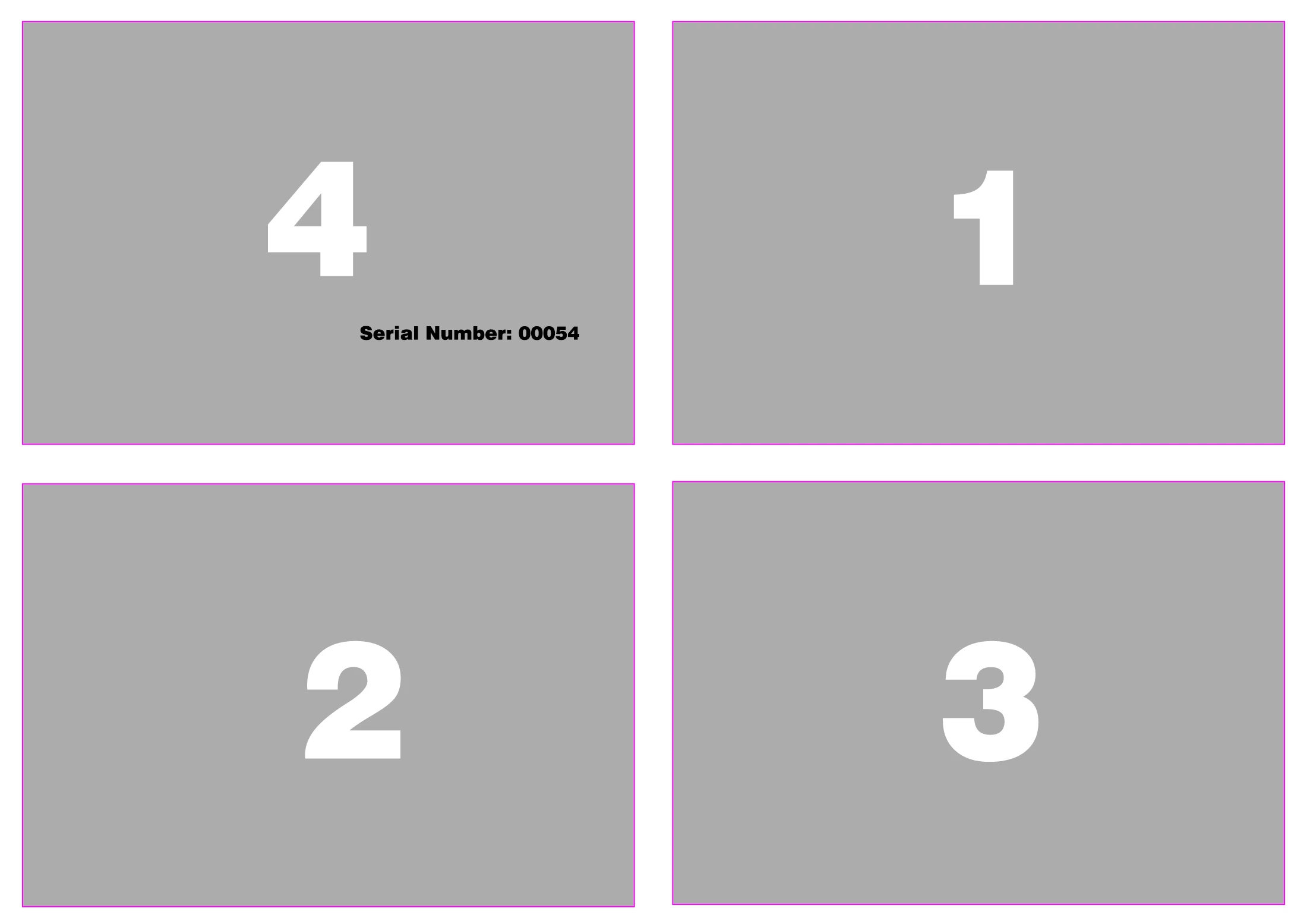
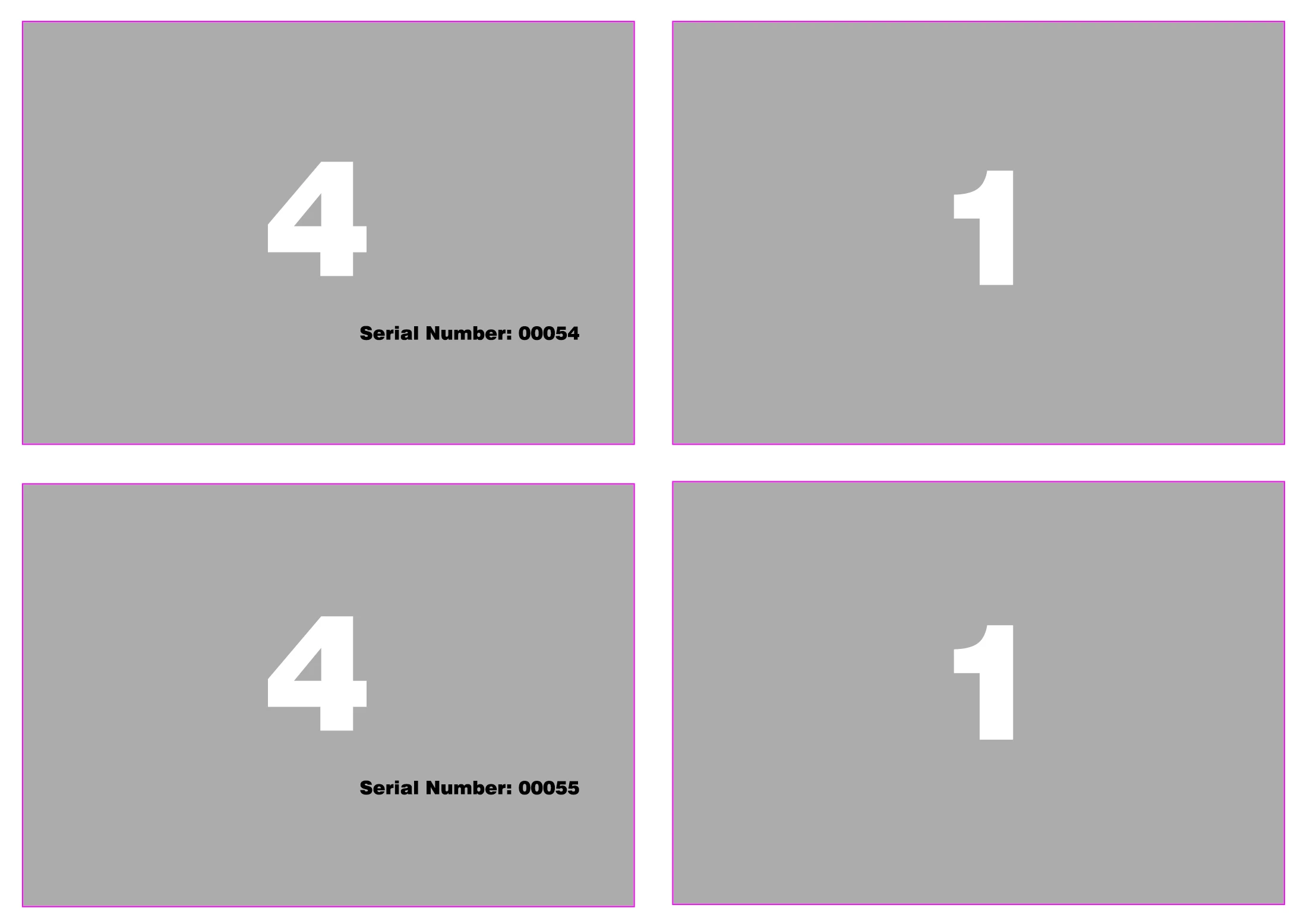
This topic has been closed for replies.

1 reply

gerganag12465382
Participant
June 15, 2021

Well, rather for two sided print of 8 pages the layout should look like this:  

It's very hard to find the solution, as the Print Booklet option only prints the top row of pages, and the sheet remains unused below.

Jens Trost
Inspiring
June 15, 2021

Hi there,
a solution is hard to find because this usually is a imposition task which is done at the print shop/vendor with specialised software. 

If you do your own printing that way you probably have to do it manually (place PDFs on a InDesign template and print that) or try to find some third-party plugins.

I only know of a free script set called Rhimpositon, but I don't know if it does a imposition layout like you want.

gerganag12465382
Participant
June 15, 2021

Thank you! Will try this script, and/or search for others. Maybe purchase imposition software.


So far we've sent to outside printers, but unfortunately my boss has tasked me with finding a way to print in-house on an office printer booklets of 8 to 16 pages... 😕😕 And we only have InDesign and Acrobat to try and find solution... 😕😕 But adding software should be another solution, thank you again!