
Participating Frequently
August 15, 2025
Question

print problem

  • August 15, 2025
  • 2 replies
  • 139 views

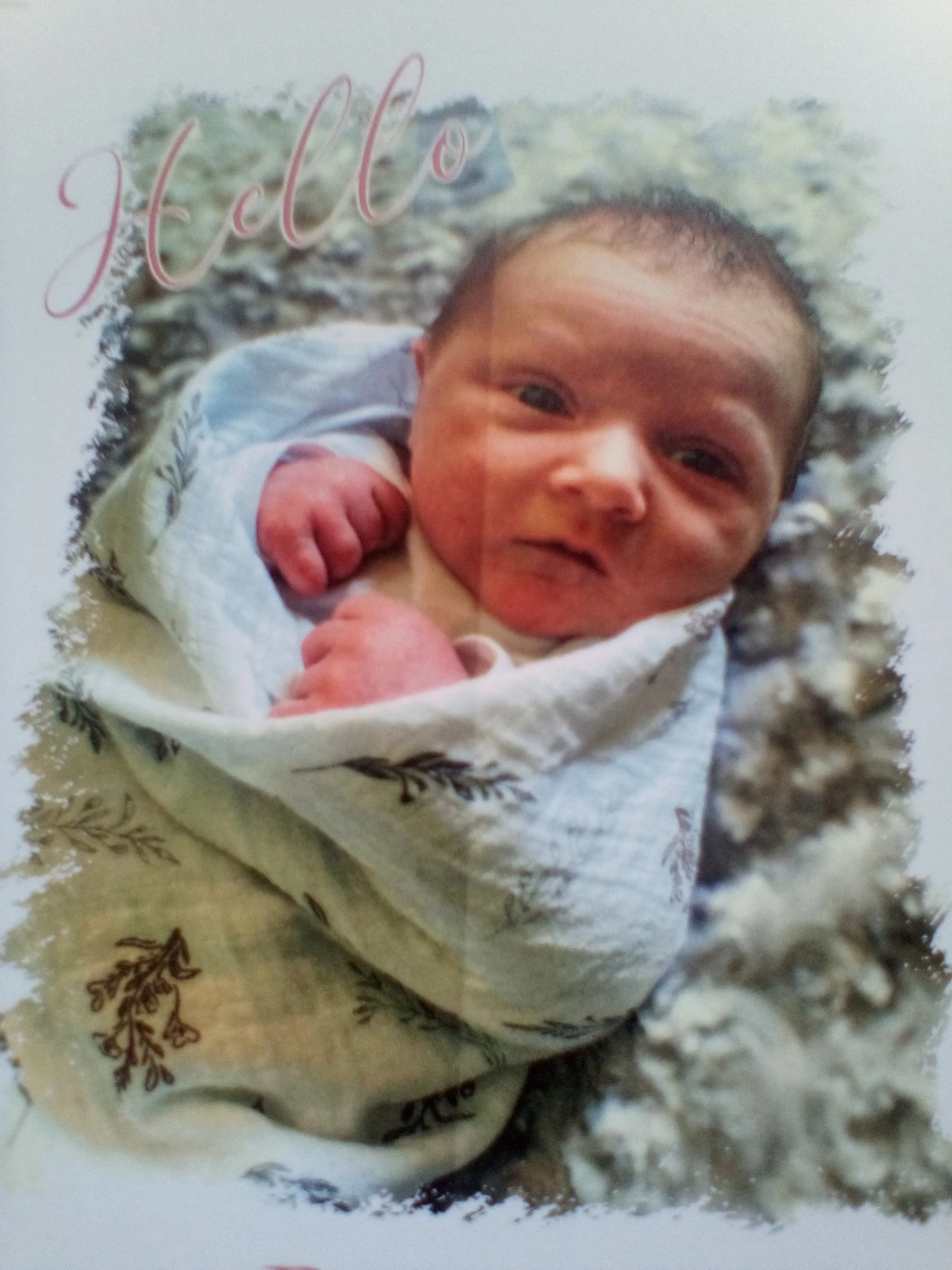
I am wondering if anyone has an explanation of how to remove these shaded grays areas that print behind these words when I print directly out of InDesign or as an Adobe PDF from my Windows 11 computer to my Canon imagePRESS printer. There is nothing visible on the design but no matter what I tweak it always prints these shaded gray areas. Is there a setting you can turn off?
2 replies

Brad @ Roaring Mouse
Community Expert
Community Expert
August 16, 2025

It's very likley that flattening is happening with two different colour profiles in play.

What is the Document Blend Space set in InDesign.

Is your image word graphic RGB or CMYK? 

What are your exact PDF export settings? Can you share one of the PDFs?

Willi Adelberger
Community Expert
Community Expert
August 15, 2025

This problem, yucky discolored box syndromeis is described here:

https://creativepro.com/eliminating-ydb-yucky-discolored-box-syndrome/