Swandive stream
Inspiring
May 31, 2023 1:21 AM UTC
Question

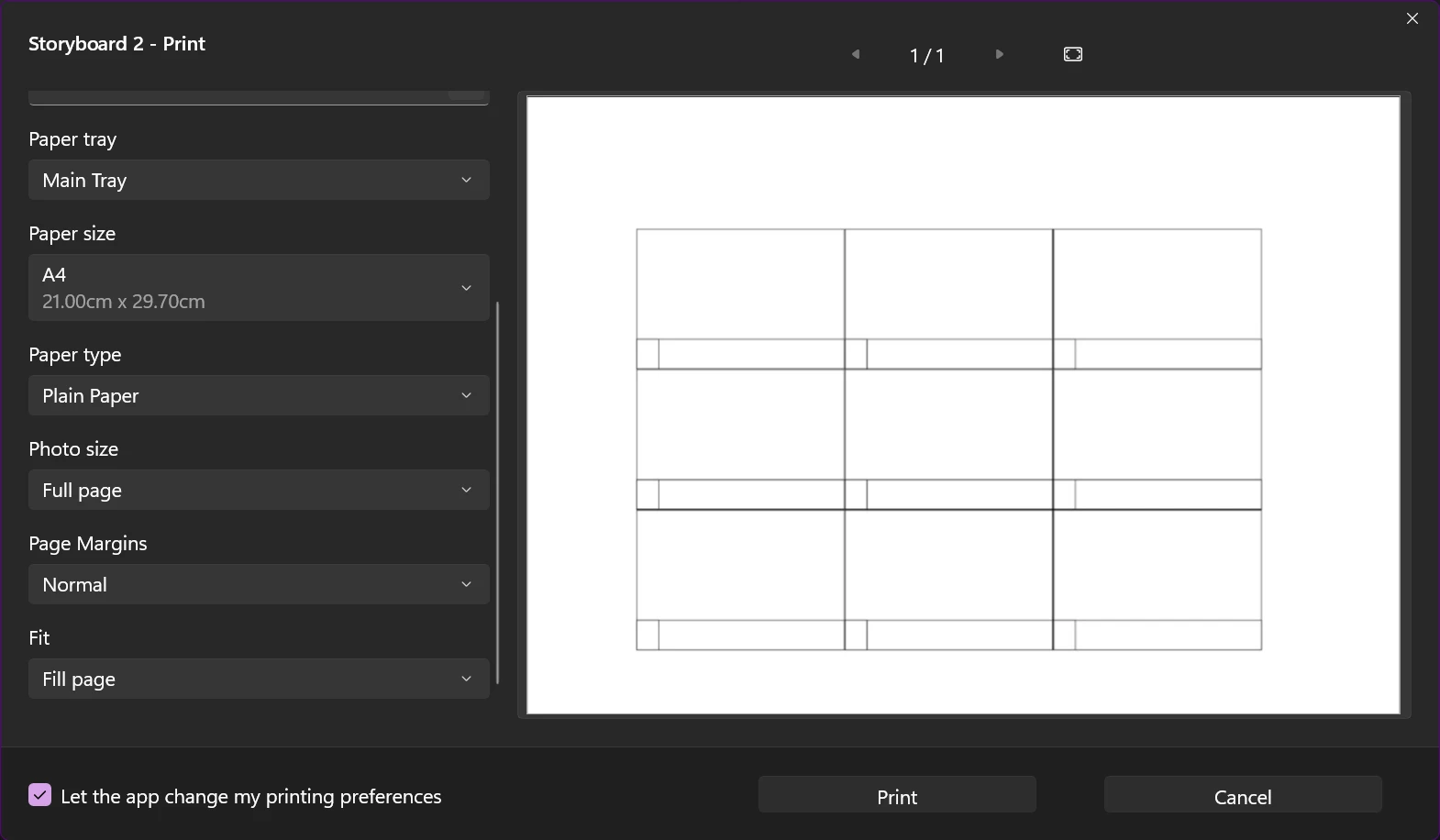
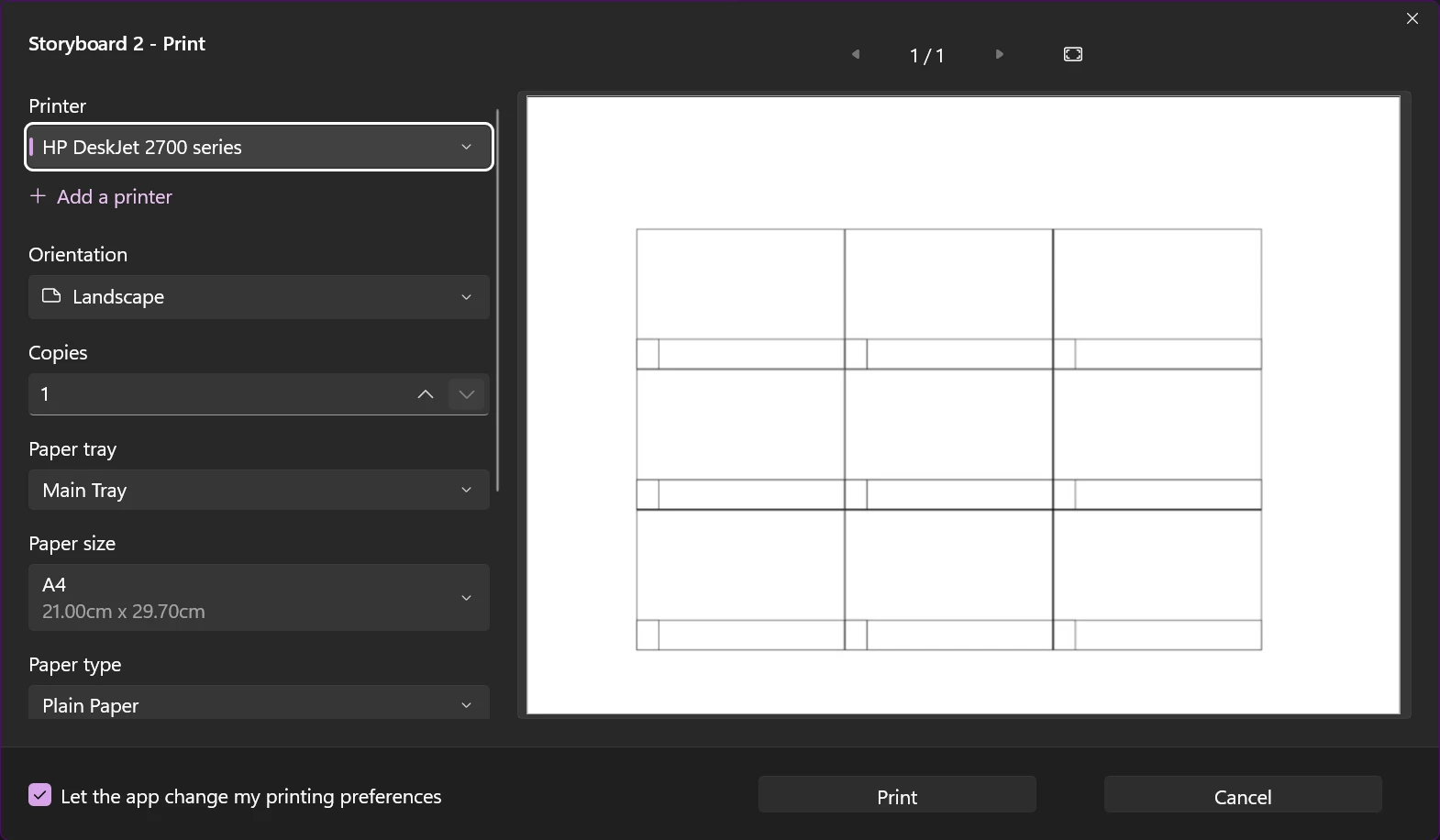
Printer scaling media strangely

I'm in the UK so UK sizes. I designed a simple storyboard template in InDesign and exported as JPEG as not getting anywhere printing within ID. For some reason when I preview in the print window it's all squished up. What's going on? I tried to match the ID file with my printer. I'm trying to make maximum use of the space. I'm only semi-experienced with InDesign. ID document set to 297x210mm to match 'paper size' in print GUI.

Thanks


This topic is closed to new replies. Start a new post to keep the conversation going.

2 replies

Peter Spier
Community Expert
Community Expert
May 31, 2023 11:43 AM UTC

Not sure waht you mean by "all squished up" but I'm willing to bet that what you are seeing is scaling in the print driver to get the whole image into the printable area on the page. Most printers cannot print to the edge of the paper.

Translate
Willi Adelberger
Community Expert
Community Expert
May 31, 2023 11:31 AM UTC

Exüport as PDF, open it in Acrobat and print from there. I do not see why you export to JPG? It is not a good format for printing.

Translate