Printing booklet- not centering
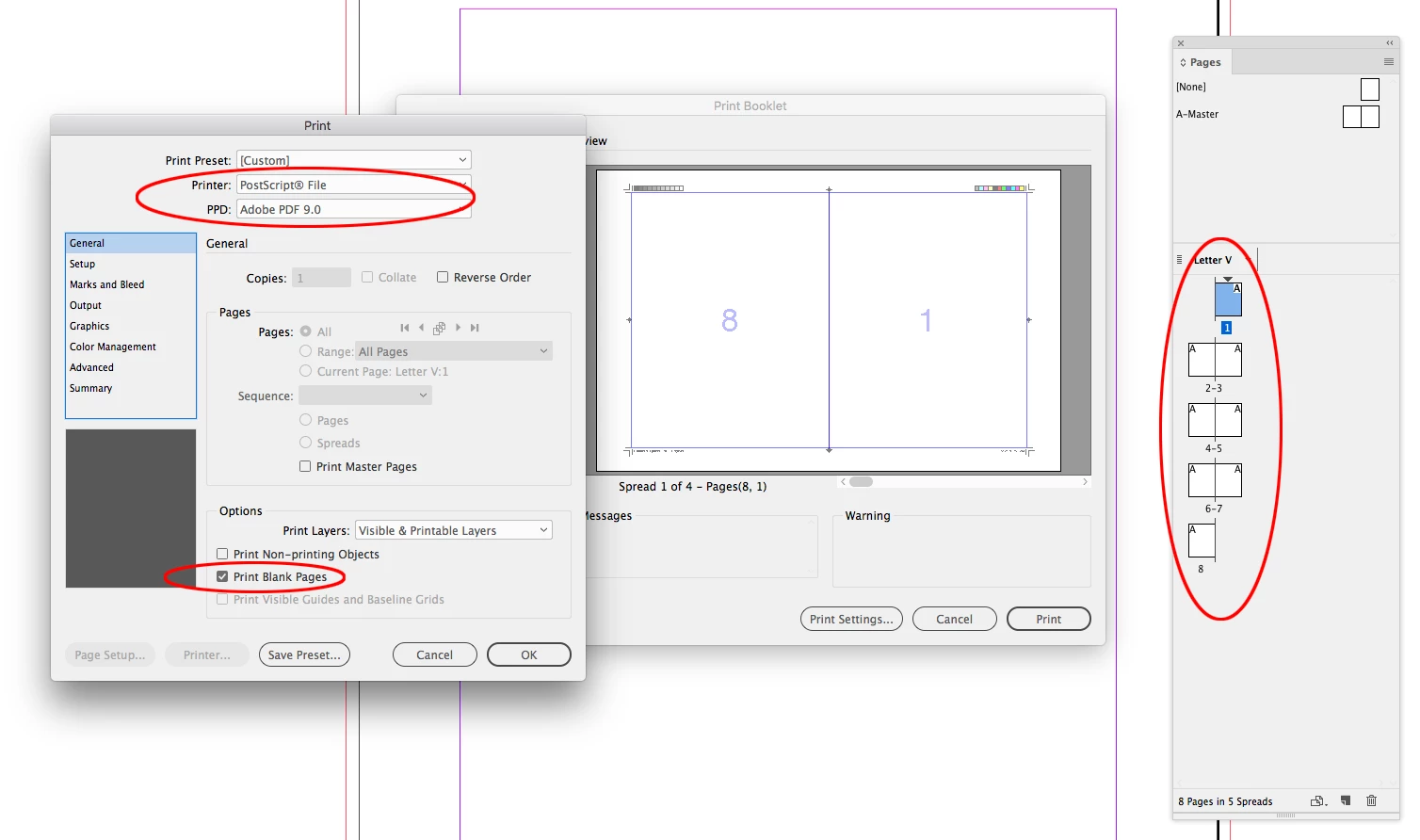
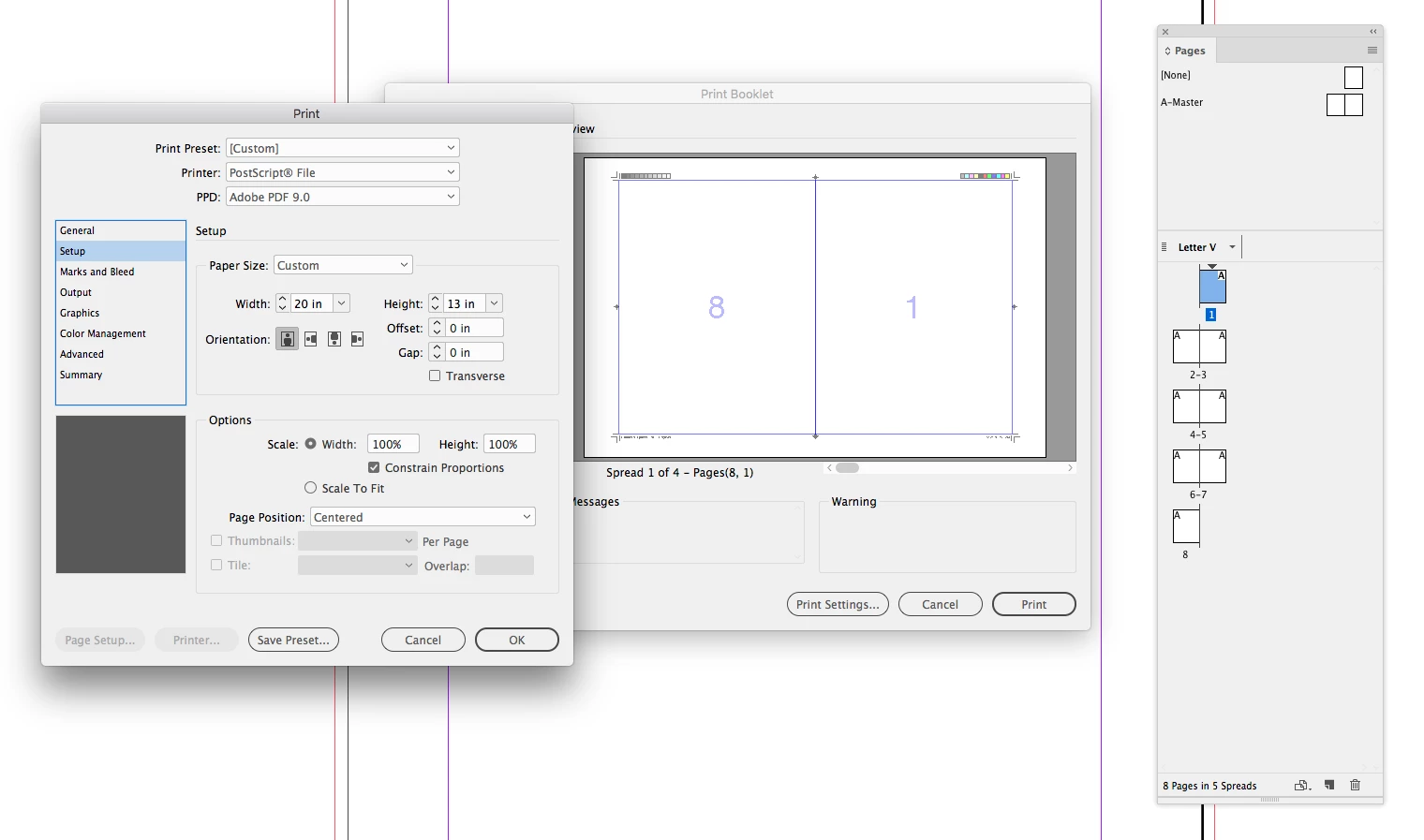
I'm trying to print a booklet. I've tried to print both directly to the printer and by saving as a PostScript File and opening in Acrobat and printing as a PDF. Even though I select centered in the print settings and appears to be centered in the preview once it prints or is viewed as a PDF it appears skewed to the left, so the pages do not line up when the booklet is folded. Here's my print summary, am I doing something wrong? Thanks for any help!
I've changed paper source to plain paper as other threads have recommended but that didn't make a difference.
Print Preset: [Custom]
Printer: HP Officejet 4630 series
PPD: N/A
PPD File: N/A
General
Copies: 1
Collate: N/A
Reverse Order: Off
Pages: All
Sequence: N/A
Spreads: N/A
Print Master Pages: N/A
Print Layers: Visible & Printable Layers
Print Non-printing Objects: Off
Print Blank Pages: Off
Print Visible Guides and Baseline Grids: Off
Setup
Paper Size: US Letter
Paper Width: 8.5 in
Paper Height: 11 in
Page Orientation: Landscape
Paper Offset: N/A
Paper Gap: N/A
Transverse: N/A
Scaling: 100%
Constrain Proportions: On
Page Position: Centered
Thumbnails: N/A
Tiling: N/A
Marks and Bleed
Crop Marks: On
Bleed Marks: On
Registration Marks: Off
Color Bars: Off
Page Information: Off
Printer Mark Type: Default
Crop Mark Weight: 0.25 pt
Mark Offset from Page: 0.0833 in
Use Document Bleed Settings: On
Bleed Top: 0 in
Bleed Bottom: 0 in
Bleed Inside: 0 in
Bleed Outside: 0 in
Include Slug Area: N/A
Output
Color: Composite RGB
Text As Black: Off
Trapping: N/A
Flip: N/A
Negative: N/A
Screening: N/A
Simulate Overprint: Off
Graphics
Send Data: All
Download: N/A
Download PPD Fonts: N/A
PostScript®: N/A
Data Format: N/A
Color Management
Document Profile: sRGB IEC61966-2.1
Color Handling: Let InDesign Determine Colors
Printer Profile: Document RGB - sRGB IEC61966-2.1
Preserve RGB Numbers: Off
Proof Profile: N/A
Simulate Paper Color: N/A
Advanced
Print &as Bitmap: On
Bitmap Resolution: 300
OPI Image Replacement: N/A
EPS: N/A
PDF: N/A
Bitmap Images: N/A
Transparency Flattener Preset: N/A
Ignore Spread Overrides: N/A
 AdChoices