
Participant
February 10, 2026
Question

Problem adding pages to large document with multiple Sections

  • February 10, 2026
  • 2 replies
  • 49 views


Hi.

I’ve meticulously formatted a non-fiction book of some 330 pages, with 12 chapters (defined as Sections with section markers applied.) Paragraph style for Chapters includes “Keep Option “Start on next odd page. 

I have a seperate parent page design for the chapter pages. This is assigned as required.

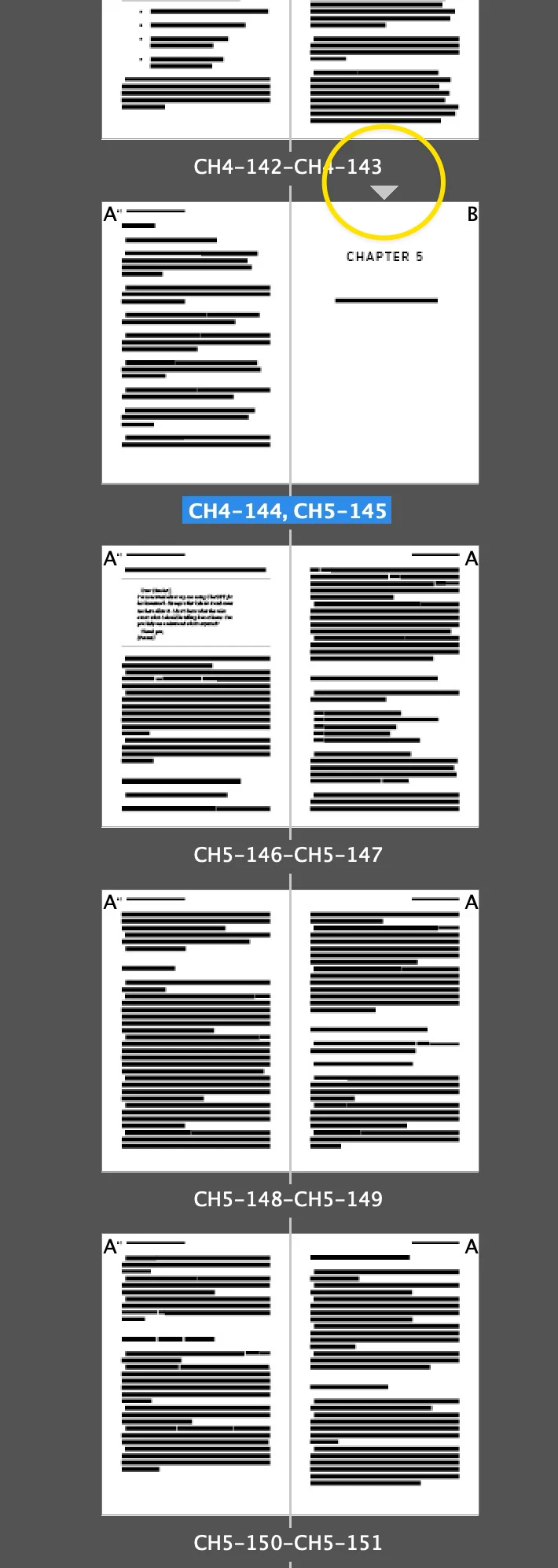
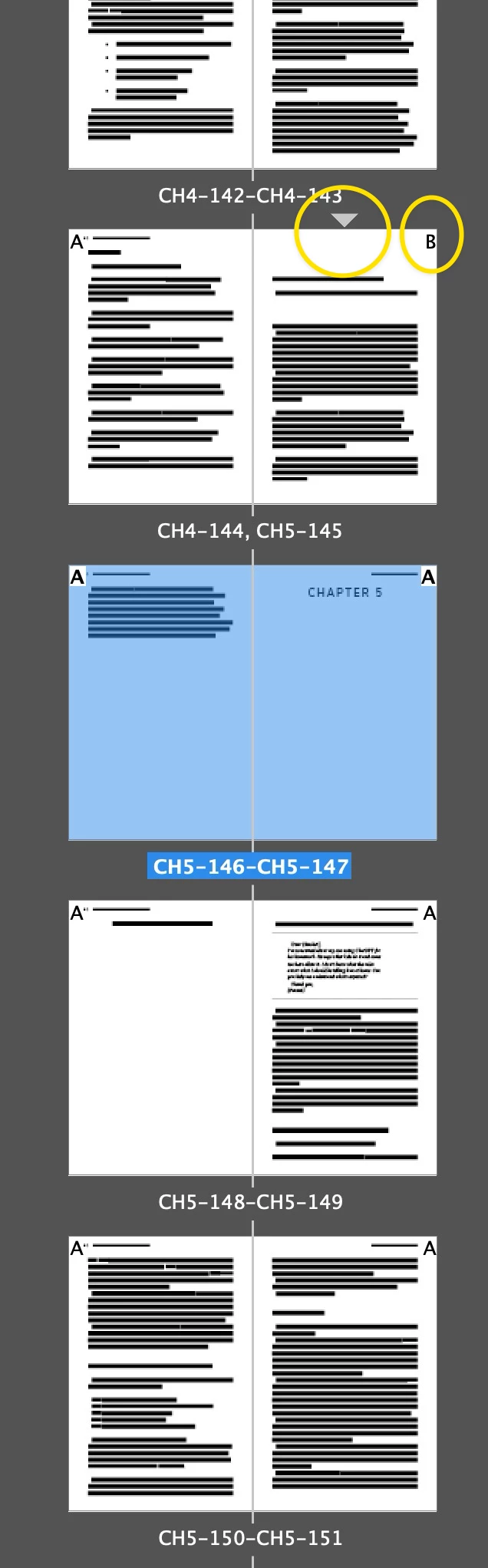
Here’s my problem: the client now wants to add 20 new graphics, causing, of course, a ripple reflow of all the text in the book. I know how to add new pages, but when I do, the assigned Parent pages that define my Chapter starts do not ripple with the text content. So:

If I have Section 3 starting on book page 27
Then add 4 pages to section 2 (manually or with auto reflow)
Section 3’s start STAYS on the document’s p27 when I would expect it to be shunted to p31
Also, the parent previously applied to p27 doesn’t move “forwards” by 4 pages either, throwing off everything thereafter.

Is there a different way I should be doing this?

ANY help appreciated.

thank you

    2 replies

    Dave Creamer of IDEAS
    Community Expert
    Community Expert
    February 10, 2026

    What are you settings when inserting the pages? 


    David Creamer: Community Expert (ACI and ACE 1995-2023)
    TMG1961Author
    Participant
    February 10, 2026

    Thanks Dave,
    What you’re showing is what I’m doing. The pages are created right where they’re supposed to created. It’s the Section markers that are not moving.

    Dave Creamer of IDEAS
    Community Expert
    Community Expert
    February 10, 2026

    Any reason why you didn’t create each chapter as a separate InDesign file and link them using a Book file?

    David Creamer: Community Expert (ACI and ACE 1995-2023)
    TMG1961Author
    Participant
    February 10, 2026

    Because I was handed the .indd file as a single object, and didn’t realize I was going to run into this problem. Never happened to me before, and I’ve been using Id since PageMaker died...

    Randy Hagan
    Community Expert
    Community Expert
    February 10, 2026

    It’s not too late to break up the document into chapters, then link them using a book file.

    You’ll still be adding the pages, and have some minimal reflow issues, but you won’t be adding a page after page 7 and having to readjust every page through your 330 page book. Even better, you will be able to add a page before page 33 and not have to go through the remaining 297 pages again.

    It’ll be a bother to break the document up into individual chapters, but it will be a lot less effort and pain than you’ll experience trying to add content to your single InDesign document and constantly having to readjust your page counts/sections to accommodate the changes. Even better, rather than having to constantly, manually readjust your page numbering you can assemble the chapters into an InDesign document and only have to update the page numbering once — and automatically.


    Randy