Question
Problem to import file AI
Form InDesign 21.6 when I import/insert file AI, don’t work and preview double image. Don’t work from 1 years ago, don’t resolve when I update new versione
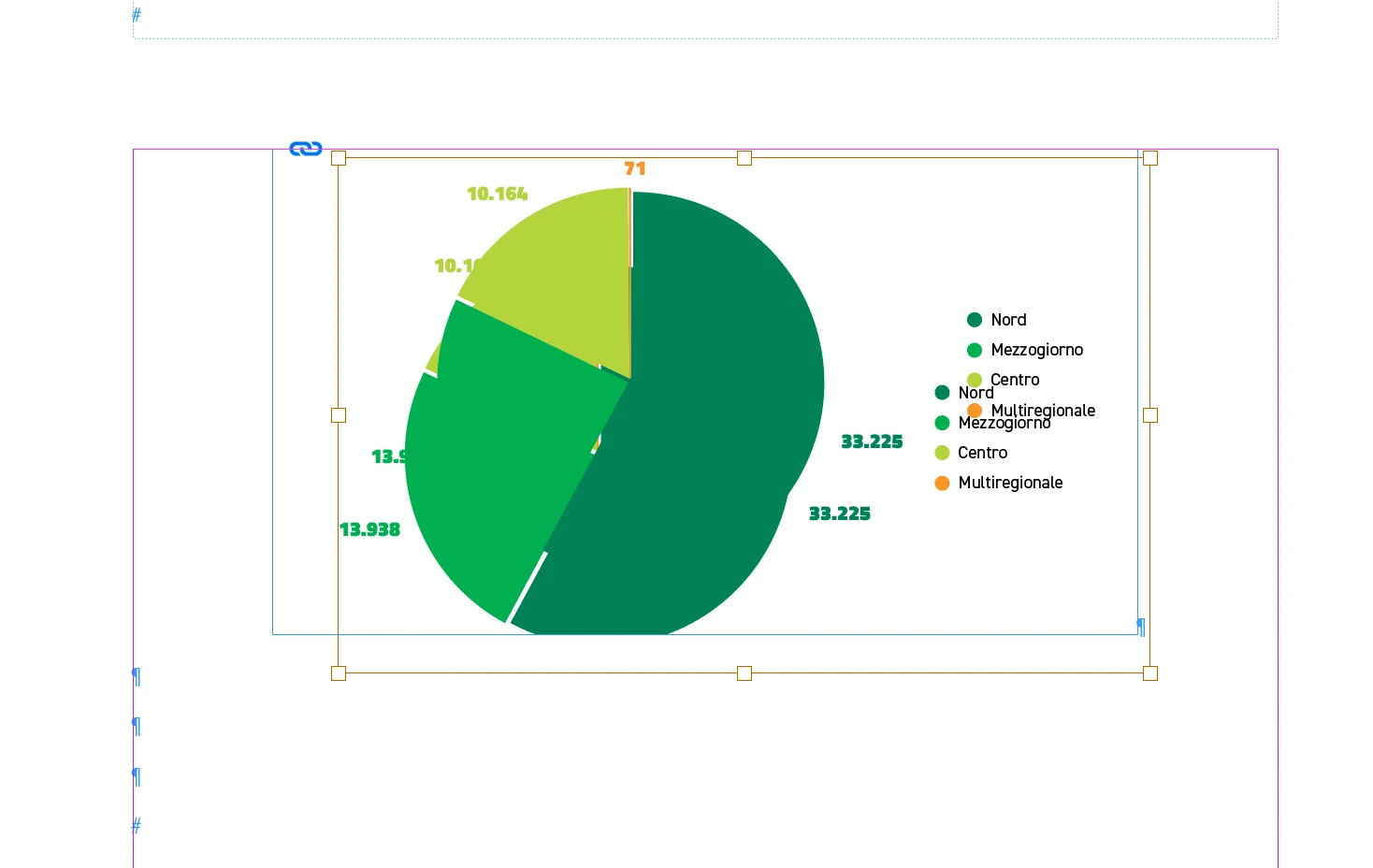

Form InDesign 21.6 when I import/insert file AI, don’t work and preview double image. Don’t work from 1 years ago, don’t resolve when I update new versione
Already have an account? Login
Enter your E-mail address. We'll send you an e-mail with instructions to reset your password.
 AdChoices