Participant
August 25, 2020
Answered

Problem with large letters in text

  • August 25, 2020
  • 3 replies
  • 894 views

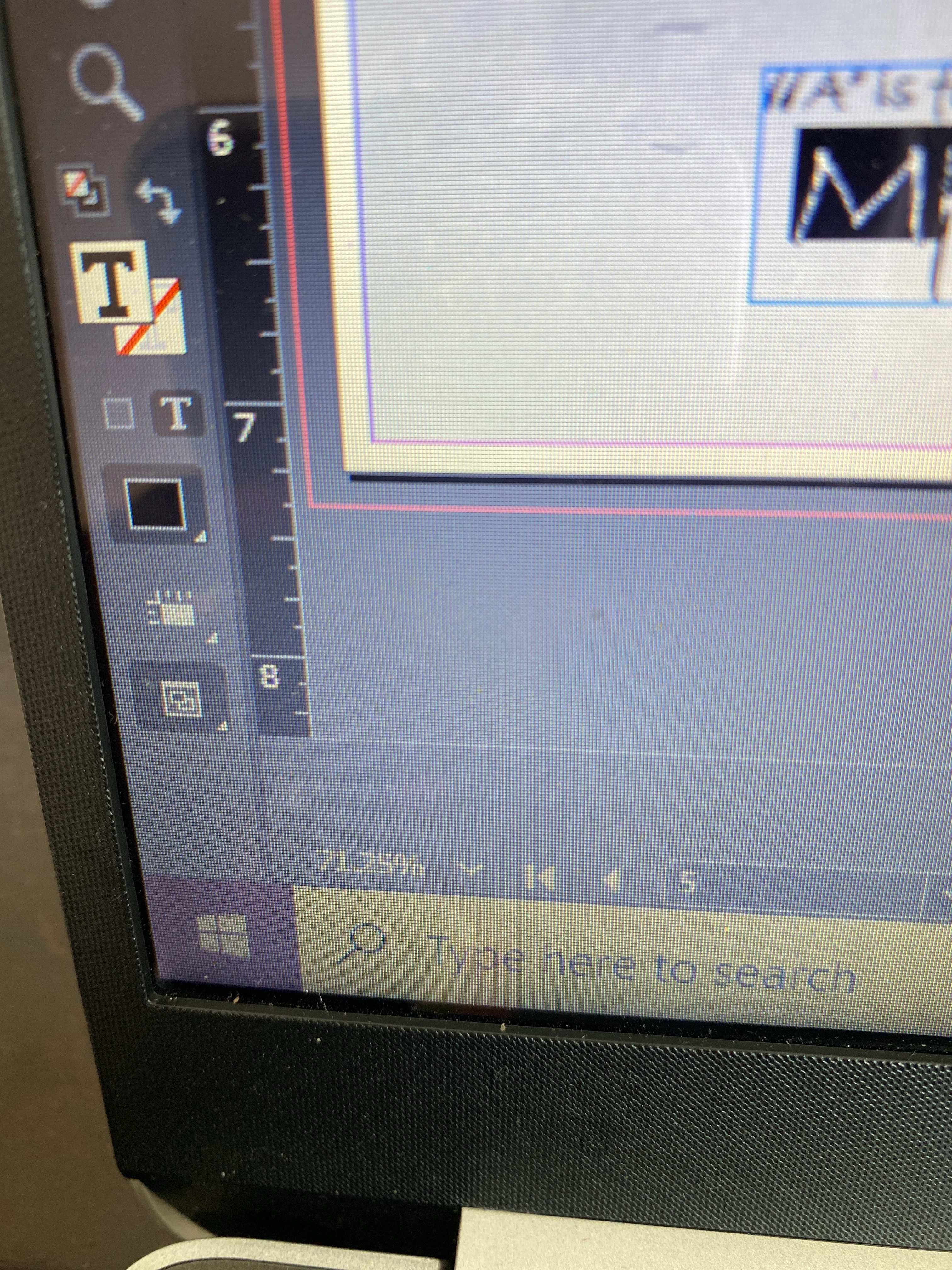
How can I fix the large size letters as I type my sentences? Each sentence is automatically starting with a HUGE letter at  the beginning of each sentence. 
This topic has been closed for replies.
Correct answer hammer0909

Just stemming off of Steve's response which is dead on, you may have accidentally made one of the styles the default in the document. To fix, make sure that nothing is selected, open the Paragraph Styles panel, and choose a different style (maybe Basic Paragraph). That should alleviate your problem. As Steve pointed out, it could be a Drop Cap or a Nested Style.

3 replies

Community Expert
August 26, 2020

On another context when asking a question please add a screenshot from the computer rather than a picture of your computer screen. It helps a lot to understand the issue with a clear pic instead of a hazy, poorly oriented picture of the screen.

-Manan

-Manan
Participant
August 26, 2020

As a first time user to the adobe community and having no prior experience with InDesign- I did not locate any specifications or guidelines on how to upload high quality screen shots other than the option of simply adding a picture. This may have been something I missed however my question was about the text in my document which was kindly answered by the previous community professionals. 

hammer0909
Community Expert
Community Expert
August 26, 2020

It sounds like you found a resolution to your question. Would you mind kindly marking which answer helped you as correct? It helps other users find answers to their questions in the future. Thanks!

hammer0909
Community Expert
hammer0909Community ExpertCorrect answer
Community Expert
August 25, 2020

Just stemming off of Steve's response which is dead on, you may have accidentally made one of the styles the default in the document. To fix, make sure that nothing is selected, open the Paragraph Styles panel, and choose a different style (maybe Basic Paragraph). That should alleviate your problem. As Steve pointed out, it could be a Drop Cap or a Nested Style.

Steve Werner
Community Expert
Community Expert
August 25, 2020

Does this just happen in one file, or in more than one? Please tell us what operating system (exactly) you're running. Please tell us (exactly) what InDesign version you're using.


You may have a paragraph style selected in the Paragraph Styles panel (Window > Styles > Paragraph Styles), and that paragraph style may include an initial Drop Cap.


Participant
August 26, 2020

Thank you. It was the Drop Cap, I was able to figure this out soon after I posted my question. Thank you for your quick response.
