



problem with page appearane
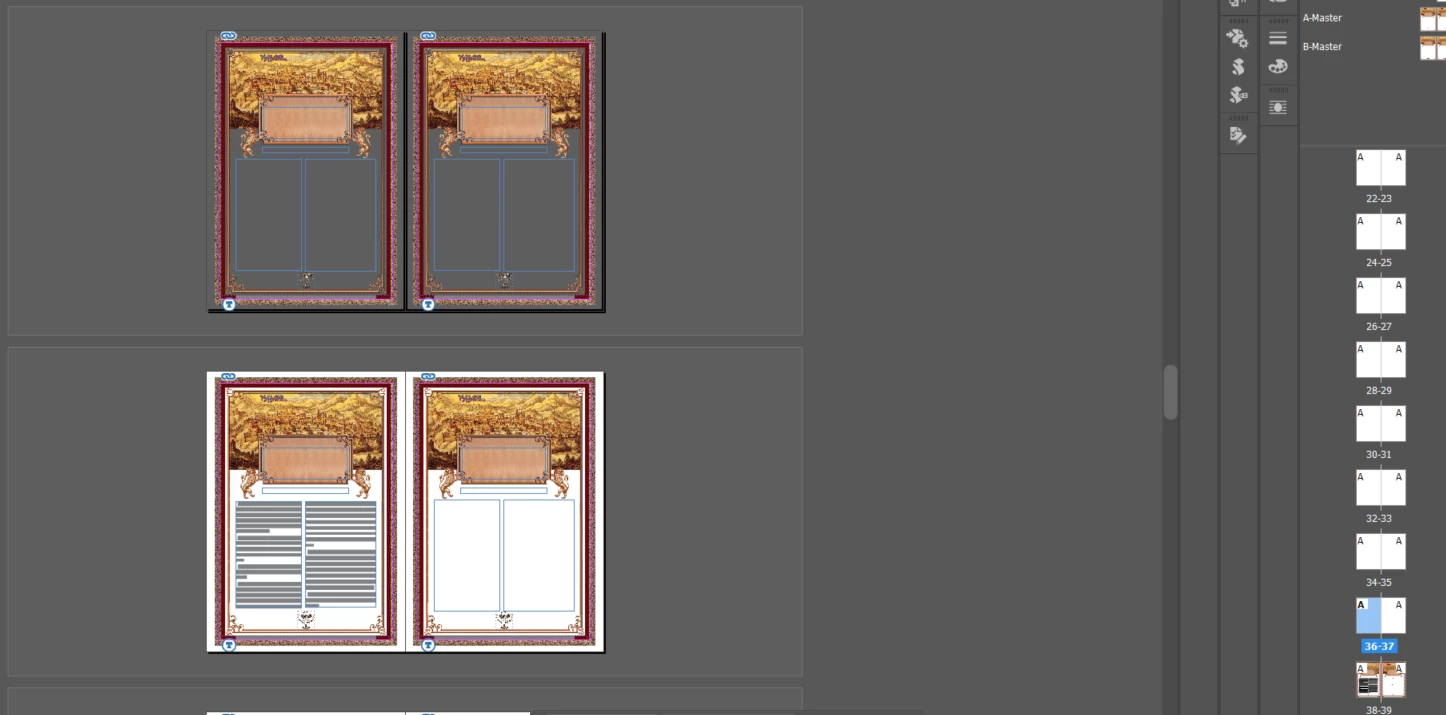
The problem is that some pages in the layout suddenly lost their appearance, and a part of the content (screen 1).
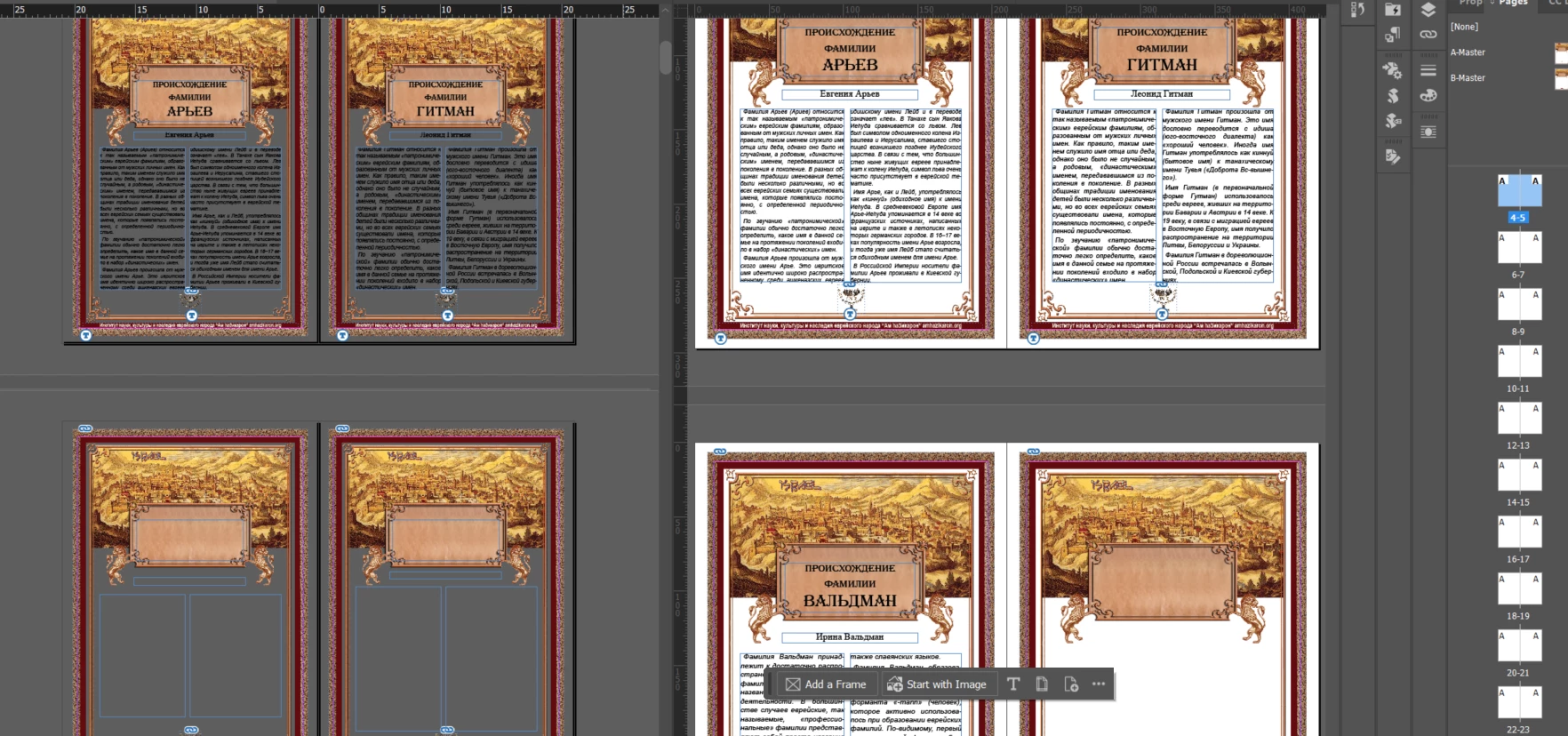
Originally, the pages had Parent elements and some text content, visible on the layout and in the Pages panel (like the pages at the bottom). But then some pages (not all!) lost their white paper color, and text frames became empty. Their appearance in the Pages panel also becomes empty. When exported to PDF, these pages have no Parent elements nor text, and are totally white. BUT! If you copy the text frames and paste them into a new doc with the same Parents, the content restores.
It is certainly not something in Preferences or in a View menu because it affects just part of the file.
The question: What might it be? Is there a way to fix it without creating a new doc and copying/pasting the content?
Windows 11, InDesign 21.2


 AdChoices