
Question
problem with scaling
Hi!
I'm having a problem with the scaling process. I'm working on a document with 170/200 pages (a tiff for each page, specifically it's a manga).
When I edit a file (with photoshop) and then update the link in indesign I don't have "100%" anymore (I mean the content, not the frame), but a "99,9999698".
I have to set "100%" manually, and the difference is so small that height/weight will not change
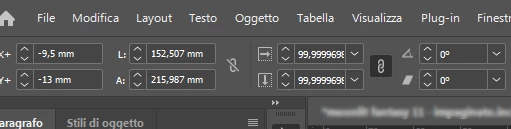
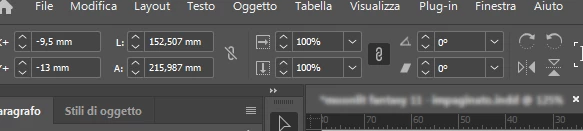
I've this bug (?) since I update ID with the last version. I can't understand what it's happening... but I need to have 100% and it's a bit frustrating having to double check all pages for all projects.
sorry for my poor english, and in the meantime, I thank you
Matteo


 AdChoices