
Participant
June 3, 2025
Question

problème colorimetrie
  • June 3, 2025
  • 3 replies
  • 378 views

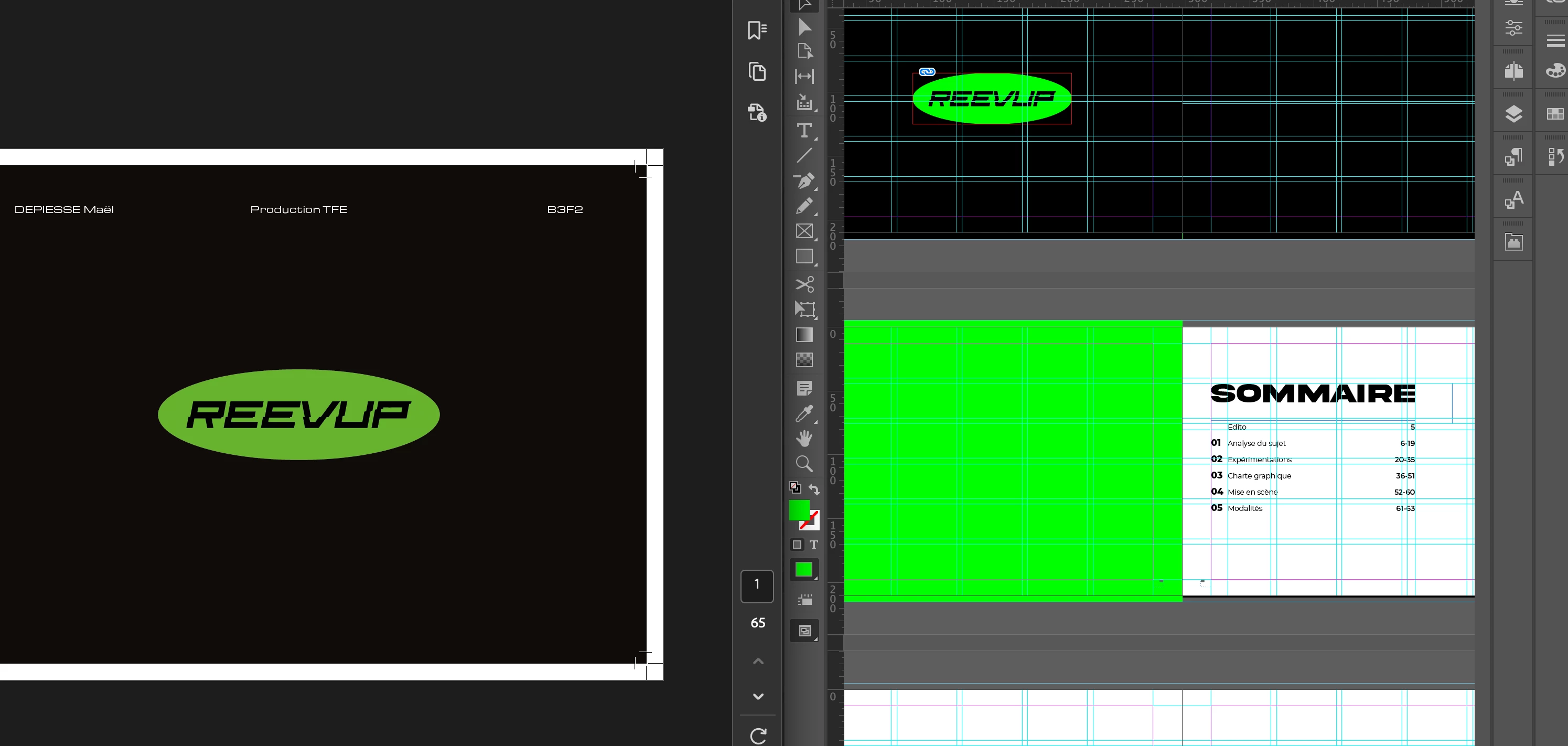
 Je travail sur indd et AI en RVB, mes profils correspondent entre eux mais quand j'exporte pour l'impression en pdf les couleurs changent. Les couleurs ne changent pas sur toutes les pages, je ne sais pas comment y remédier 
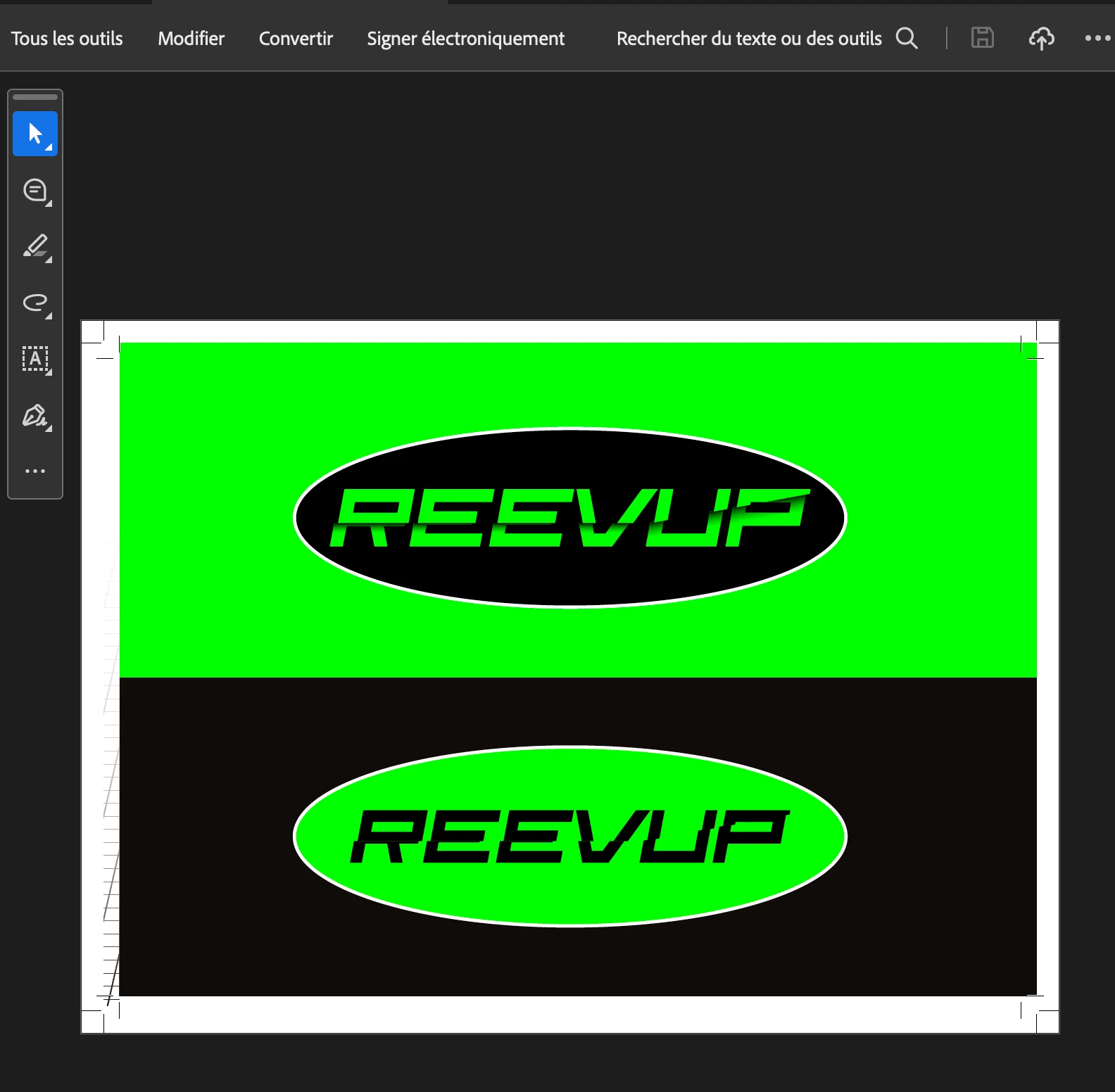
 ici toujours dans le pdf d'impression, le vert est le bon 

3 replies

rob day
Community Expert
Community Expert
June 3, 2025

I work on indd and AI in RGB


Hi @Maël34491240xjiz , InDesign documents can have a mix of RGB and CMYK color—unlike Illustrator every document has both an RGB and CMYK color profile assignment (see Edit>Assign Profiles...). In order to preview how document colors will output, you have to turn on Overprint Preview or Proof Colors. Overprint Preview uses the document’s CMYK profile assigment, Proof Colors uses the Proof Setup profile.


Your process RGB green color is out-of-gamut to most print profiles which is displayed in the Overprint Preview


The Color panel and Swatch Options dialog have out-of-gamut warnings:


jmlevy
Community Expert
Community Expert
June 3, 2025

Tu es certain d'avoir les mêmes réglages d'export ?  Et si le PDF du bas a les bonnes couleurs, pourquoi ne relèves-tu pas la composition quadri de ce vert et pourquoi ne l'utilises-tu pas directement dans tes fichiers Illustrator et InDesign ? Travailler en RVB, c'est bien pour les photos mais je ne vois pas l'intérêt pour des aplats.

Bill Silbert
Community Expert
Community Expert
June 3, 2025

Is the logo created natively in InDesign? If it was created in a different program such as Illustrator then make sure that Illustrator's color profile also matches. Also, if the needed end result is for print then it will be printing in CMYK. The green you are using for the logo looks like it might be out of gamut for CMYK. If this is the case then try converting it first to CMYK and try to find a CMYK equivalent that is a close as possible to the RGB color. 

Participant
June 3, 2025

The logo was created in AI and all the color profiles are the same for AI and INDD but some objects an import objects don't have the same color...
I know when I will print it is in CMYK but I'm trying to have the most flashy color I can 


Bill Silbert
Community Expert
Community Expert
June 3, 2025

Unfortunately, intense, flashy colors like that green are very difficult to achieve using a mix of Cyan, Magenta, Yellow and Black. That reality must always be factored in when doing print jobs.