
Participant
November 12, 2025
Answered

Problems exporting a file with drop shadows to PNG

  • November 12, 2025
  • 2 replies
  • 122 views

Hello all,


I am trying to export a file that has a couple of drop shadows in it. The drop shadows were created using the Stylize effect and Multiply option.


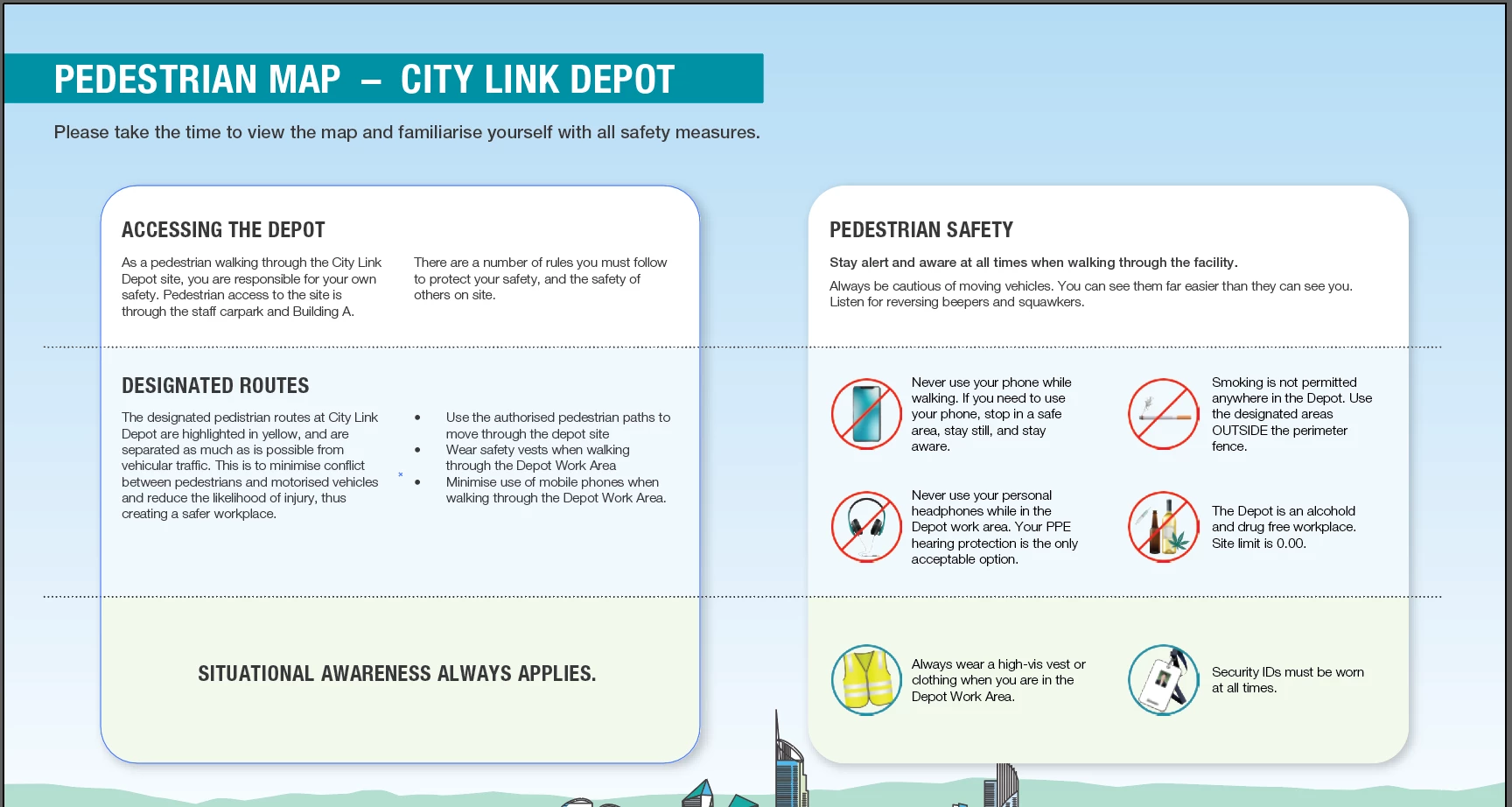
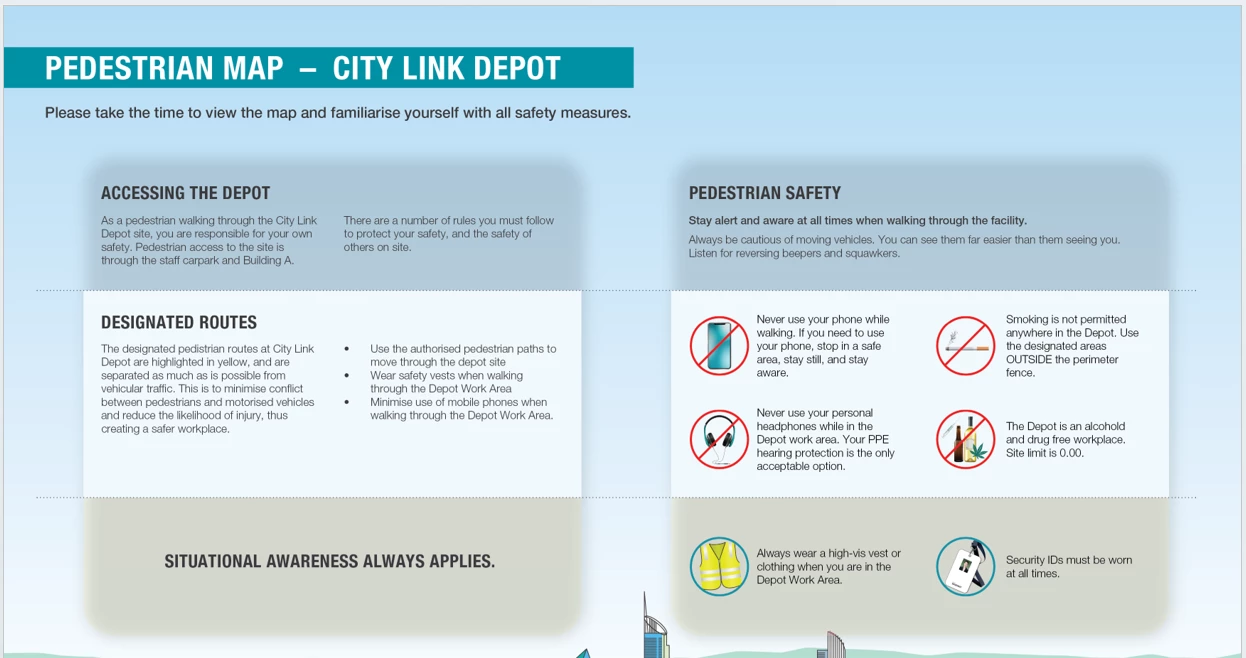
I am exporting to PNG format at 300dpi without transparency. However, the objects in front of the drop shadows are becoming transparent, and only the drop shadow is showing in the PNG file.


Here is what the file looks like in Illustrator:
 

And this is what the file looks like when it is exported to PNG:
 

Can anyone please provide a solution to this one?


Thanks!

Bron

Correct answer Gord@APL

Check the overprint setting in the Attributes panel - I've been able to reproduce this by setting the white background box to overprint, with the coloured overlays retaining their opacity.

2 replies

Willi Adelberger
Community Expert
Community Expert
November 12, 2025

What is the end purpose for this project? Maybe another file type, like PDF/ -4, might work better for this purpose. 

Participant
November 13, 2025

Hi Willi, I did try that option, but as the file needed to be inserted into a Word document, the PNG format was the better option as it gave me greater control over size, etc.

Gord@APLCorrect answer
Participating Frequently
November 12, 2025

Check the overprint setting in the Attributes panel - I've been able to reproduce this by setting the white background box to overprint, with the coloured overlays retaining their opacity.

Participant
November 13, 2025

Thank you Gord@APL, that did the trick! I turned off the Overprint fill, and the export worked.

Participating Frequently
November 13, 2025

Illustrator's quite funny about things that default to overprint. Theoretically, a box that starts out with a white fill will default to knocking-out, but that doesn't seem to always be the case. I've seen all sorts of instances of white being set to overprint over the years, to the point where I believe there's a PDF flightcheck option specific to identifying overprinting white... Doesn't help when exporting to .PNG, though.