Participant
June 9, 2022
Answered

problems with converting colours from CMYK to RGB in indesign

  • June 9, 2022
  • 3 replies
  • 229 views

Hi! 

I've been struggling for the last 2h with changing the colours in my indesign document from CMYK to RGB. Nothing works.  I've tried marking RGB instead of CMYK in edit ---> transparency blend space and it's not working. Here are my profiles set in "convert to a profile" (it's in polish but I hope you can recognize it by the layout).
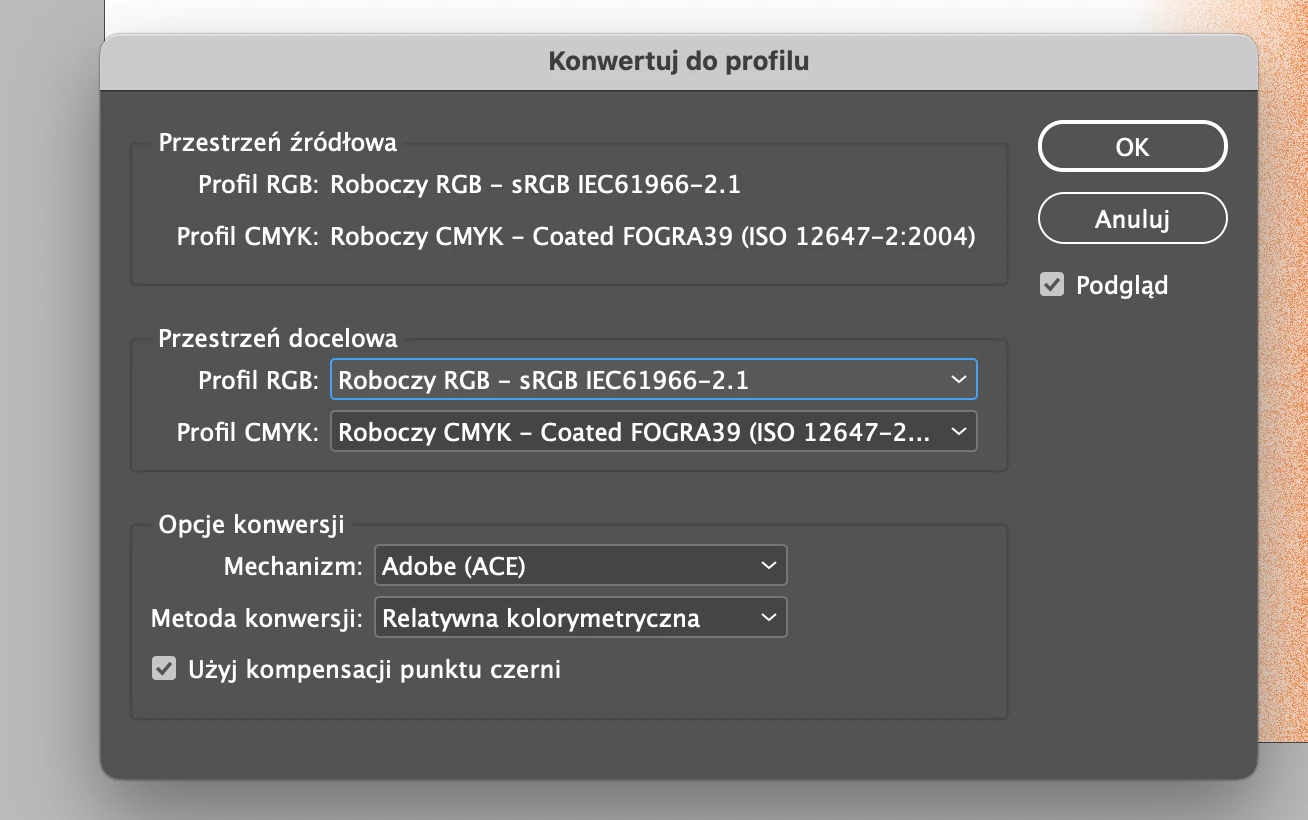
 Do you know any other settings were CMYK may be still checked?
 

This topic has been closed for replies.
Correct answer rob day

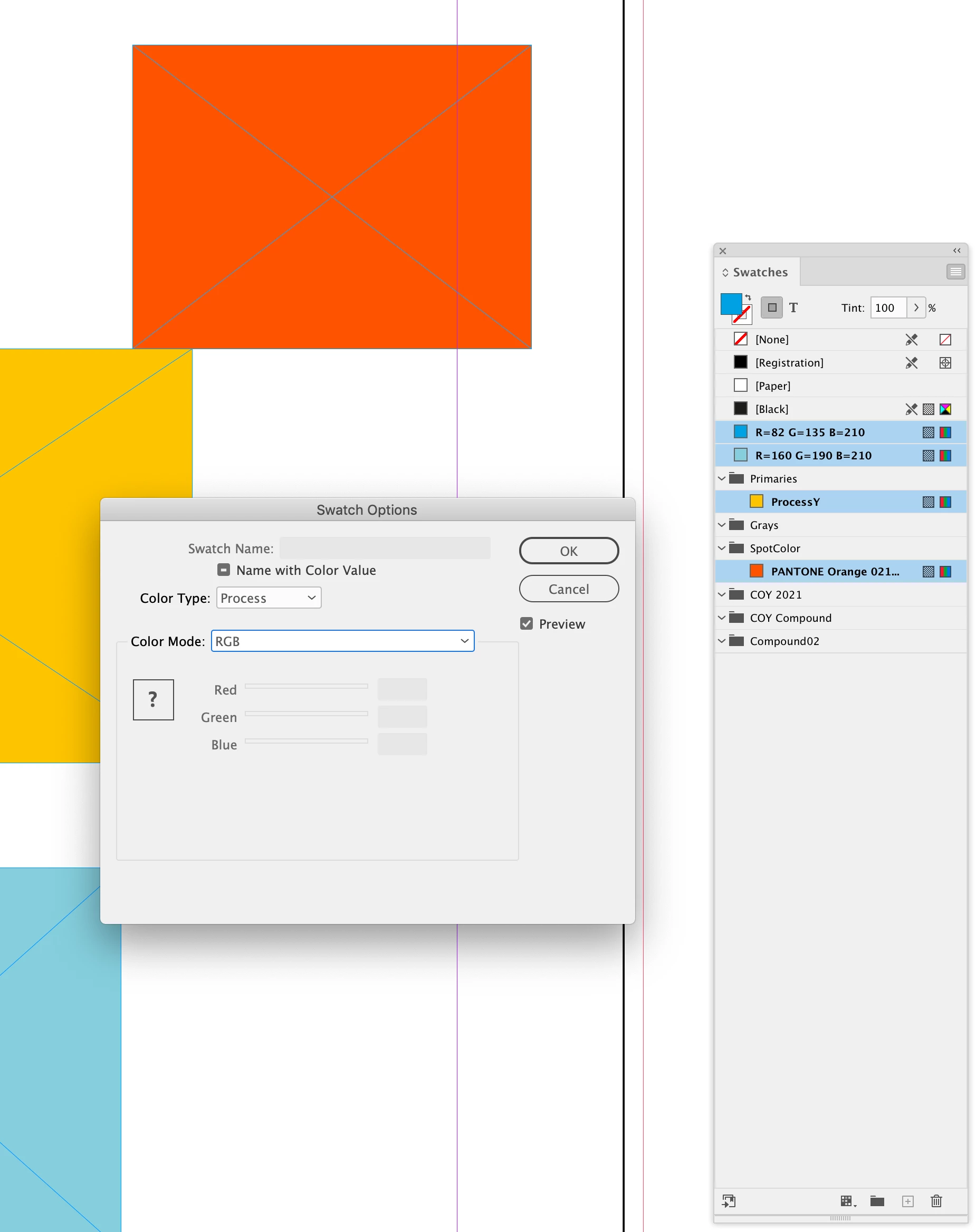
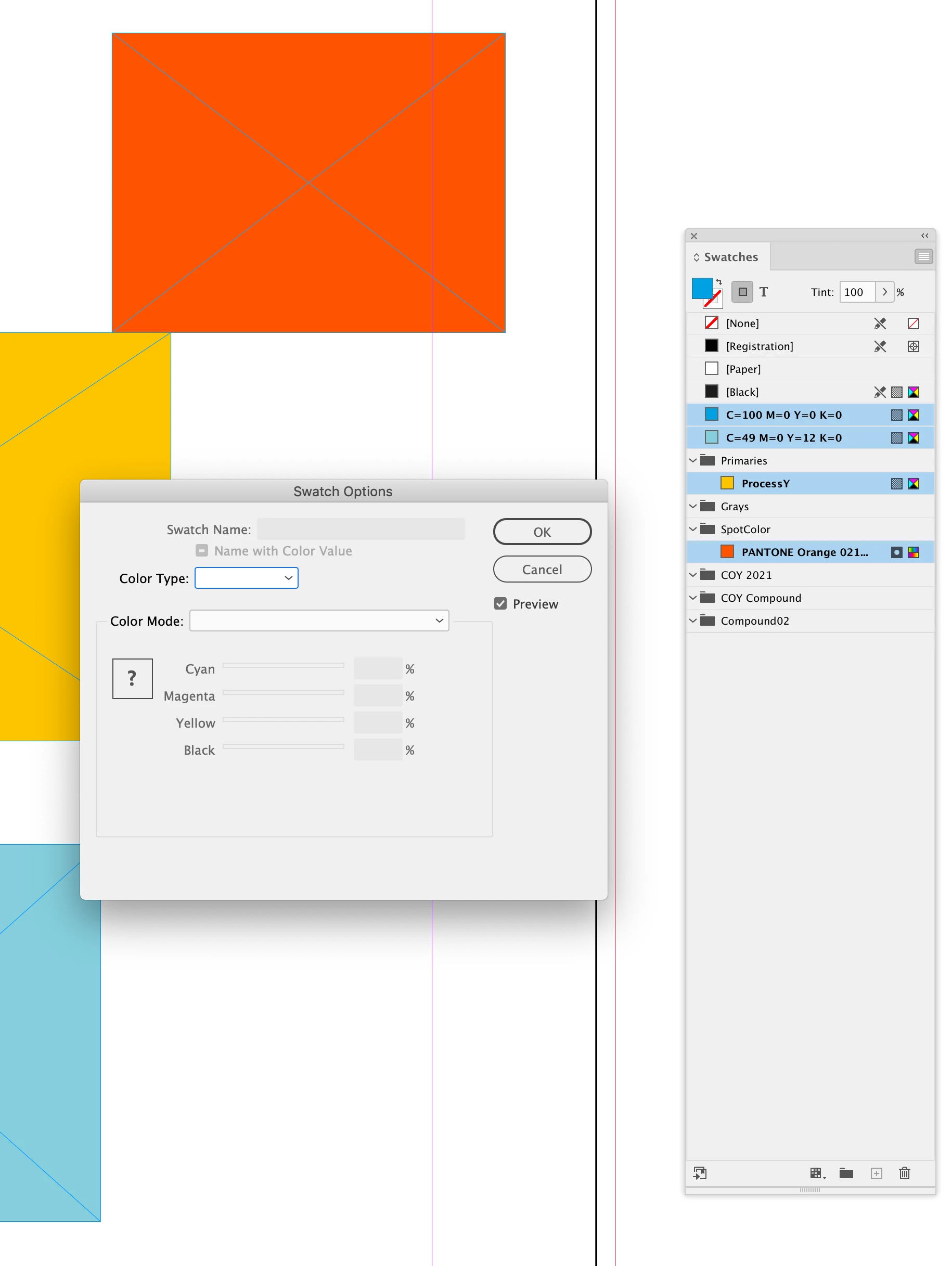
Also, you can convert all of the document’s native Swatches and Colors to RGB by choosing Add Unnamed Colors from the Swatches panel flyout menu, select all of the panel’s swatches, choose Swatch Options, and set the Color Type to Process and the Color Mode to RGB:


3 replies

Inspiring
June 9, 2022

What Rob says is valid. You can also try the Document Setup drop-down menu.

rob day
Community Expert
rob dayCommunity ExpertCorrect answer
Community Expert
June 9, 2022

Also, you can convert all of the document’s native Swatches and Colors to RGB by choosing Add Unnamed Colors from the Swatches panel flyout menu, select all of the panel’s swatches, choose Swatch Options, and set the Color Type to Process and the Color Mode to RGB:


rob day
Community Expert
Community Expert
June 9, 2022

InDesign allows you to mix objects with different color spaces in the same document—there’s no single document color mode. You can convert all the document color into a single RGB color space on Export to PDF by setting an RGB Destination in the Export Output tab.