


Participant
November 14, 2016
Answered

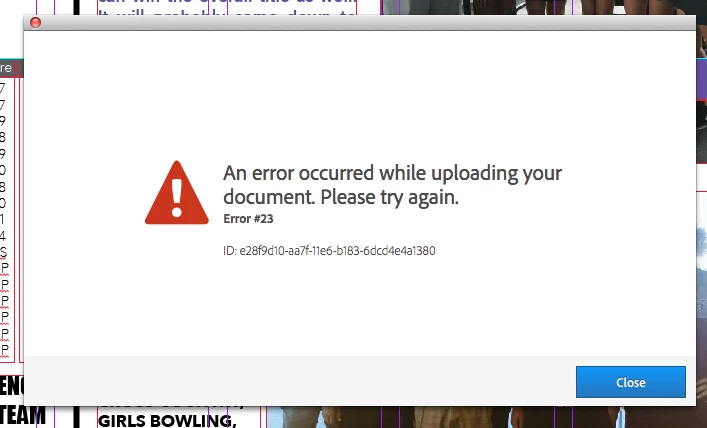
Publish Online Error #23

  • November 14, 2016
  • 1 reply
  • 6292 views

I know others have had similar problem, but there hasn't been a defined answer that I have seen that works.

I am trying to publish a 10 page document. It has a couple of videos, that I have continually scaled down the file/quality of. It reaches 98 or 99% of the uploading process before I receive an error message.

I have used this feature in InDesign often with much larger audio/video files without problems at my last company. I don't want to remove the videos when I know I have had success in the past with other documents. (the file does upload successfully with out the videos)

Help PLEASE.
Correct answer Monica Singh

Hi Cole,

Please Refer Troubleshoot Publish Online errors  and see if it resolves you.

Regards,

Monica Singh

1 reply

Monica Singh
Adobe Employee
Monica SinghCorrect answer
Adobe Employee
November 15, 2016

Hi Cole,

Please Refer Troubleshoot Publish Online errors  and see if it resolves you.

Regards,

Monica Singh

Known Participant
December 8, 2022

Same issue. Error #16. Despite the fact that my file is smaller than the version I saved yesterday that published online just fine. Today it won't after several tries, including selecting lower resolution. The only substantive changes I made was to enable select "text anchor in source paragraph" for the table of contents options. I tried removing that and still Error #16. Any thoughts are most welcome!

Known Participant
December 8, 2022

....in case it is helpful, this is the prior version that published just fine.