


Publish Online Error #40 in InDesign CC 2020
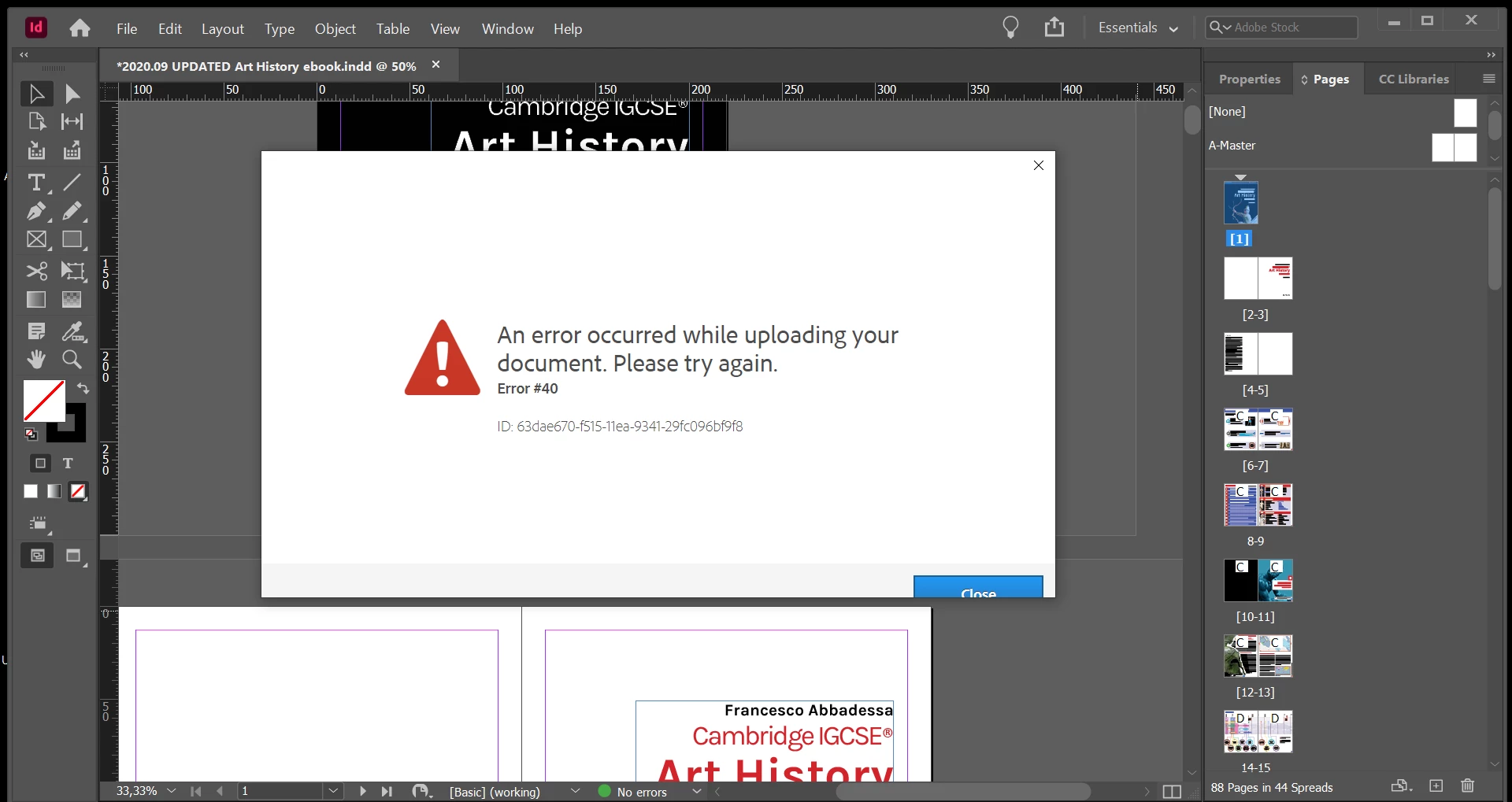
The Error I get is this:
An error occurred while uploading your document. Please try again.
Error #40
ID: 03f4db80-f385-11ea-9745-29e326bb180a
Hi everyone, this is my first post here.
I'm writing because I'm trying to post an InDesign file with Publish Online.
I'm using Adobe InDesign CC 2020 from a Windows 10.
I'll be honest, it's a fairly big file: 88 pages with text and high resolution images with links and interactivity.
The thing is I have uploaded the previous version (let's call it Version 1) with Publish Online and had no problems. Now I simply edited the text and created Version 2 and it won't upload. Even stranger, if I try uploading Version 1 again, it won't work either.
Note: I tried uploading another InDesign document (a 2 page CV) and had no problems.
Here's what I do.
I go to File - Publish Online.
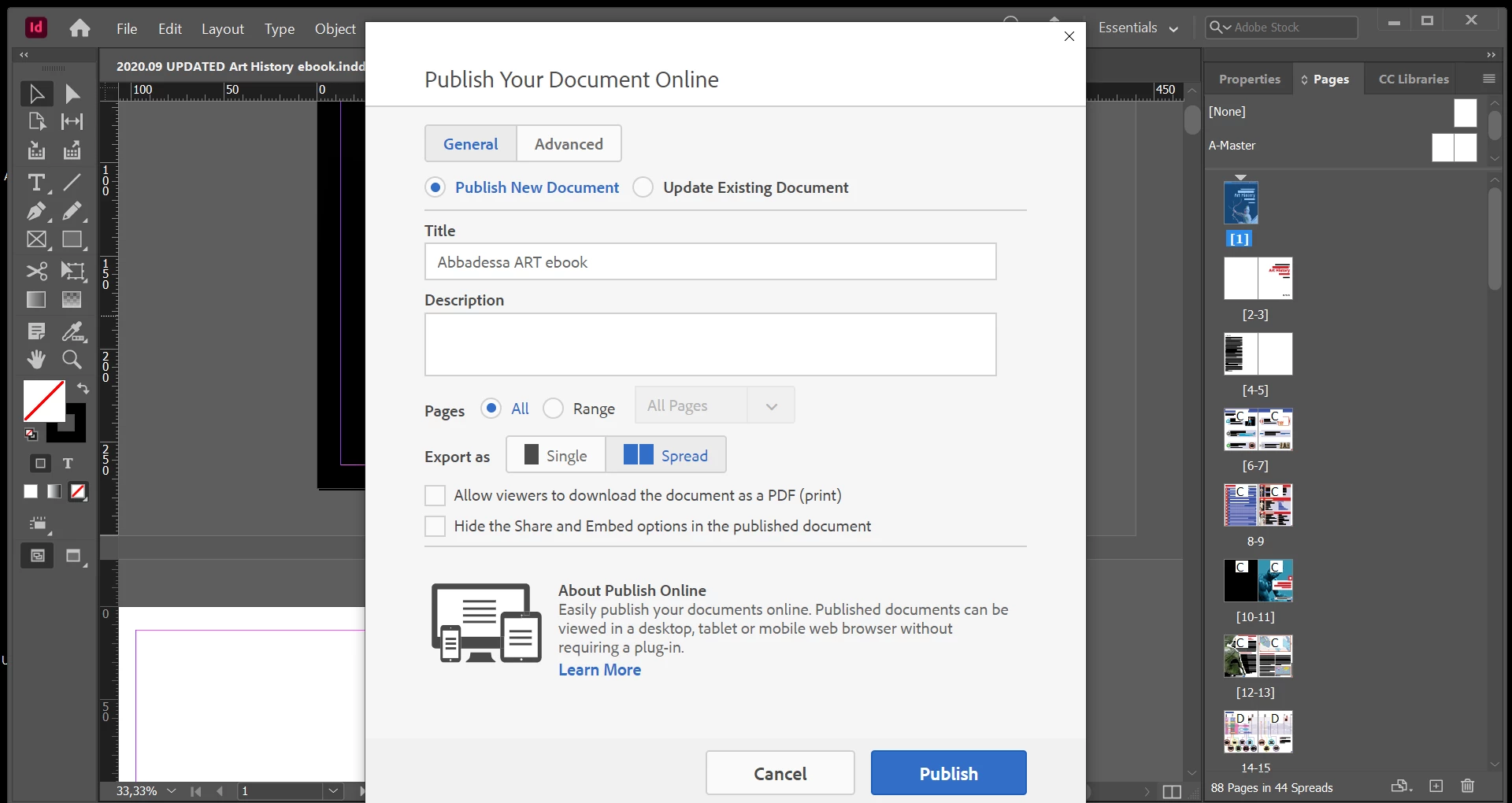
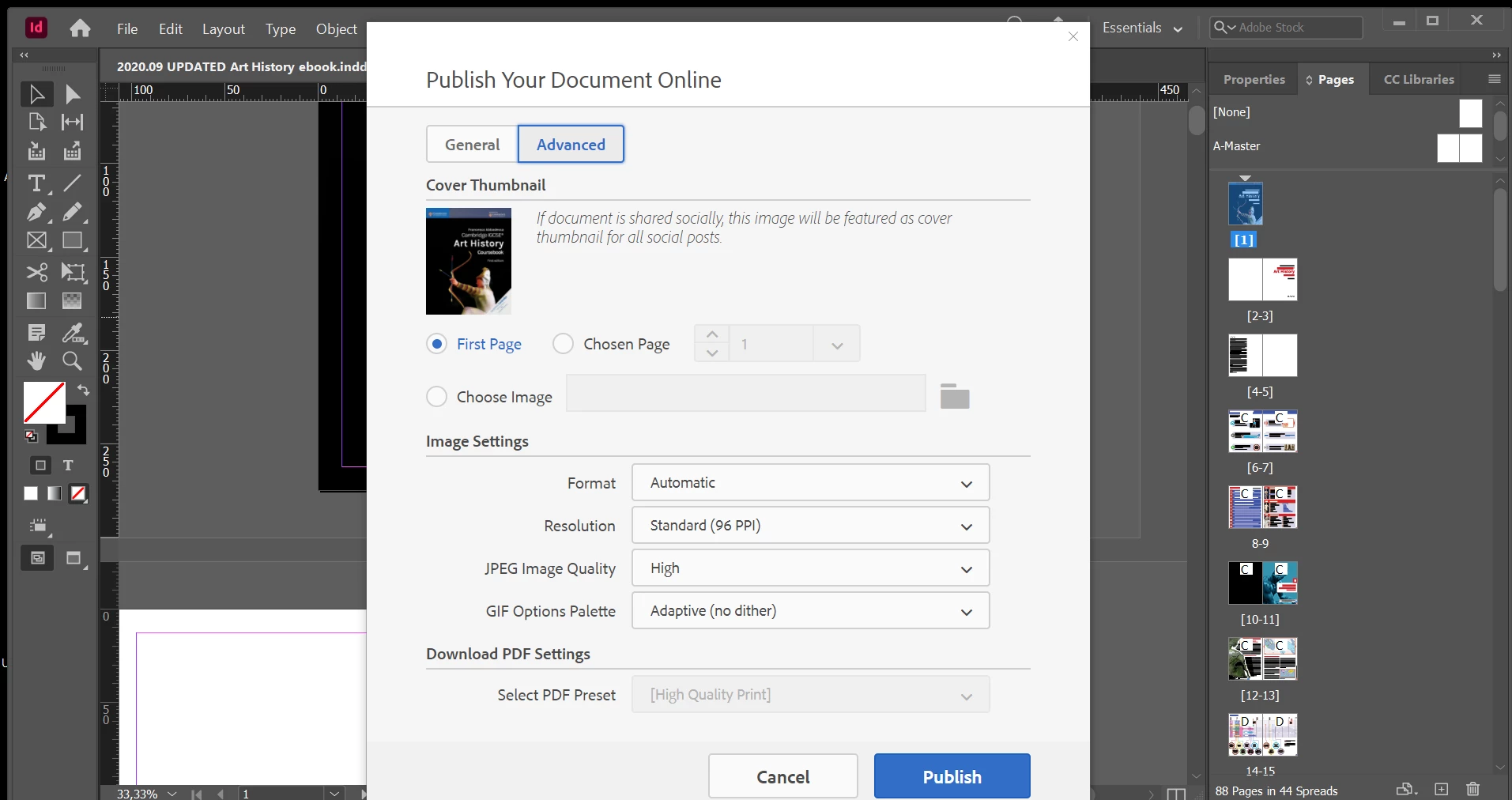
The "Publish your document online" box opens up.
I set it up and click as you can see in the nex 2 images and click on the blue button PUBLISH.
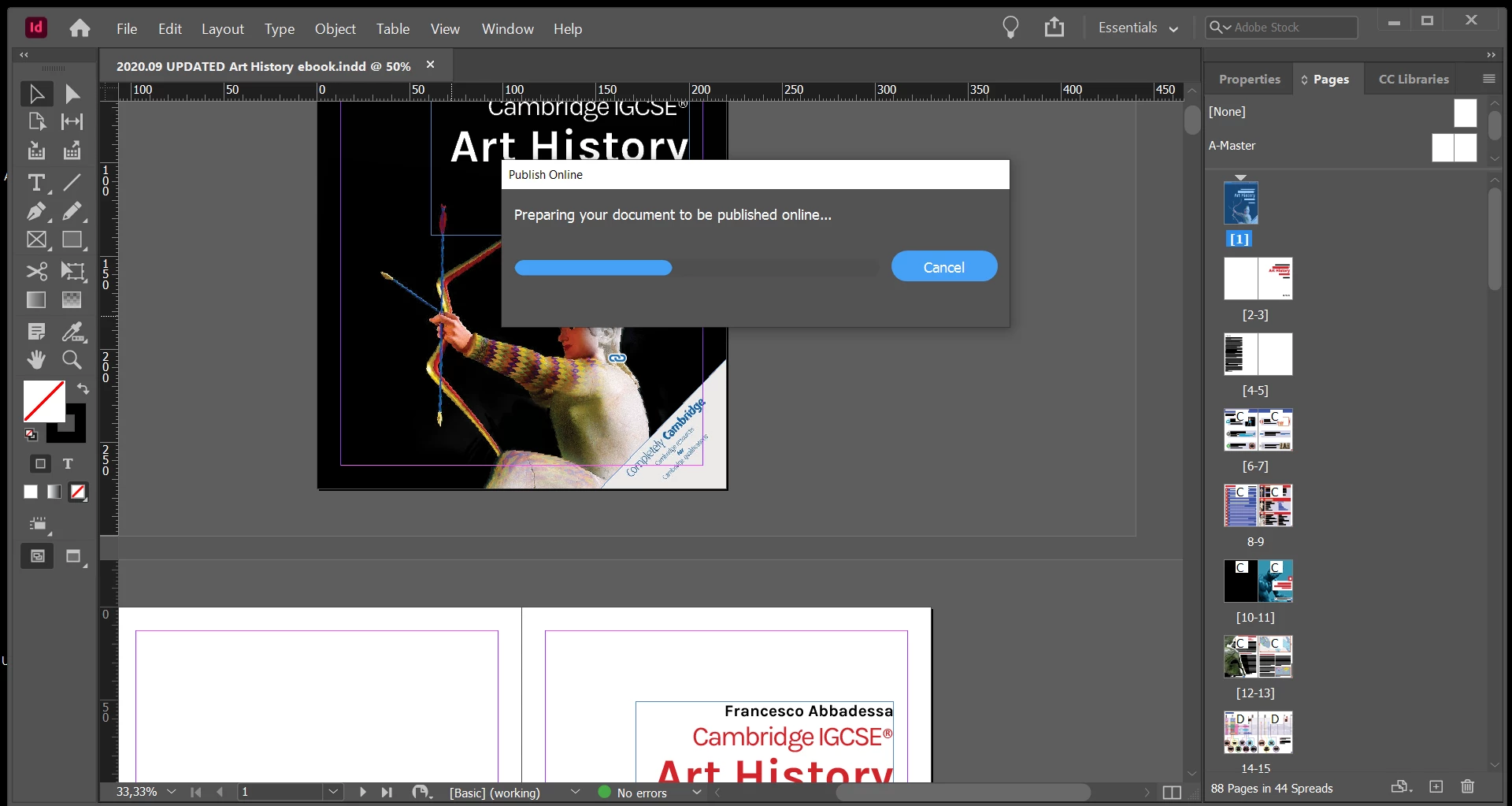
A loading bar appears saying "Preparing your document to be published online" and loads succesfully. Here it is:
I then get another PUBLISH ONLINE box with a loading bar that says UPLOADING YOUR DOCUMENT. Here it is:
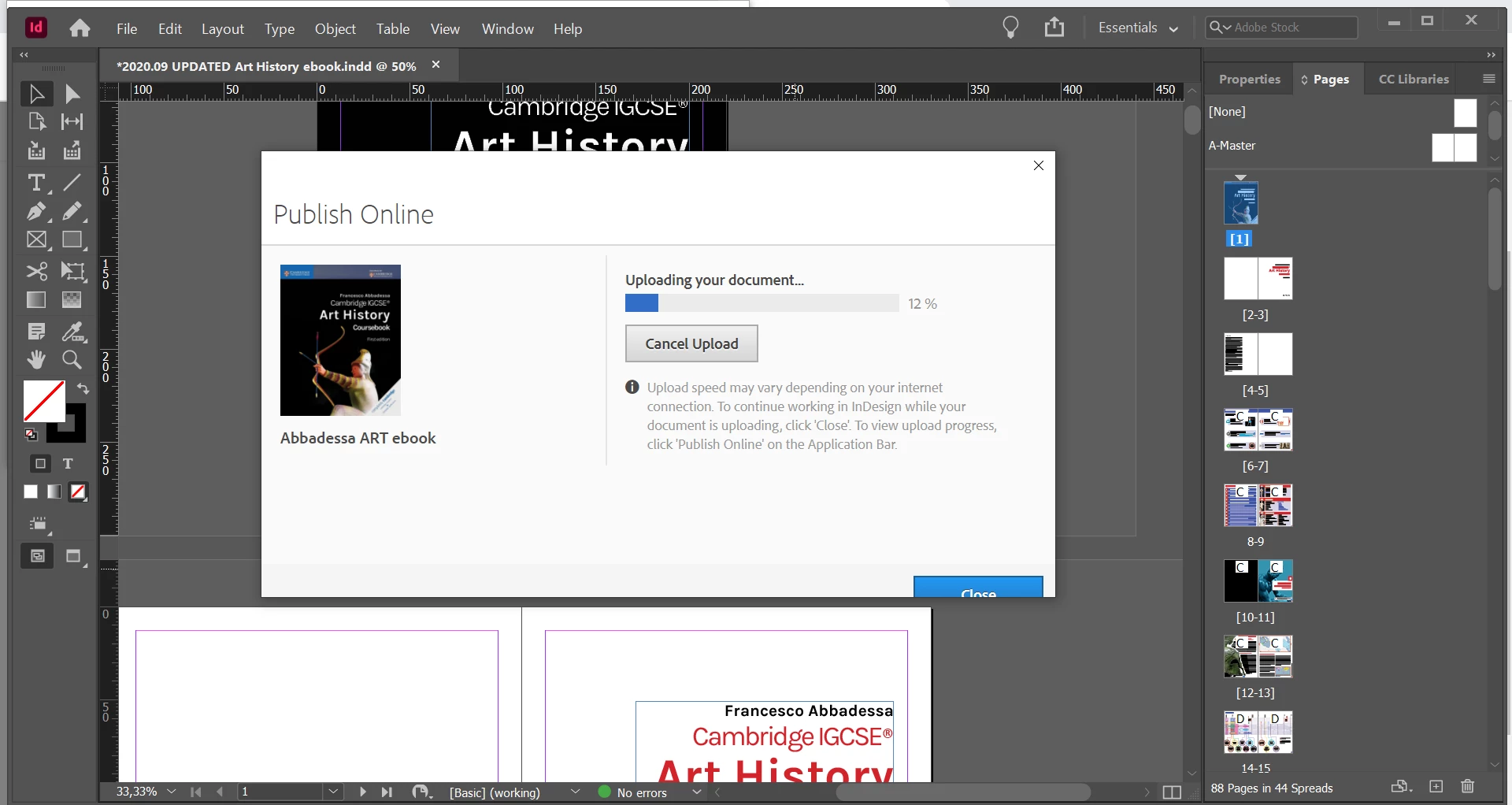
This bar never loads completely: it always stops at 91% and shows the message you found at the beginning of this post:
An error occurred while uploading your document. Please try again.
Error #40
ID: 03f4db80-f385-11ea-9745-29e326bb180a
I have already contacted the Adobe chat and they suggested the following (so far nothing worked):
- Move pages to a new document and retry (dosen't solve it)
- Try uploading a smaller range of pages (ex. pages 1-5, 5-10 and so on) until you find a group that doesn't work. That is the group that contains a page with problems. (tried it but all the smaller page groups work. If I then try uploading the entire file again it doesn't work)
- Delete the last 10 pages and reupload (still won't work)
- Send Package file to Adobe expert by email and wait for answer (I'm still waiting)
Any suggestions?
Thank you so much
Francesco from Italy
 AdChoices