
Publish Online - left arrow to advance error
Hi all -
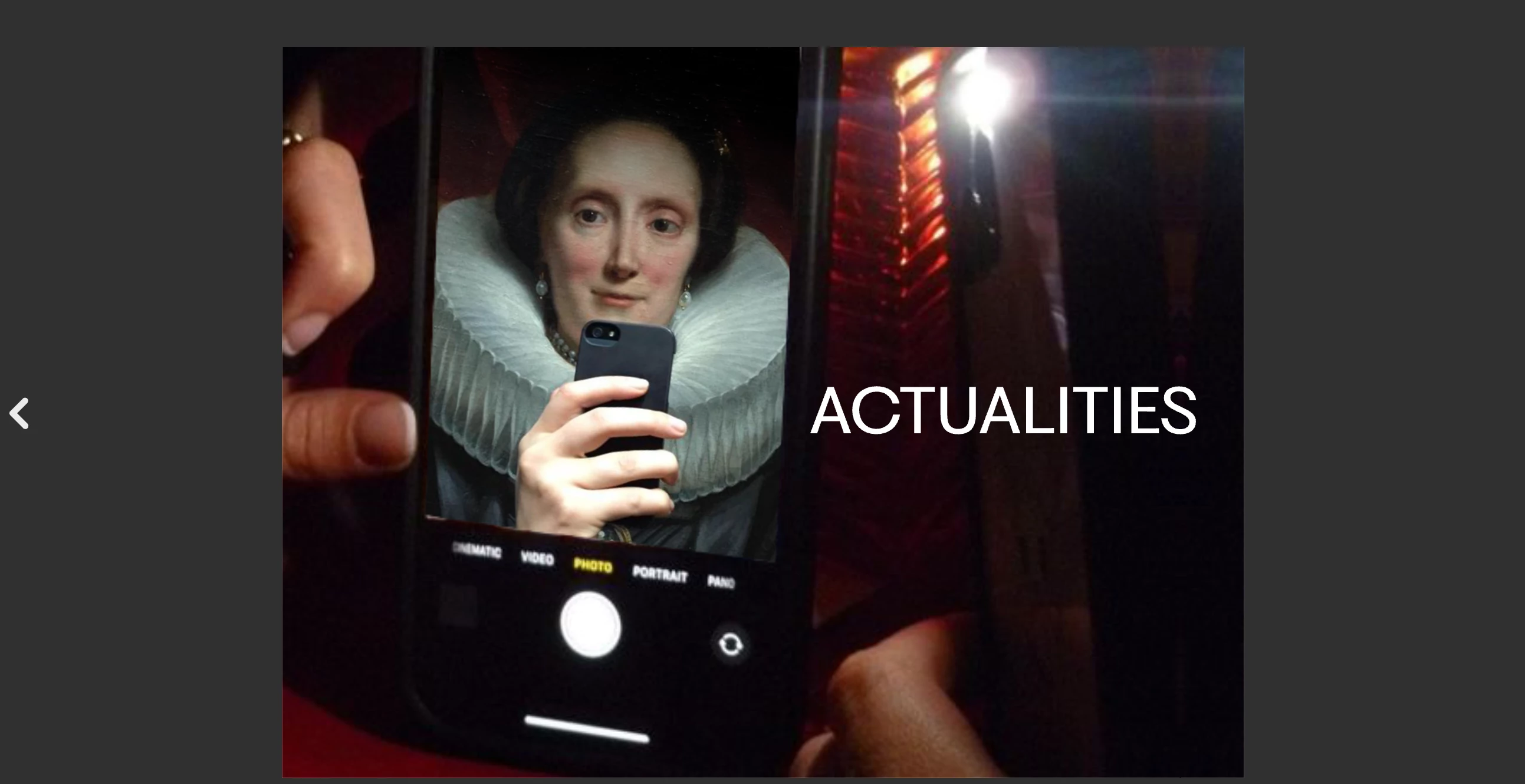
I'm having an issue where after publishing a document online the left arrow becomes to arrow to advance the document to the next page, and the right arrow takes you backwards a page. For example, see the screenshot below, showing page #1, where there is only a left arrow to available to advance.
This only happens when clicking with the mouse, if you use your keyboard arrows, the right advances the document and the left goes backwards.
I've found this errors occuring on multiple documents I've published online, in fact everything for the past 6 months, in multiple browsers. I'm not sure if this was occuring when I initially published these documents - if so clients did not inform me of the problem.
I've tried re-publishing, that didn't help...
My only thought is that this might have to do with my having changed settings for a document in Arabic I made a while ago. However I've reinstalled InDesign and made sure the language of the document is English (it wasn't initially but changing it and re-publishing does not fix the problem).
Any thoughts or help would be hugely appreciated!


 AdChoices