
Punctuation in ID moving to the begining of the sentence...
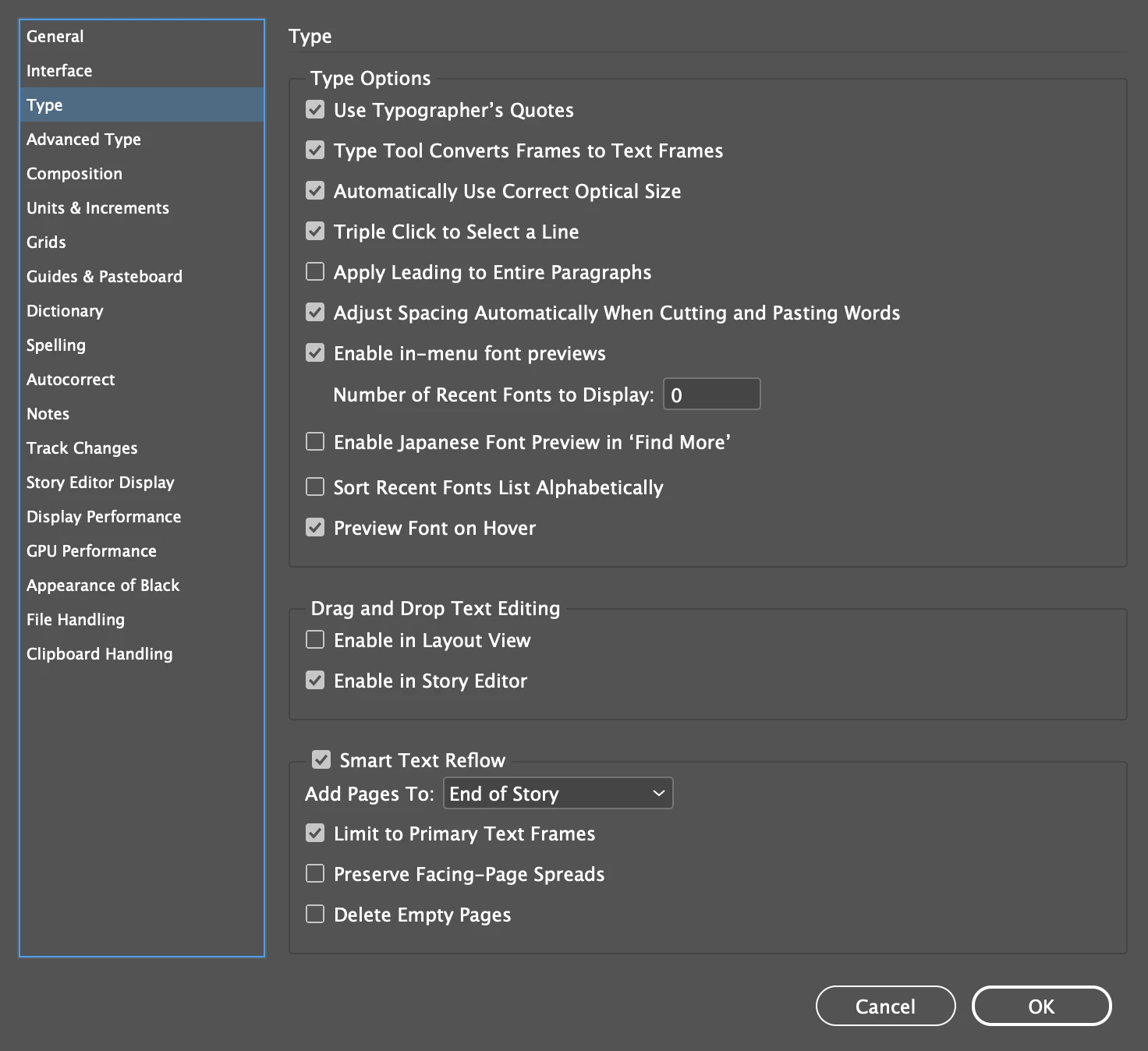
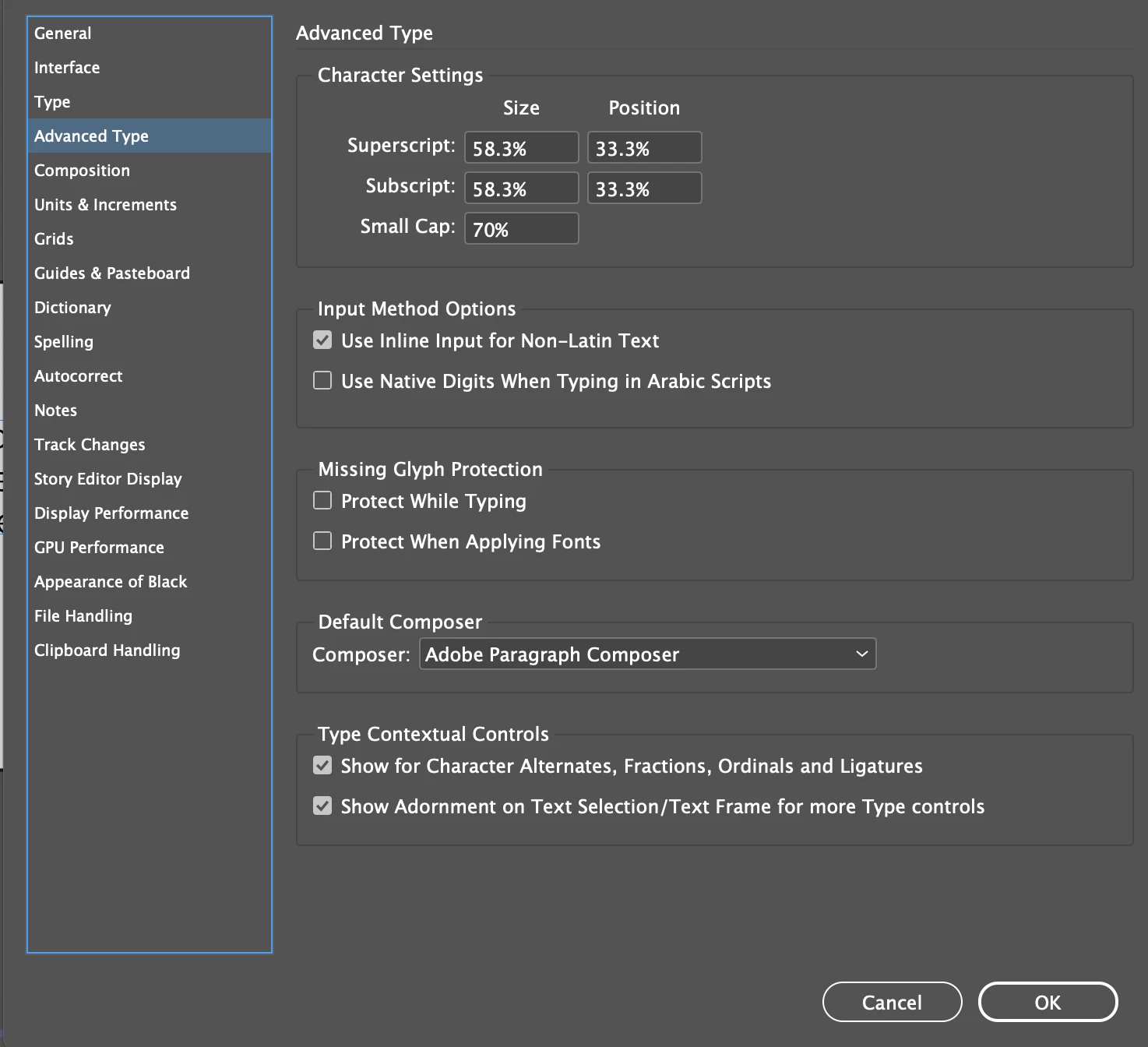
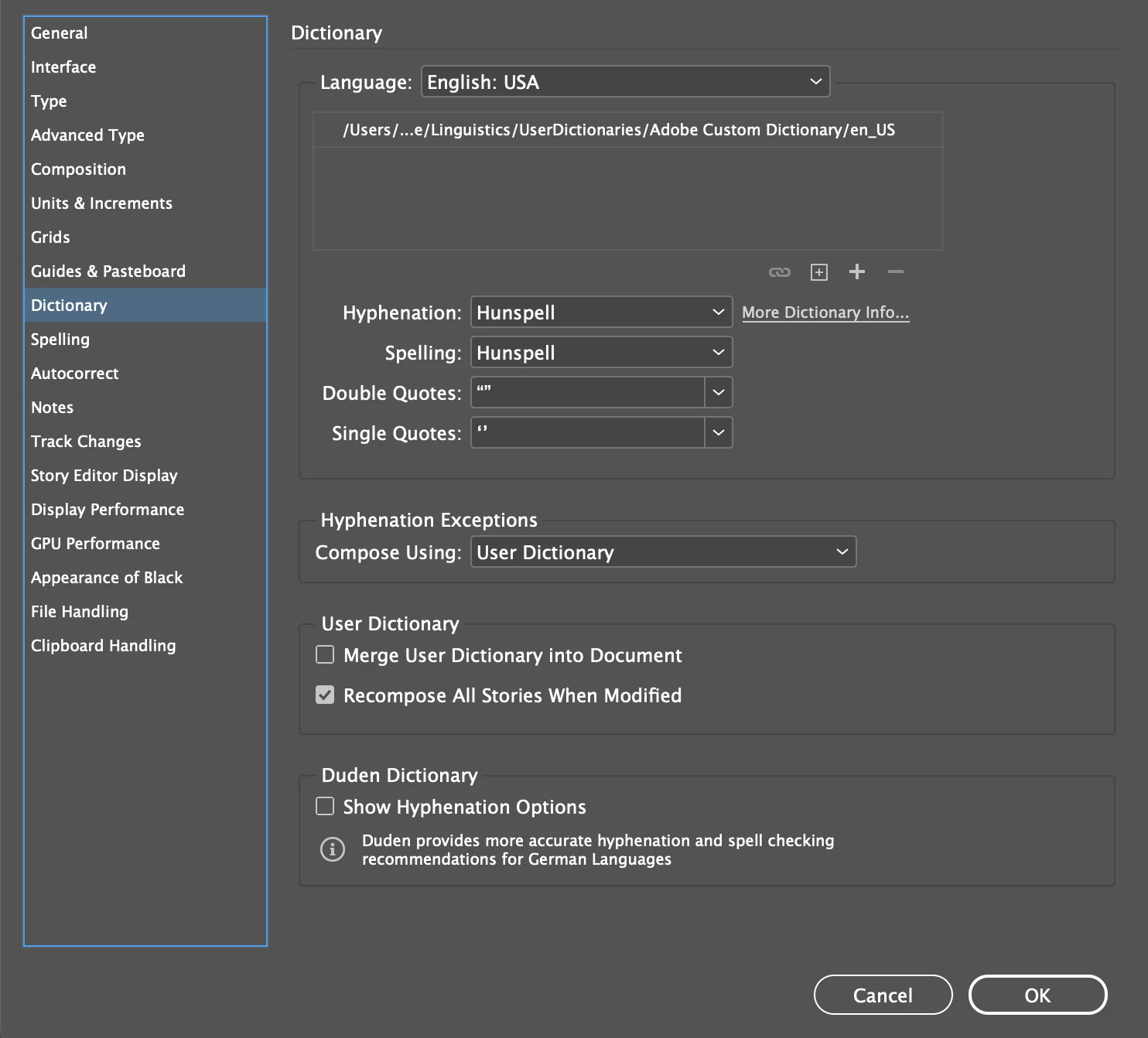
Hello. I am updating a provided InDesign file (from 2017) and am having an issue with puncuation moving to the begining of the line, but only for the first sentence. If I begin to type a second sentence in the same text box, the punctuation reformats correctly back to the end of the initial sentence but then for the second sentence, it moves to the begining of that line (not sentence). I am attaching a screen shot to help make this a litte easier to understand. You can see the exclamation point that should be at the end of the second sentence, after New Year, is now at the front of the third line. This is a setting related to the file. I have switched over to other files and the problem disapears. I have ran through fonts, paragraph settings and text box settings... with no luck. My dictionary is set to English and I am also including screen shots of my type preferences in case it helps at all. I did look for prior discussions on this topic but only saw something similar in the PS forum, and while the issue was the same, the fix does not apply to ID - setting the Type tool from right-to-left justification to left-to-right. This file is 368 pages, or else I would just copy it to a new template. ID does not have this option (that I can see). I appreciate any help and will provide any answers to questions you may have. Thank you very much Adobe Community Members... and have a great New Year!
[the moderator moved the attachments to inline images to make it easier for us to help you.]

 AdChoices