


Participant
February 7, 2023
Question

QR-code generator in indesign

  • February 7, 2023
  • 1 reply
  • 266 views

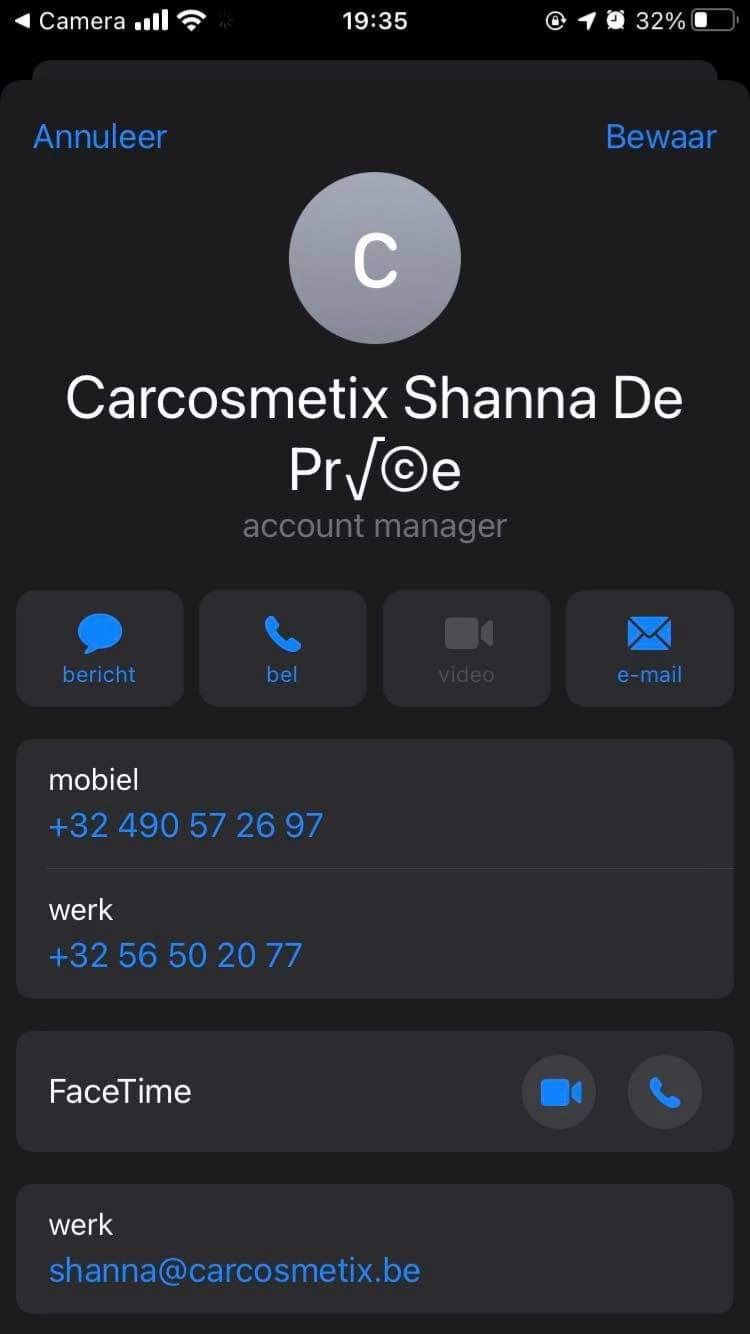
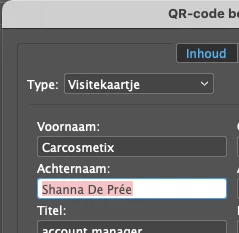
Als ik een QR-code aanmaak, typt ik mijn gegevens in. Meestal lukt dit prima, maar nu had ik een QR-code waarin ik als achternaam Deprée moet typen. Het probleem zit bij 'é'. Als ik later de QR-code scan, zie ik Deprée geschreven als Depr√Ⓒe. Hoe komt dit en wat kan ik doen om dit op te lossen?
This topic has been closed for replies.

1 reply

James Gifford—NitroPress
Legend
February 7, 2023

InDesign's QR code generator, when used to encode vCard data, uses v2.1 of the vCard standard, which does not encode accented characters correctly.


The only solutions are to not use accented characters, use another of the many QR code generators available (although many have features you want to avoid and may "scrape data" from contact info and URLs entered), or encode your own v3.0 or v4.0 vCard information using the 'plain text' option.


The last is not hard to do. Wikipedia has a good summary of the fields and format, and the full vCard standard, while a little long and dense, is readily available.


(I've been working on a tutorial/info resource for the process for a while, but it's not done yet...)