


Question
Random black horizontal lines appeared in InDesign.
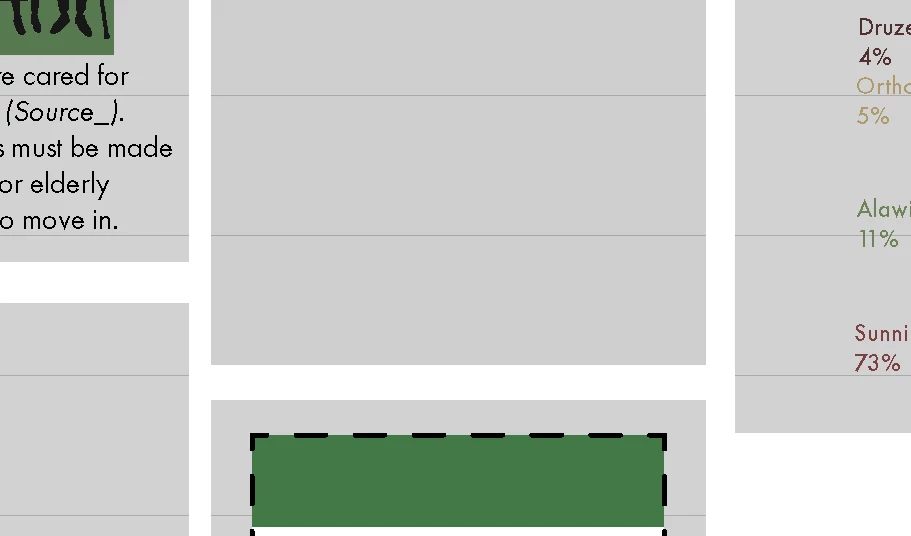
These random horizontal lines have appeared in my InDesign project, and I can't get rid of them. They seem to only be in the grey boxes I've made using the Rectangle Tool - these are black, with the opacity lowered to 20%.
I've tried changing the colour and the opacity. The lines change colour to match the colour selected for the boxes, but when the opacity is at 100% I don't notice the lines.
I've tried turning off all the different grids and guides and also turned off anti-aliasing, but had no luck. The screenshot is taken when in Preview Screen Mode. Does anybody know how to get rid of these and what's causing them?
 AdChoices