

jomajupro
Participant
March 13, 2026
Answered

Rasterization of SVG on PDF export from InDesign

  • March 13, 2026
  • 4 replies
  • 94 views

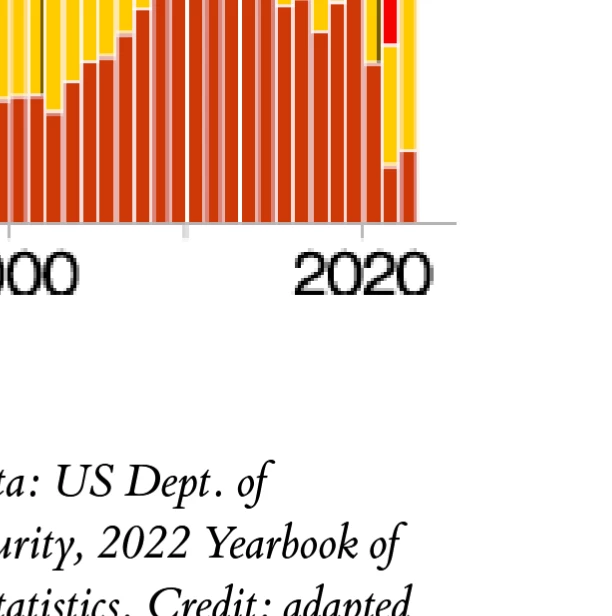
I placed an SVG of a bar chart into an Indesign file, and Indesign is rasterizing the SVG rather than keeping it as a vector. When I export a relatively low-quality PDF for web viewing, this makes the chart look awful. What’s worse, Id is even clipping some of the bottom pixels from its own rasterization. I want this graphic to be vector, because that’s the only way it’s going to look decent--why is that so hard? PDF works great with vector graphics, so it makes no sense to me that Id would rasterize this.

I made the SVG in Inkscape originally and further modified it in Illustrator. It is all paths and (outlined) text--no raster image anywhere in it. I have checked through my Export to PDF options for anything relevant, so I unchecked “Compress Text and Line Art” but that did nothing. Any advice much appreciated.


    Correct answer Dave Creamer of IDEAS

    I opened your SVG file in Illustrator and re-saved it as SVG. Imported the new version into InDesign and exported to PDF, where it was still vector. 

    I suspect you had a bad write when saving the original SVG file. That said, if I have to open it in Illustrator anyway, I would save it as an .ai file.

    4 replies

    Abhishek Rao
    Community Manager
    Community Manager
    March 16, 2026

    Hi ​@jomajupro,


    Just following up on this issue. Could you please share the requested details such as the InDesign version, OS version, and a screenshot of the PDF export settings window? 

    It would also be helpful if you could try the suggestion shared by the expert and check whether the rasterization happens only when gradients are present in the SVG or if it occurs with all SVG graphics.

    I tested a similar export on InDesign 21.2 on Windows 11 and was not able to reproduce the behavior on my end. Having your sample INDD file and the exported PDF would help us reproduce the issue and investigate further.

    Please upload the files to a cloud service and share the link here. If the files are confidential, you can also share them with me via direct message on the community.


    Looking forward to your update.

    Abhishek

    Dave Creamer of IDEAS
    Community Expert
    Community Expert
    March 14, 2026

    Does your SVG have gradients? 

    My tests exported as vector except the gradients--they were rasterized. 

    David Creamer: Community Expert (ACI and ACE 1995-2023)
    BobLevine
    Community Expert
    Community Expert
    March 13, 2026

    It the file is in Illustrator, save it as PDF and place that. I wouldn’t use SVG in anything other than a pure web project.

    jomajupro
    jomajuproAuthor
    Participant
    March 16, 2026

    I had a hunch that an Adobe-native format might work better, too, so I tried placing the images as .ai files, and that worked just fine--exported as vectors on the first try.

    Anubhav M
    Community Manager
    Community Manager
    March 13, 2026

    Hello @jomajupro,

    I'm sorry to hear about your experience. Could you confirm the versions of the OS/InDesign installed, and share a sample INDD and exported file(s) and screenshots of the export settings used so we can better assist you?

    Looking forward to hearing from you.

    Anubhav

    jomajupro
    jomajuproAuthor
    Participant
    March 16, 2026

    Yes. I’m on Windows 11 (though my other workstation, where I processed the data and made the SVGs, is Ubuntu). Indesign is 21.2 x64.

    Attached:

    • an Id file with an embedded vector SVG
    • a PDF exported from that file, which rasterized the vector, and
    • the SVG in question.
    Dave Creamer of IDEAS
    Community Expert
    Dave Creamer of IDEASCommunity ExpertCorrect answer
    Community Expert
    March 16, 2026

    I opened your SVG file in Illustrator and re-saved it as SVG. Imported the new version into InDesign and exported to PDF, where it was still vector. 

    I suspect you had a bad write when saving the original SVG file. That said, if I have to open it in Illustrator anyway, I would save it as an .ai file.

    David Creamer: Community Expert (ACI and ACE 1995-2023)