Participating Frequently
Jul 8, 2021 10:23 PM UTC
Answered

rasterize pdf in indesign

Hi!

I am searching for a way to use pdfs in indesign and to rasterize them there. Now I am opening them before in photoshop to rasterize them. I only need the pdf-image rasterized not the whole page or the hole file, is there any way to do that faster in indesign only without a second program?
rob day
rob dayCorrect answer
Community Expert
Jul 9, 2021 1:51 PM UTC

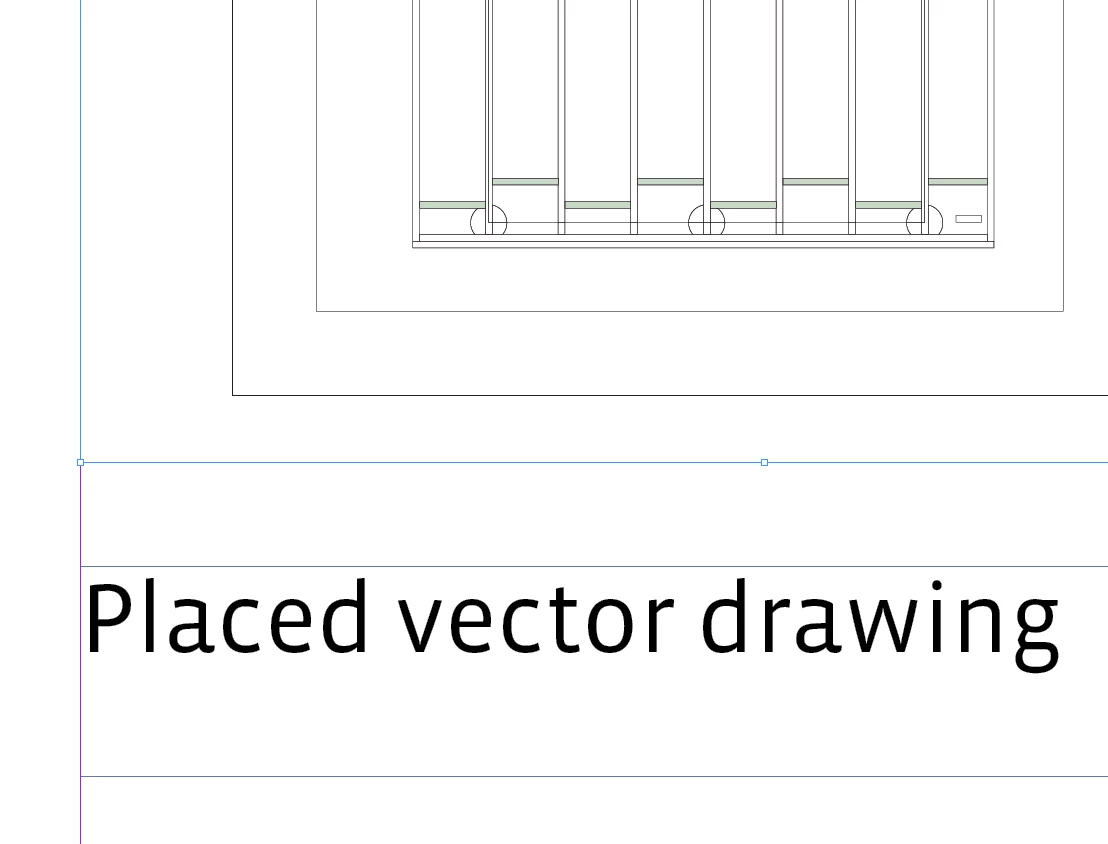
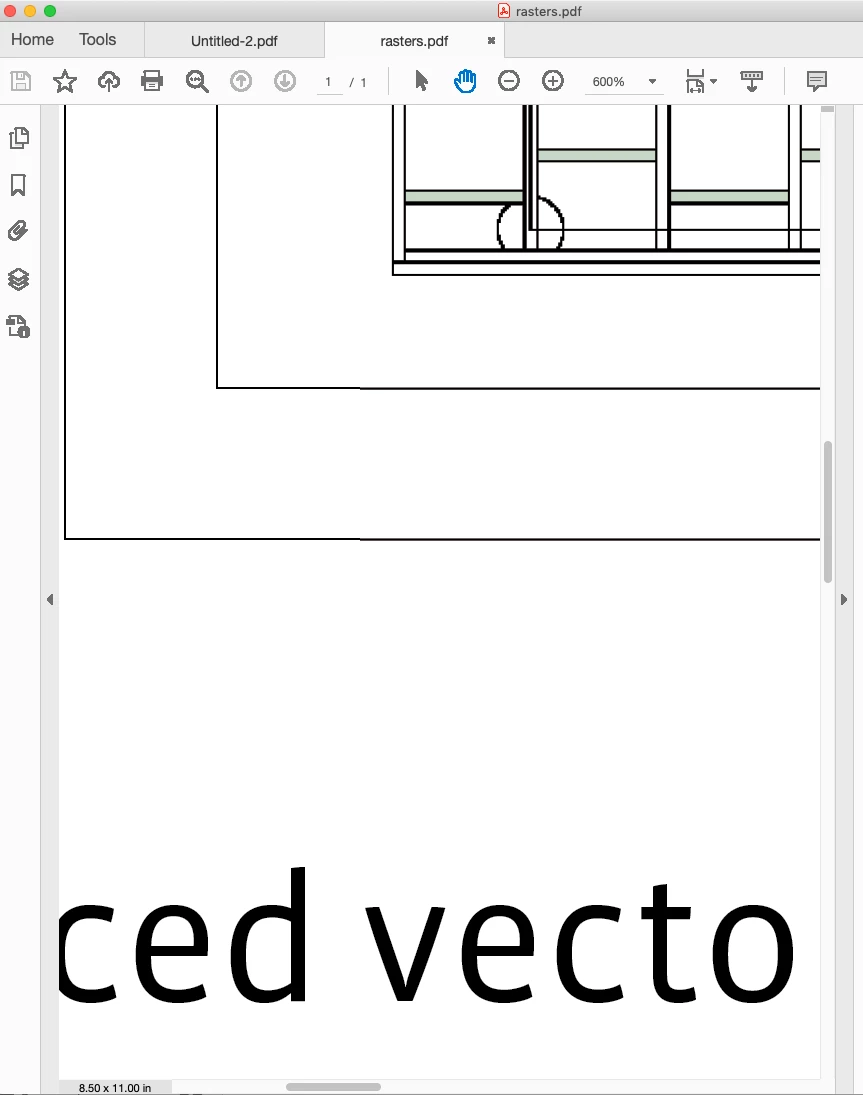
You can force rasters when you export an InDesign page with placed PDFs or vectors as a flattened PDF (Acrobat 4).


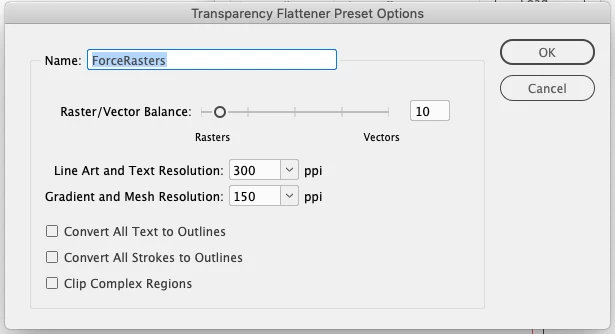
Try creating a Flattener preset with a low Raster/Vector Balance (0 will rasterize the entire ID page), something like this:


Add a transparent object anywhere on the spread and export to PDF/X-1a with the custom Flattener preset selected in the Advanced tab:


11 replies

Participant
Jan 6, 2025 3:30 PM UTC

Hi - I cant find the Transparency Flattener Preset Options in Acrobat. Where do you find it? 

Is there still no way to do this directly in InDesign? It's strange - you have 'expand' in Illustrator, why isn't there something similar in InDesign?


Thanks in advance!

Translate
rob day
Community Expert
rob dayCommunity ExpertCorrect answer
Community Expert
Jul 9, 2021 1:51 PM UTC

You can force rasters when you export an InDesign page with placed PDFs or vectors as a flattened PDF (Acrobat 4).


Try creating a Flattener preset with a low Raster/Vector Balance (0 will rasterize the entire ID page), something like this:


Add a transparent object anywhere on the spread and export to PDF/X-1a with the custom Flattener preset selected in the Advanced tab:


Translate
KL111Author
Participating Frequently
Jul 9, 2021 6:40 PM UTC

Thank you! Both options work for me!

Translate
Dave Creamer of IDEAS
Community Expert
Community Expert
Jul 8, 2021 10:35 PM UTC

Why not export the PDF in Acrobat Pro? You can do multiple pages at once or create an action to do dozens/hundreds of files at once. Then import the image into InDesign. 

Translate
David Creamer: Community Expert (ACI and ACE 1995-2023)
KL111Author
Participating Frequently
Jul 8, 2021 10:43 PM UTC

Thanks for the answer: There are two problems: it is again a 2 program work

second: Acrobat pro tells me that there is no image to export when I want to export the pdf as png. That is correct because it is a vector drawing so it does not solve the problem.

Translate
KL111Author
Participating Frequently
Jul 8, 2021 10:52 PM UTC

I think it is a misunderstanding: I need the whole pdf which is a vector drawing rasterized to layout it in indesign and I am searching for a way to rasterize it in indesign itself

Translate