

Reducing File size for Kindle/Amazon eBook publishing?
QUESTION: Is there a way to reduce the output pdf size of my picture book but maintaining image quality WITHOUT individually adjusting each picture in Photoshop or doing a whole new layout?
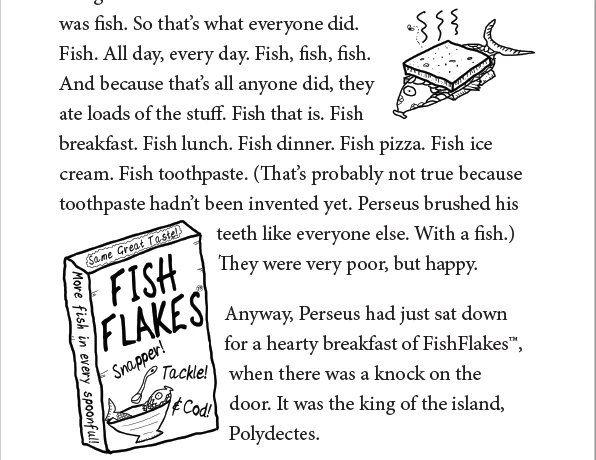
CONTEXT: I'm publishing a middle grade reader eBook exclusively through Kindle Direct Publishing. The book has a lot of text but also a LOT of illustrations ( approx 250) - These pics are fairly simple black and white line drawings (examples below). Because it has lots of pictures it is fixed layout.
Amazon however charge for eBook 'delivery', price dependent on the file size of eBook, so obviously smaller is better.
Amazon has a tool to convert from pdf to .kcf (which they then convert to MOBi for publishing on the kindle store).
I did the layout of the book aimed at print - each doc size is 5.25 x 8, and all the pictures were drawn at 300 dpi. The majority of the pictures are sized at 100%, so the actual dpi and effective dpi are similar 80% of the time. The book has been test printed and looks great. The pdf sent to the printer was 40mb.
I'm currently just exporting the print layout version. With some tinkering in the export settings of Indesign, I managed to output a pdf that came in at 25mb and still maintain nice sharp images. (Still too big tho to make financial sense on KDP. ) Any smaller using the export panel and the images suffered.
Using smallpdf.com, I created a version from this 25mb pdf that came in at 14mb and still had nice sharp images. Now it's financially viable BUT smaller would mean more money from royalties and less money to Amazon.
So, is there a way prior to using the export settings from Indesign to reduce the file size that doesn't involve a ground up rebuild? I know I could do an ebook version, and go through and individually adjust all my illustrations to 75 dpi then re-layout the book, but that is quite an epic task, and I have a lot of marketing and promotion tasks that now need to take priority. Or is 14mb the best I can do (while still maintaining image quality)?
Final note: This has been my first significant project with Indesign and I'm self taught, so I've made plenty of mistakes from the get go. None of the pictures are anchored to text and they all have transparency. Don't know if that makes any difference to size but thought I'd mention it. There's probably a load of other stuff as well.
Illustration/page example:
 AdChoices