

Answered
Relink or update placed image to apply photoshop clipping path with Javascript
Is there a way to update a placed image to apply the Photoshop Clipping Path via Javascript? I need to use the path associated with a placed image in a script, but can't be sure that it was placed with the path, as with the import options dialog below.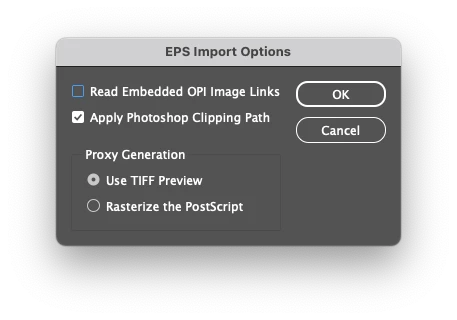
I have tried setting app.epsImportPreferences.epsFrames to true, and using placedImage.relink() with both a filepath and a file object, but it doesn't apply the path. I also tried placedImage.reinitLink(), but wasn't able to get that to work either.
Is this not possible with Javascript?


 AdChoices