

Relinking > Wrong File Dates
This is a minor, almost inconsequential bug, but it might concern some. If you know about it, you can ignore it until a slipstream update fixes it.
If you are relinking some files – for example, replacing .psd files with exported .jpg files to prevent the file from crashing InDesign 19.4, which is what I was doing – it might cause some concern.
Here is what I see when I am thusly relinking a bunch of .psd files to .jpg files. (I had to move the .psd files out of the folder to a backup folder just to get InDesign to open the file without crashing, even when opening an .idml file – recent updates to InDesign have solved a lot of problems and added a lot of features at the cost of making InDesign unable to open large files without crashing, large files that previous versions could open.)
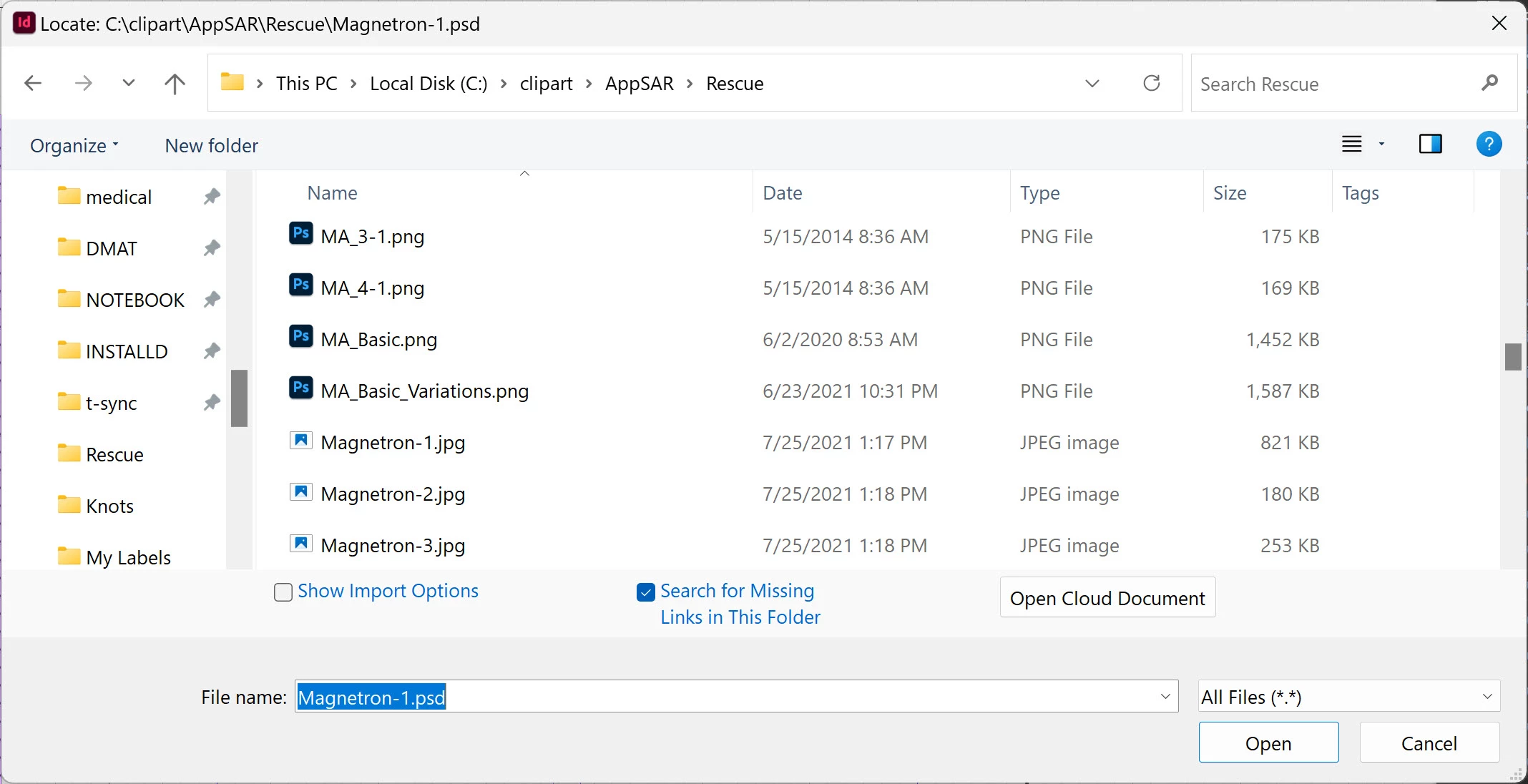
Note the file dates for the Magnetron files. Now, here is what Windows File Explorer (actually Directory Opus which is a wonderful replacement for File Explorer) shows:
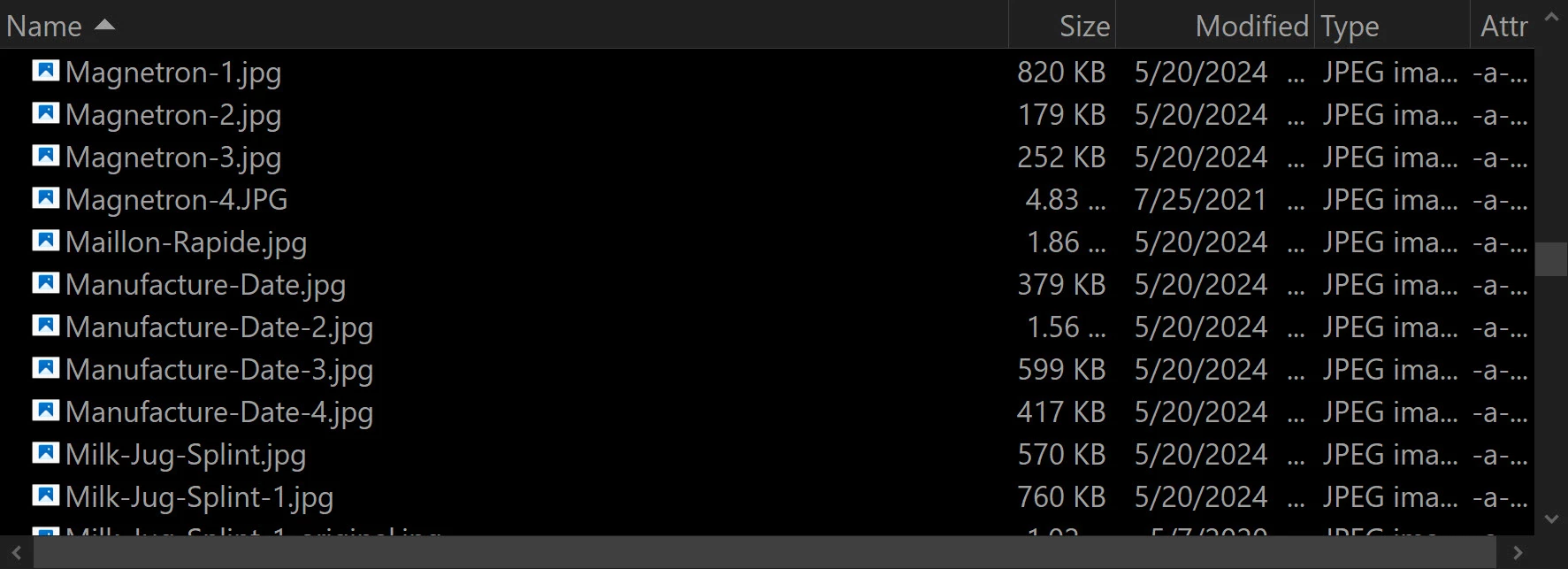
As far as I can tell, it is indeed the properly-dated files (ones I just exported from the .psd a few days ago) that are being linked, not some older version that's not even there anymore.


 AdChoices