Answered
Remove gradient feather from object stroke?
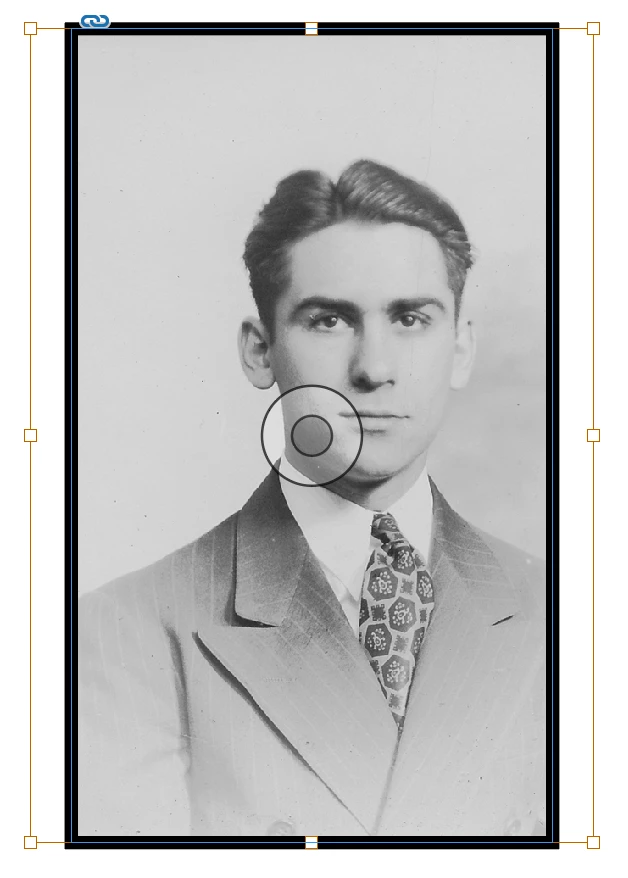
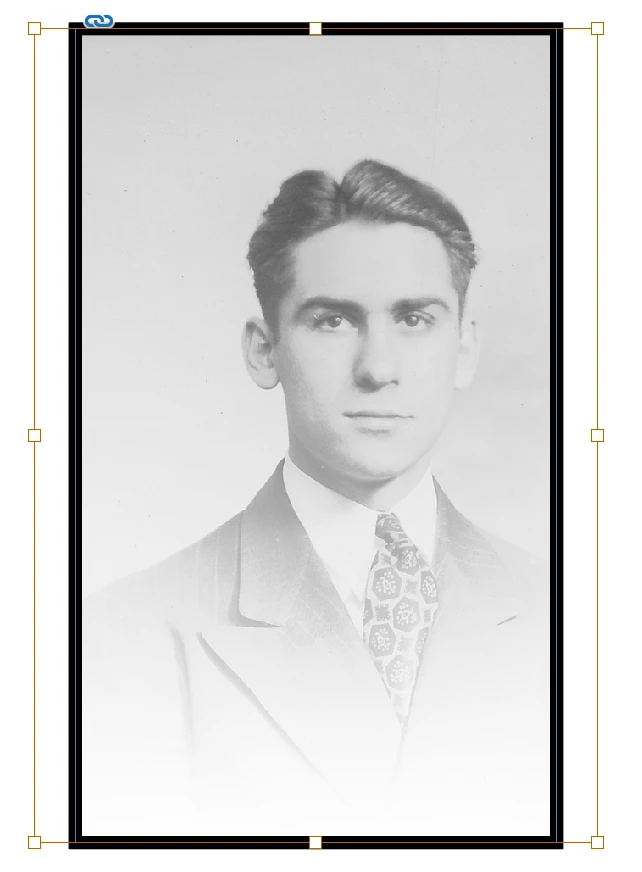
I have applied a gradient feather to a picture but do not want it applied to the stroke (border) of the picture. Is there a way to do this without having to create a new border around the picture?

I have applied a gradient feather to a picture but do not want it applied to the stroke (border) of the picture. Is there a way to do this without having to create a new border around the picture?
Hi Nate:
That's because you are adding the feather to the frame. Select the image (click the donut in the center) and then add the gradient feather to the image.
~Barb
Already have an account? Login
Enter your E-mail address. We'll send you an e-mail with instructions to reset your password.
 AdChoices