Participant
September 15, 2025
Answered

Remove pagenumber in a template

  • September 15, 2025
  • 1 reply
  • 93 views

Hi!
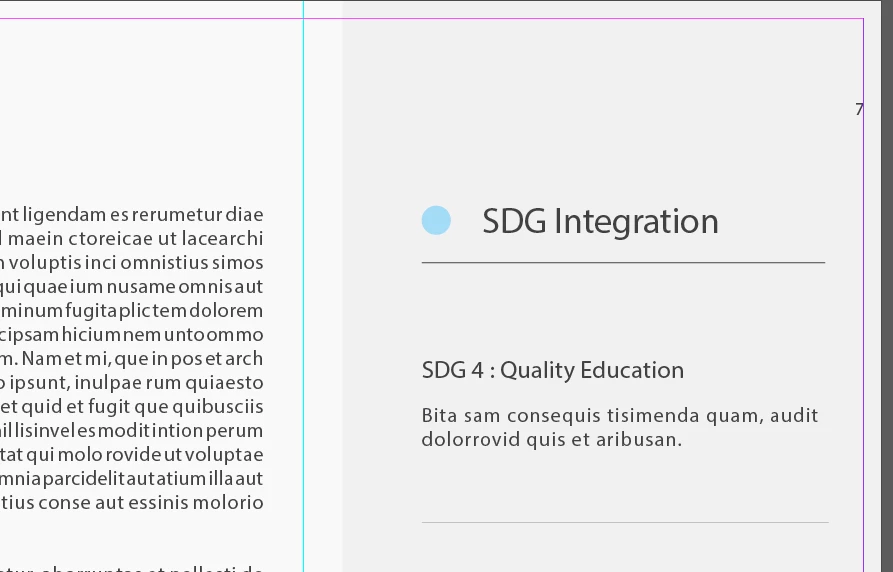
I downloaded this magazine template for InDesign. and I can't figure out how to remove the pagenumbers in the upper corner.
I've tried just about everything I can think of, but I can't remove it.

Any suggestions would be greatly appriciated. 
Correct answer RvdT

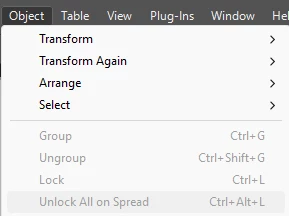
Unlock a locked object:

Locked Layer


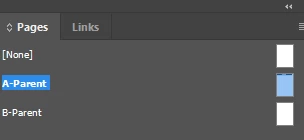
And/or on a Parent page.

You can Ctrl+Shift click on the text frame.

1 reply

RvdT
RvdTCorrect answer
Inspiring
September 15, 2025

Unlock a locked object:

Locked Layer


And/or on a Parent page.

You can Ctrl+Shift click on the text frame.

Participant
September 15, 2025

Thank you very much!