Balaji Murugesan
Known Participant
October 3, 2023
Answered

Remove paragraph override after removing paragraph marks

  • October 3, 2023
  • 1 reply
  • 300 views

Hello,

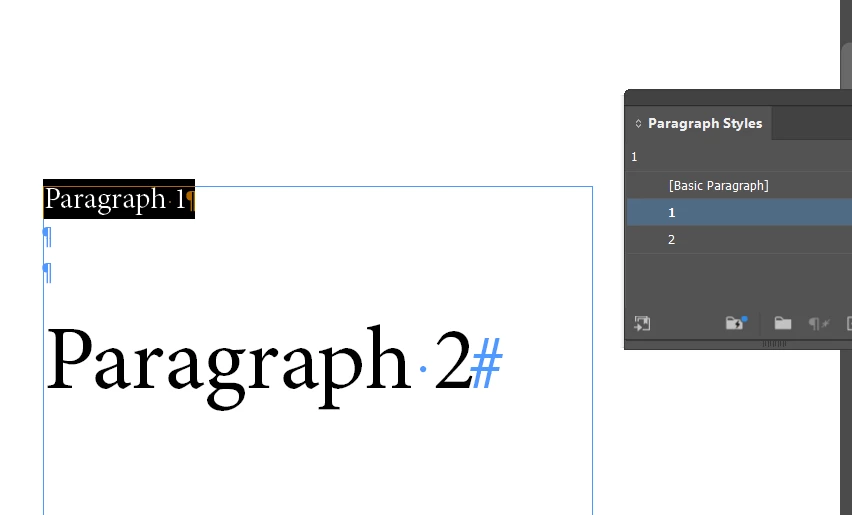
Step 1: The 1st paragraph uses the "1" paragraph style.

Step 2: The 2nd paragraph uses the "2" paragraph style.
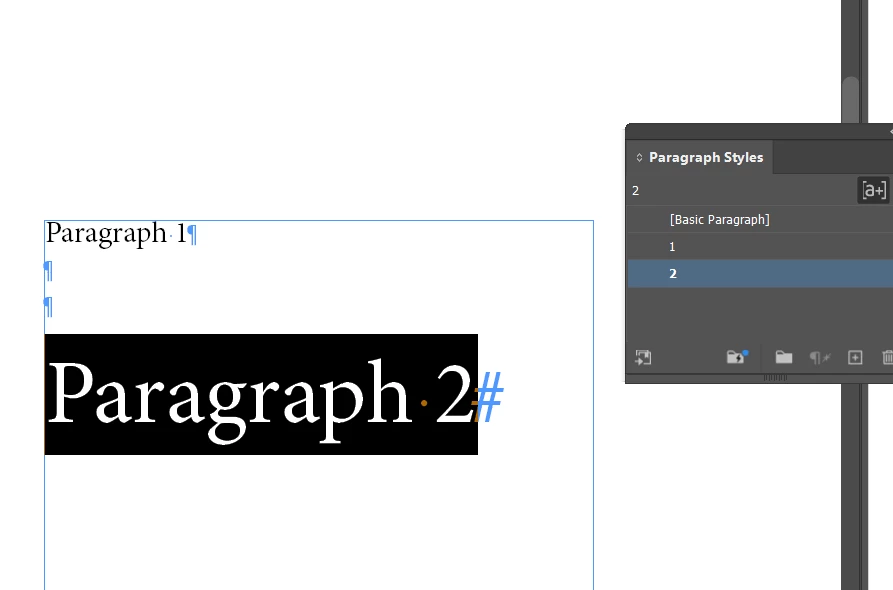

Step 3(required): After removing the 3 paragraph marks, the 2nd paragraph style automatically wants to change based on the 1st paragraph style.
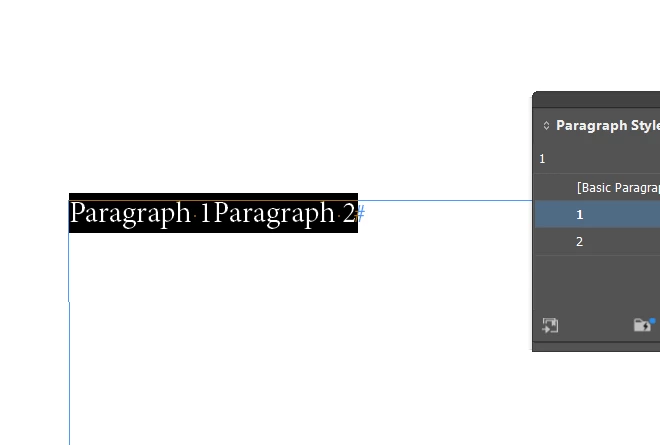


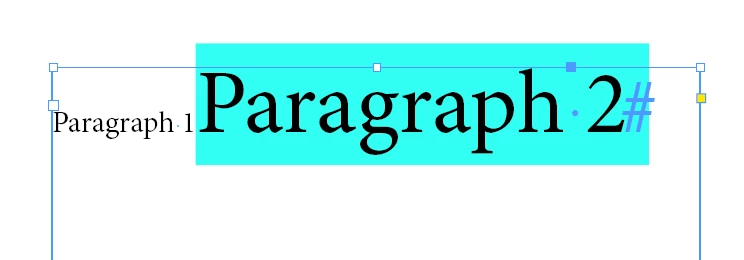
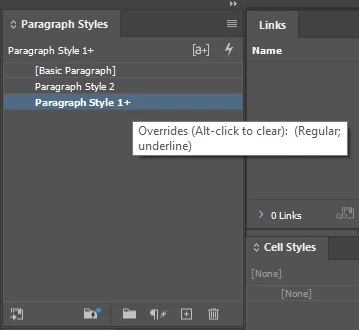
But the result is: that the 2nd paragraph retains character attributes and shows paragraph overrides.

There is a setting available to get the result same as in step 3?
 

This topic has been closed for replies.
Correct answer Robert at ID-Tasker

No.


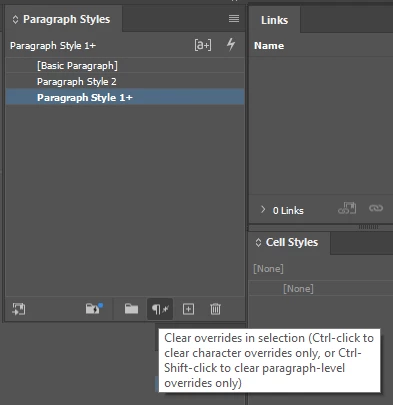
As you have different formatting in the "2" ParaStyle - InDesign is keeping it as a local override - if you want to clear it - you need to:

or


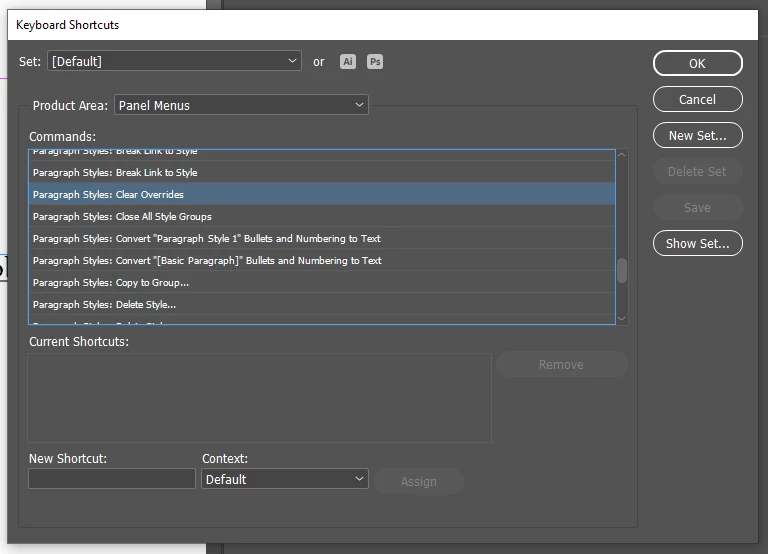
or you can set up Keyboard Shortcut for that:


1 reply

Robert at ID-Tasker
Robert at ID-TaskerCorrect answer
Legend
October 3, 2023

No.


As you have different formatting in the "2" ParaStyle - InDesign is keeping it as a local override - if you want to clear it - you need to:

or


or you can set up Keyboard Shortcut for that: