



Question
Remove Templates: Adobe Stock
Is there a a way to 'Remove Templates: Adobe Stock' from the 'Saved' presets?
I was showing my students, that if you select any of the 'Adobe Stock' templates, it will be saved there. I just didn't know that you can't remove them at all!
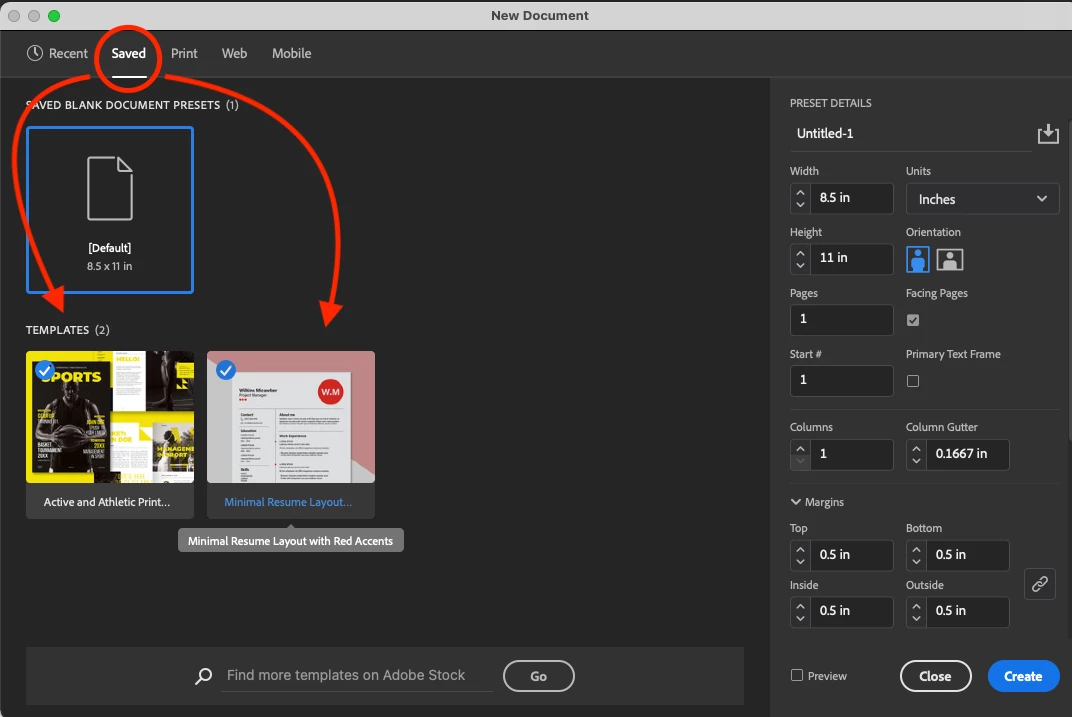
• I did try to un-install and re-install Adobe, but because it is a part of my account, it still shows up!
• I even went to Adobe Stock to un-save it but couldn't do that
Any ideas?


 AdChoices