
Removing blank pages that still contain page breaks
I'm relatively new to ID and working on a long document (300 page book) made more complicated by the inclusion of nearly 100 photographs. I've worked my way through it, probably less than efficiently, but have got there. It's been a great way to learn.
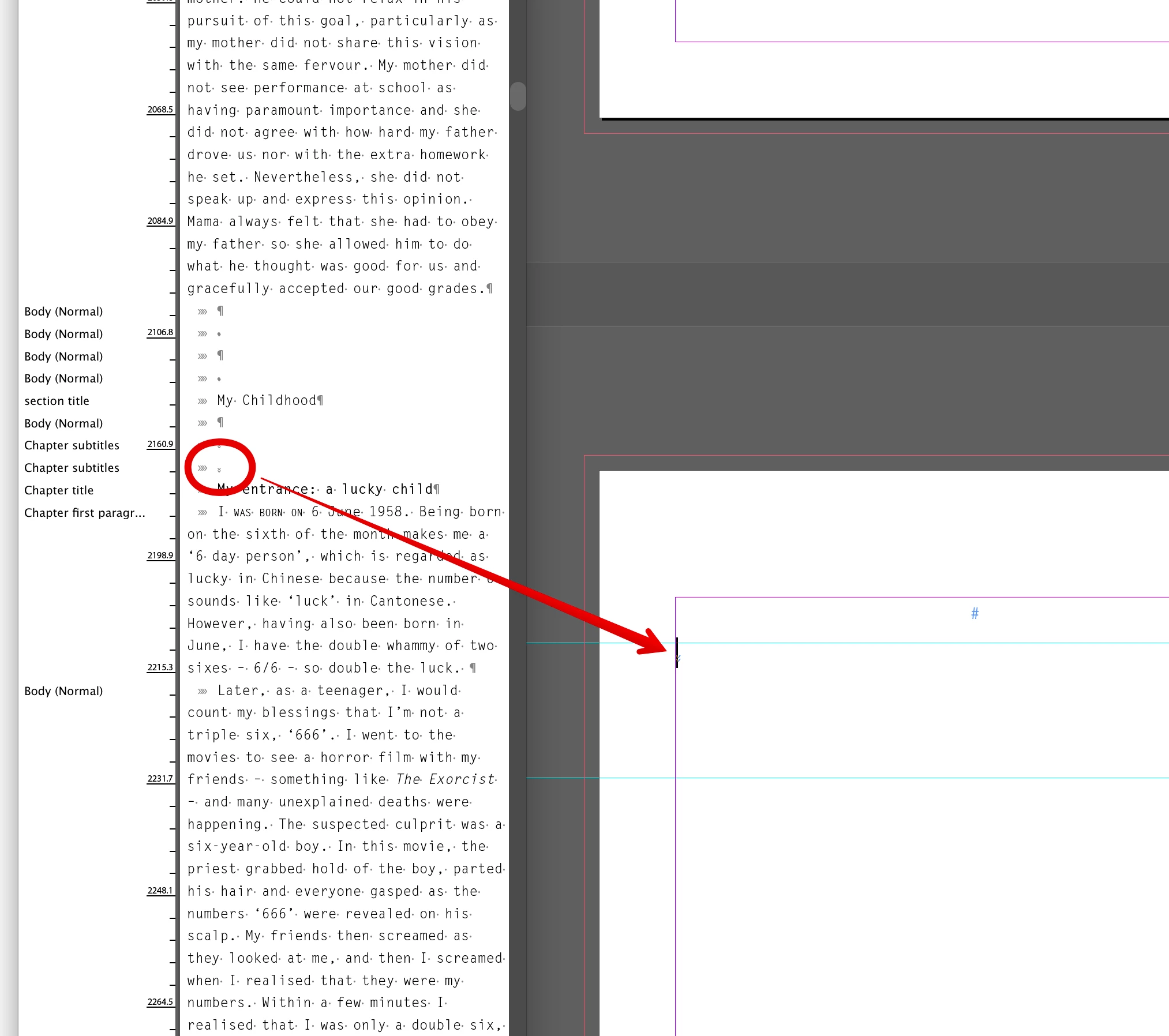
Along the way I ended up having a few unwanted blank pages. Some I was able to delete because they contained no content at all, but there are a couple that I could not delete because doing so completely messed with the flow of text. So instead I just moved those blank pages to the end of the document where they're out of the way. The problem with those pages is that they contain a text frame, and that text frame contains a page break character that I obviously inserted at some point. That page break sits in the story at the point where it was originally added, and so the text flow is from that original page to the blank page and then back to the following page (if that makes sense. In other words, from say page 75 to page 300 – where I've moved it to the end – to page 76). Now if I try to I delete either the page break character or the page, a complete mess is created.
The blank pages aren't really the problem, but I'd like to know how to avoid this problem in future and how to fix it. I'd like to be able to remove the special (page break) character without it causing a reflow of text further up the document.
Apologies if that's all a bit unwieldy!
 AdChoices