

Answered
Removing bounding box lines
Hi everyone.
I have imported a few .PSD images to make my work manuals, but they all show this small little line on there the most outer bounding box is.
How i i remove/hide this? Because for me it is really disctracting and it gives me a hard time having a complete view of the page.
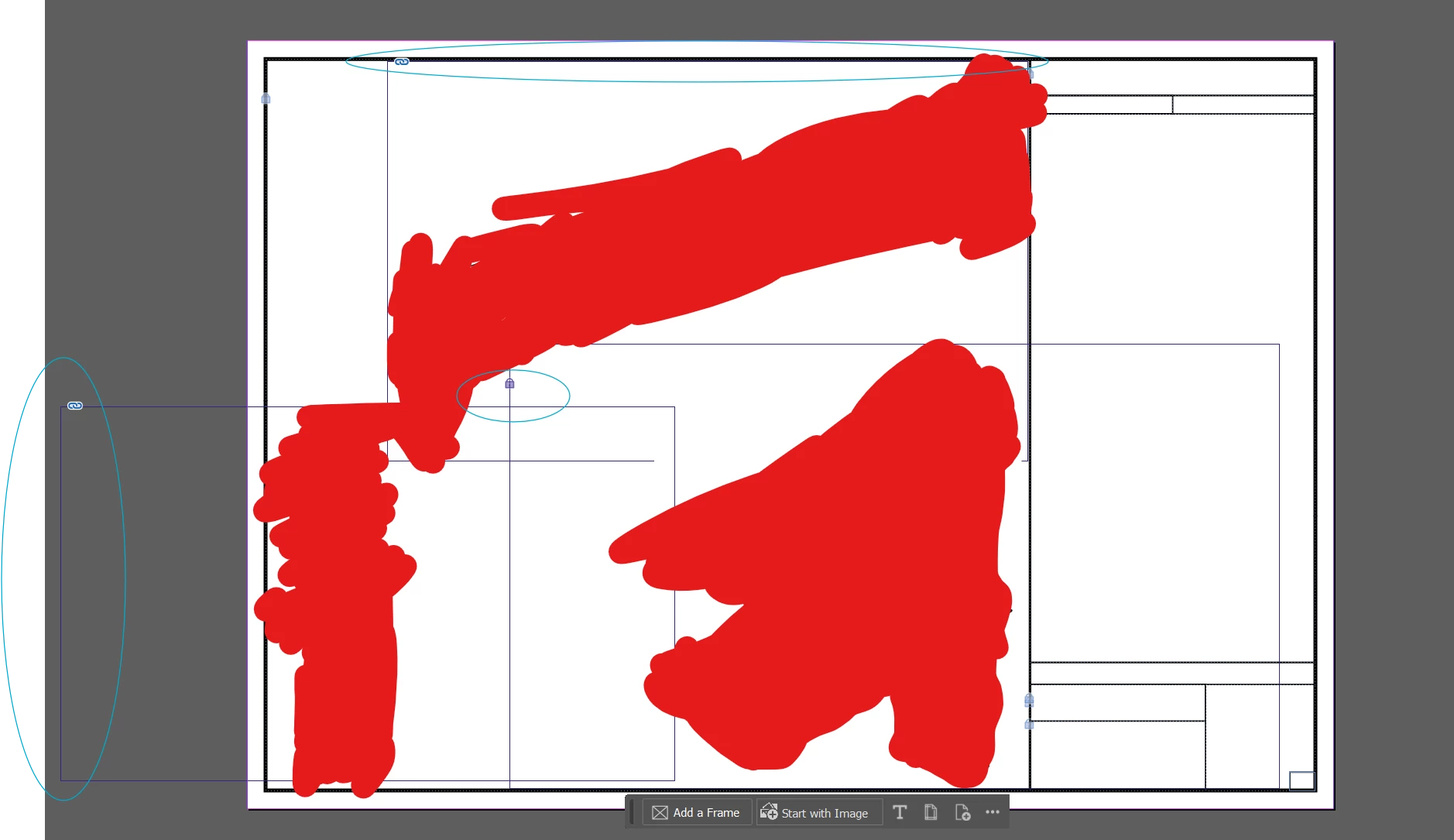
The stroke is already set to 0, and the color is transparent, so it is not a stroke problem.
Apologies for the red color, but i dont know how HQ feels about me putting the brand new manuals on the internet.
Thanks already!
-Nick



 AdChoices