Vraja Devi Dasi
Inspiring
January 24, 2019
Answered

Resizing document, text frame doesn't change accordingly

  • January 24, 2019
  • 1 reply
  • 1235 views

Hey guys!

I did a layout for a book, and now I want to make a smaller edition.

I changed the document size in Document setup and also I changed the margins, I also updated the master page's text frames and margins.

The result I got was that everything was the right size except for the text frame that was left in the same size as the previous edition.

My question is:

1. Is there a command to fix all the text frames to fit the master page text frame?

2. If not, is there a way to control or find and change all text frames to specific size and position?

Thanks to those who take the time to answer:)
This topic has been closed for replies.
Correct answer Laubender

Hey Uwe!

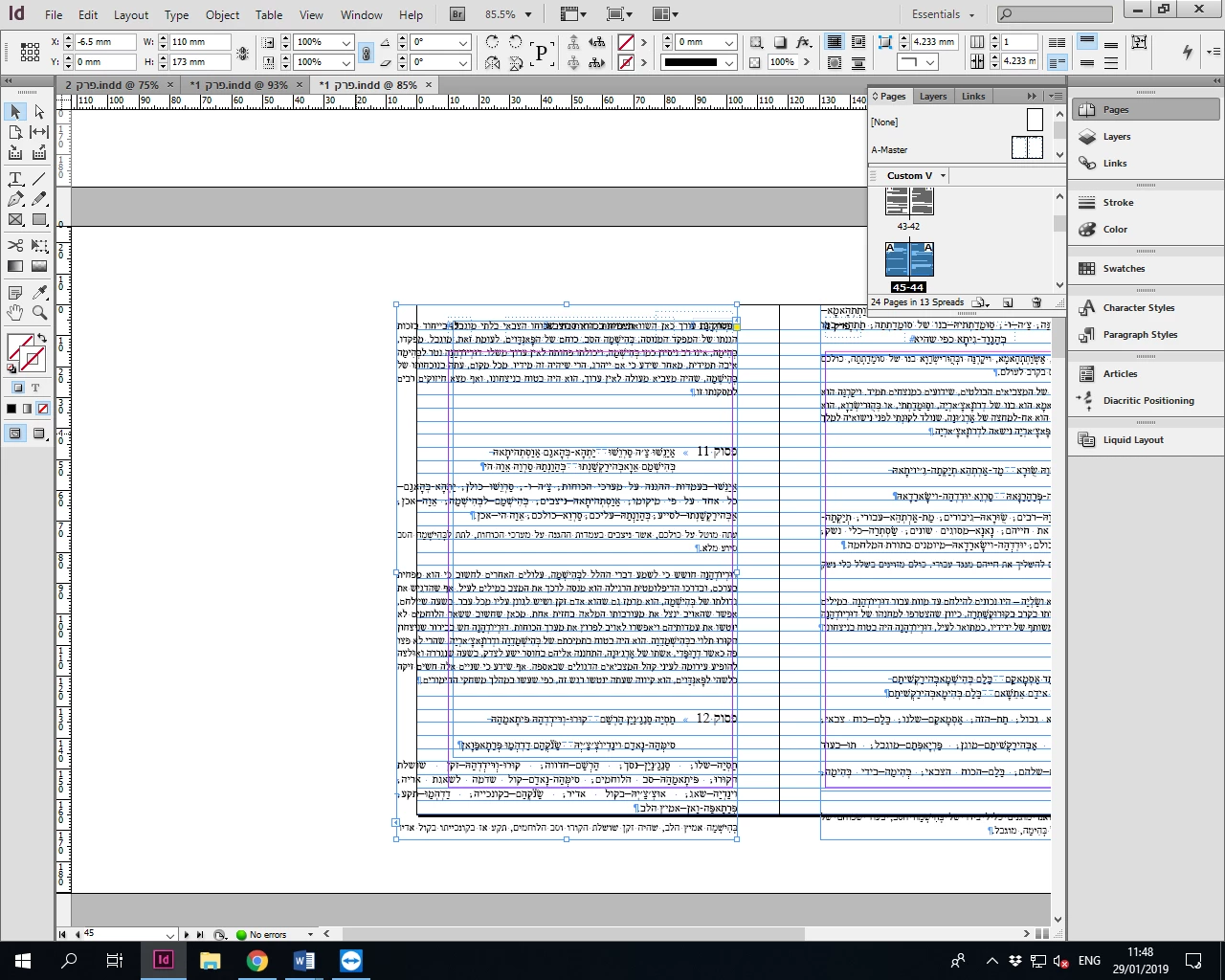
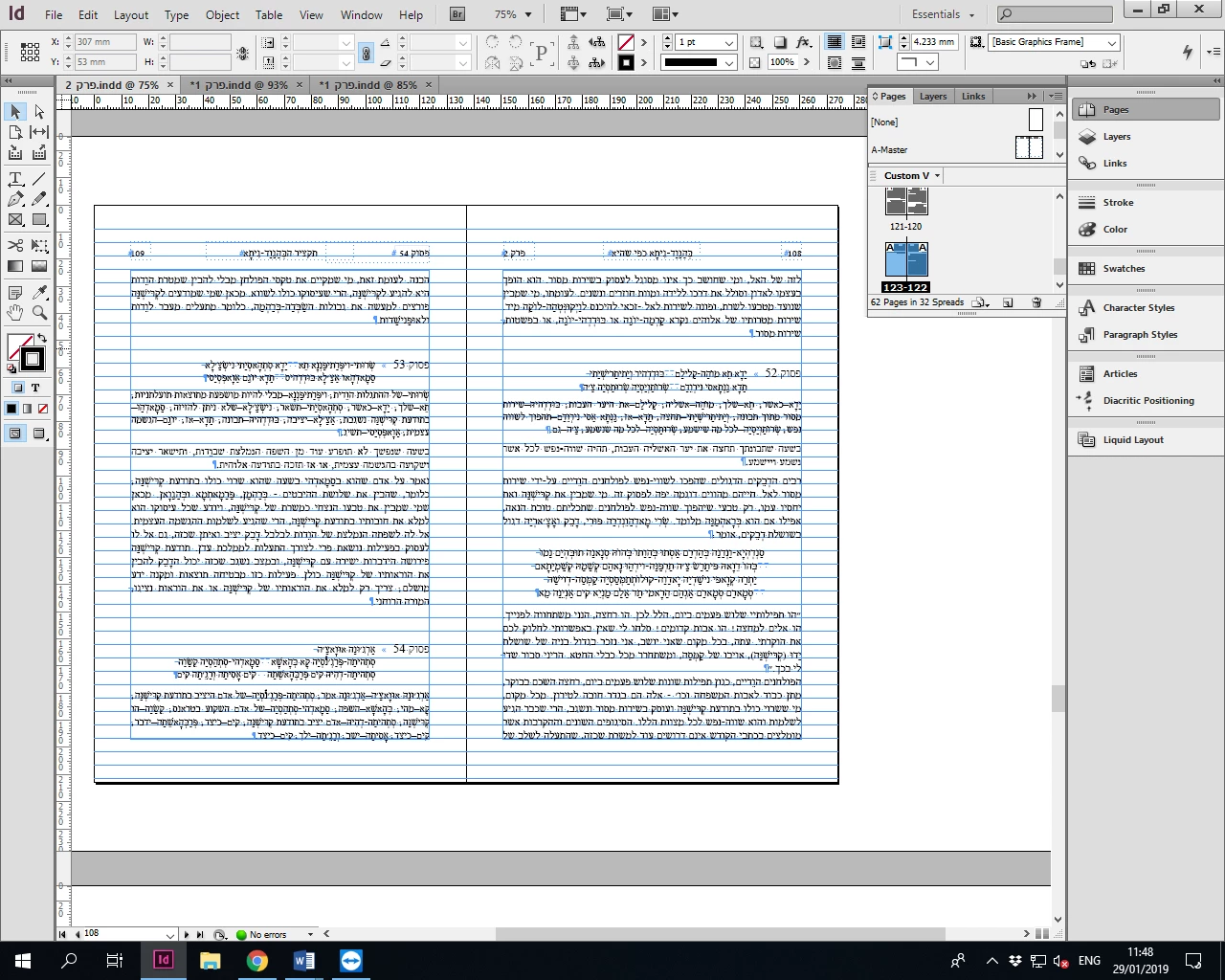
I'm adding two screenshots, the first one is the original layout,

the second one that same layout that I changed it's the size in Document Setup and in Margins and Colums:

The second thing is that I have extra text frames in each page, empty ones, I guess they were created automatically when I used the text flow...


Hi,

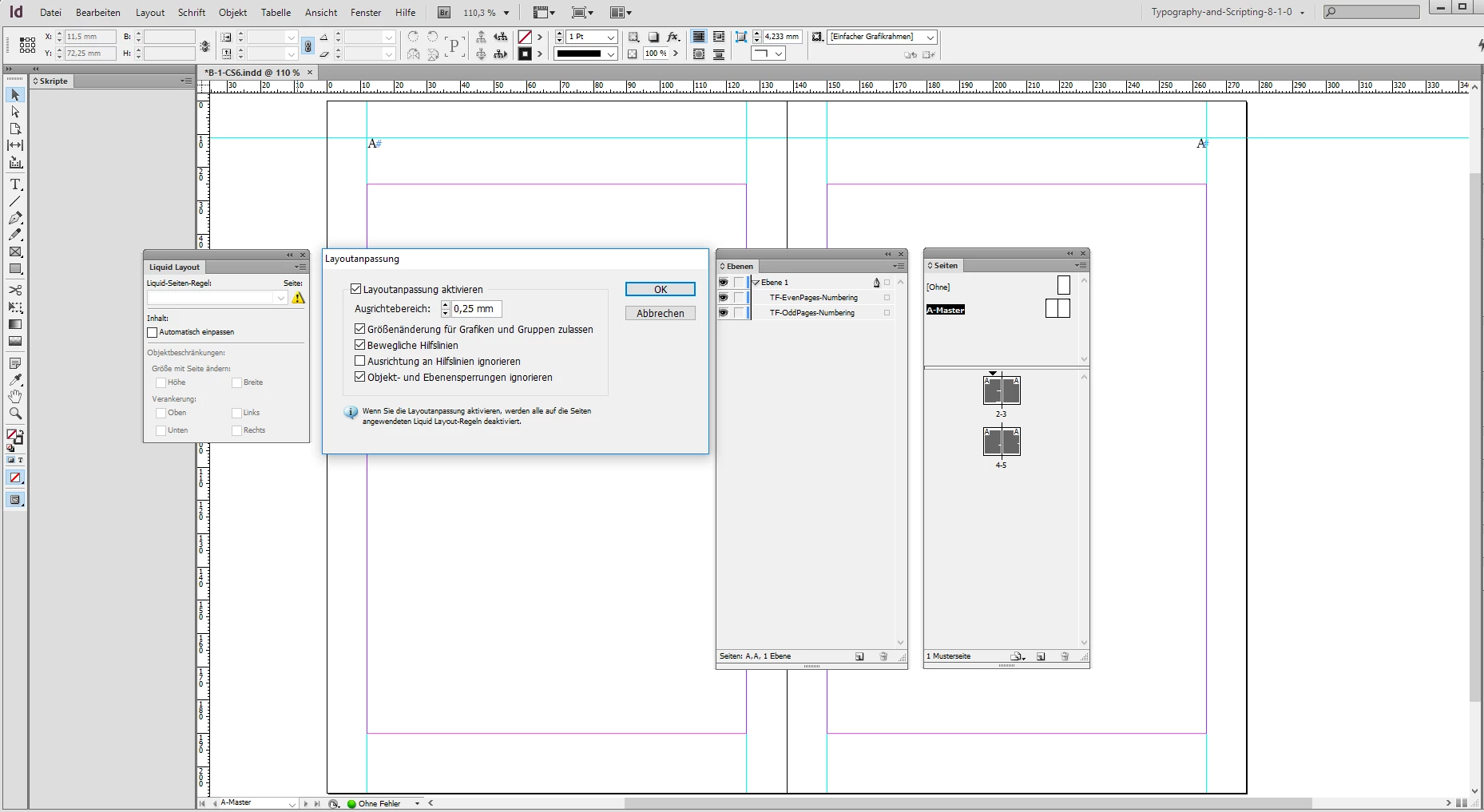
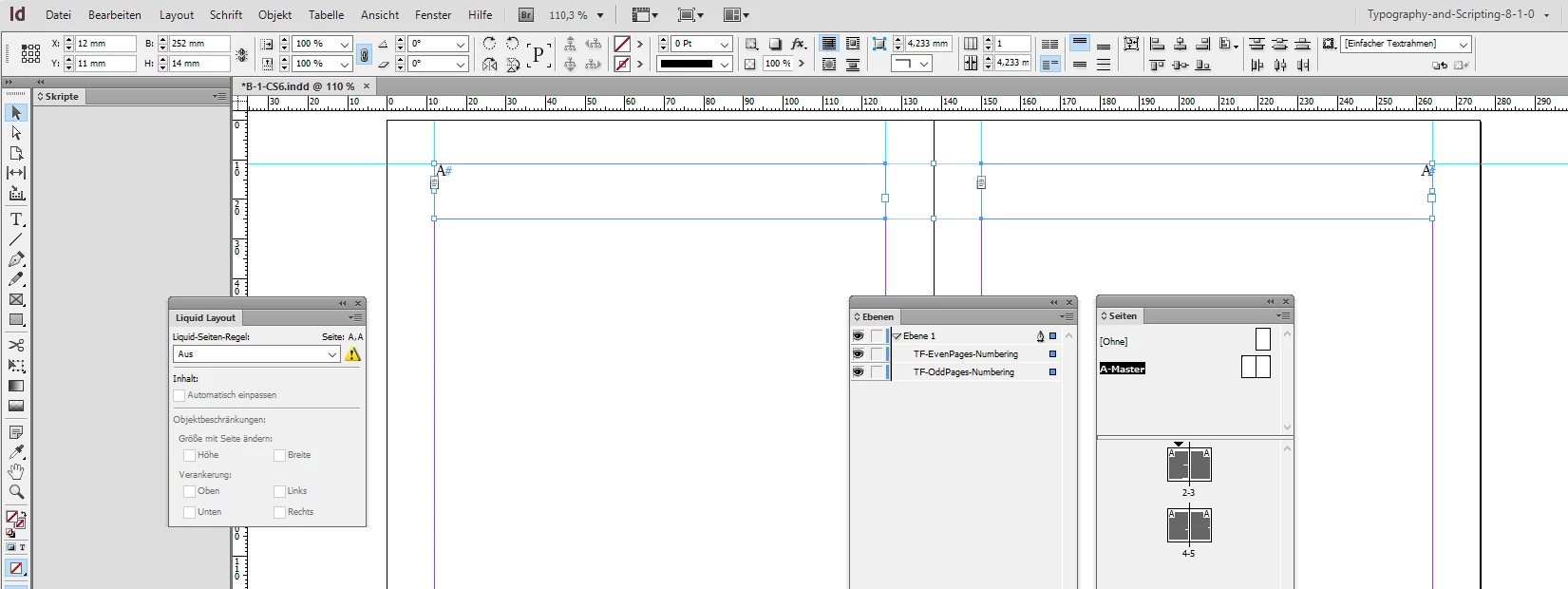
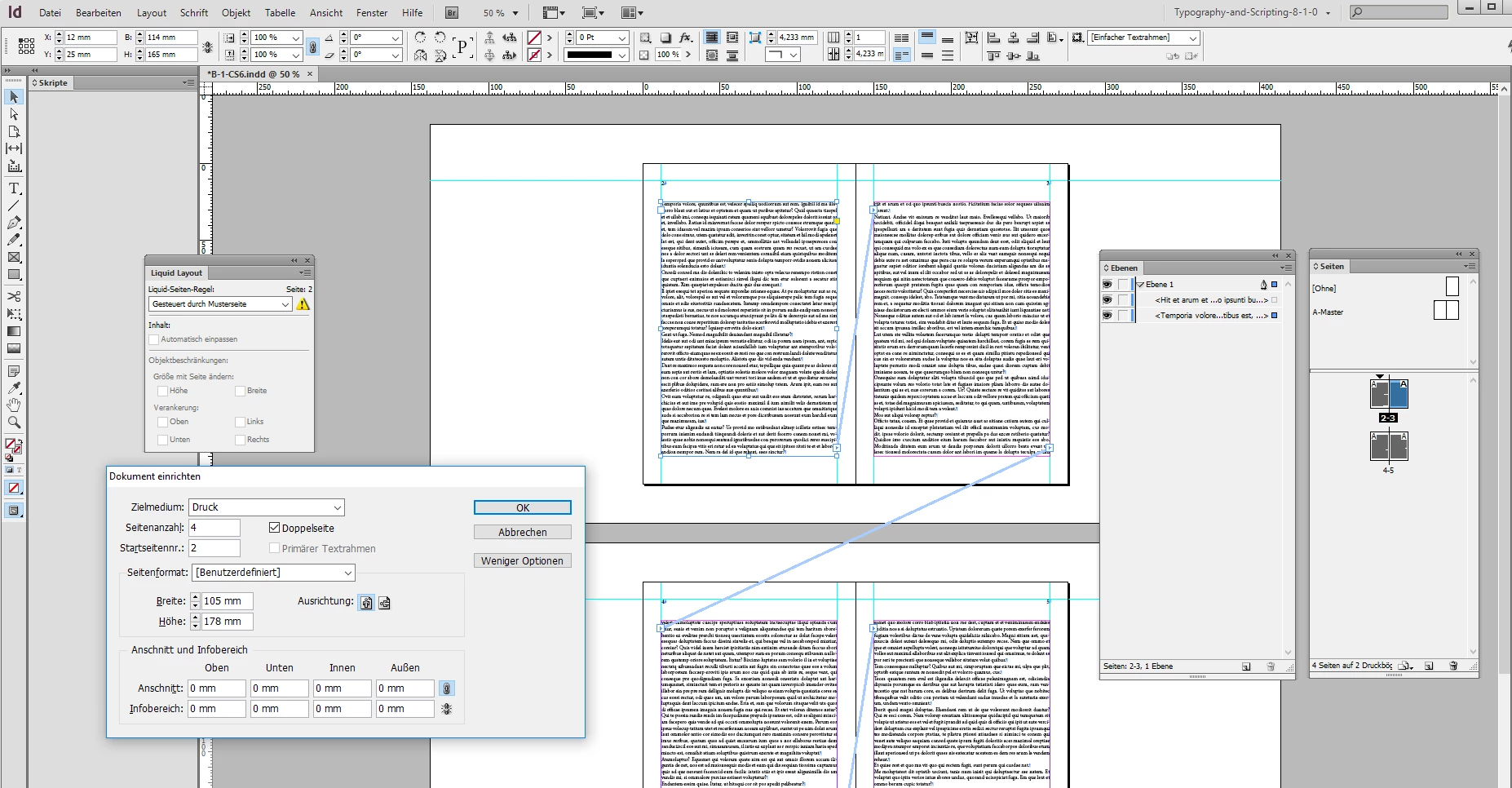
let's see into this. CS6 is open. I made a dummy layout with one A-Master spread like that:

Layout Adjustment (Layoutanpassung) is turned on. All settings by default.

Note the sparse use of guides on the master. Two text frames holding the page numbering. The top horizontal guide is positioned on the top edge of the two text frames. The margins of both pages are set for holding the text frames on the document pages.

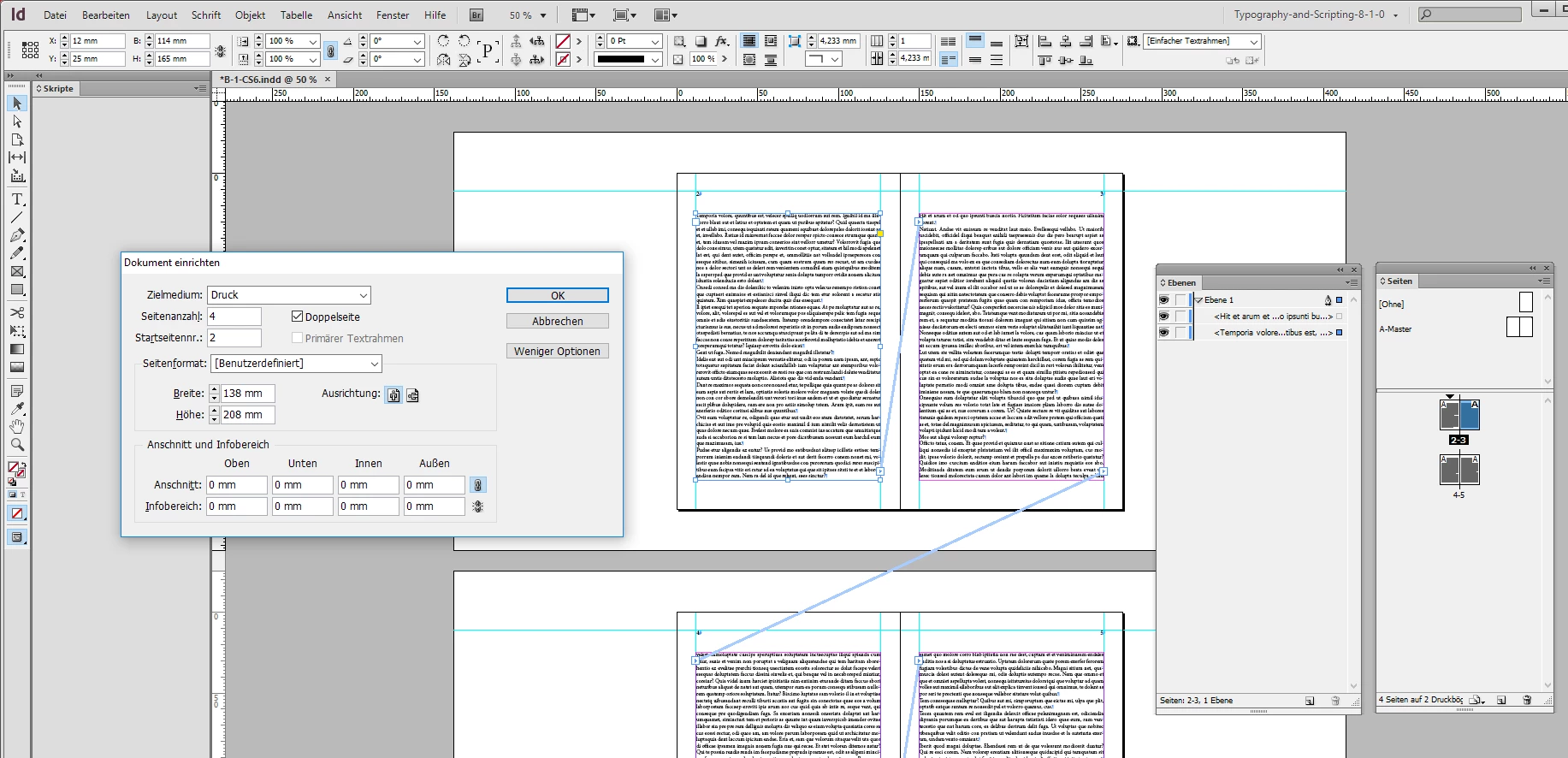
Let's take a view on the document pages and the document page setup that is showing the size of every page in the document.

In my case 138 x 208 mm.

Now I change that page size in the Page Setup to 105 x 178 mm:

After hitting OK ( there is no preview ) the size of the text frames and their position has changed like that:

Regards,
Uwe

1 reply

Srishti_Bali
Legend
January 24, 2019

Hi Vraja,

We are sorry that you ran into this issue. This issue has been reported by multiple users and our engineering team is already looking into it. I would request if you can share your feedback and upvote this issue here: Text margins don't change when master pages are applied – Adobe InDesign Feedback. This is the best way of communicating with the Engineering and Product Management teams regarding issues and suggestions so they can be implemented in future releases.

Regards,

Srishti

Vraja Devi Dasi
Inspiring
January 24, 2019

Hey Sirshti, thanks, I voted as you said, but then I noticed that it reffers to InDesign 2019 version, and I work with CS6, it said there that there used to be an option Enable Layout Adjustment, where is it?

Community Expert
January 25, 2019

With InDesign CS6 you'll find Layout Adjustment under:

Layout > Liquid Layout

The one and only flyout menu from that panel.

From my German InDesign CS6 on Windows 10:

Regards,
Uwe