
Question
Resizing markers are not working as usual
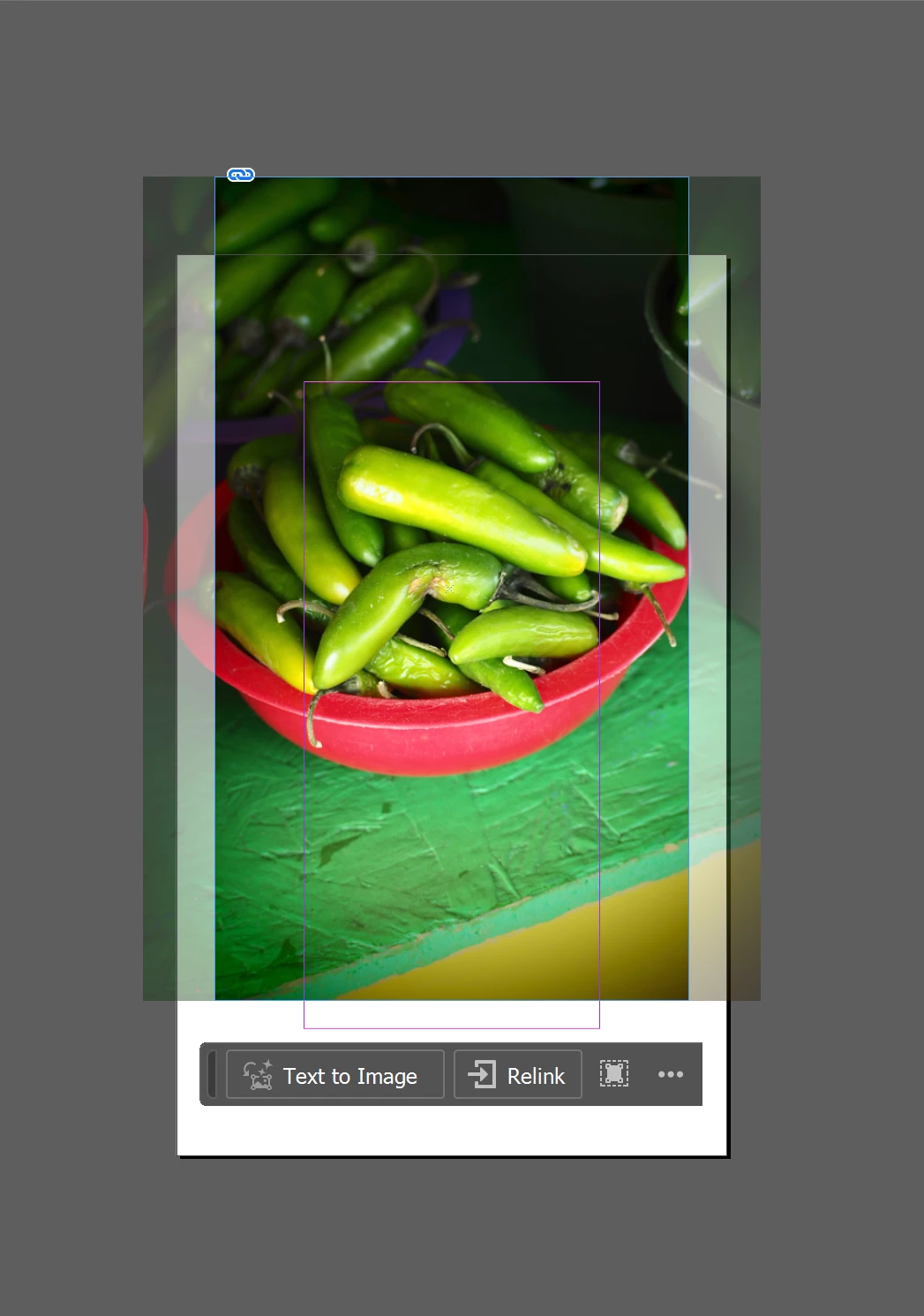
Hi everyone! My Adobe tools were updated and all of a sudden, the resizing markers in especially inDesign are not working as usual. The marker for how much of an image is showing - the blue one - is now resizing the image in the same was as the orange one is supposed to do instead of doing what it originally did. I've never had this issue before and I don't know how to fix it. Can anyone help me figure this out? Thanks a bunch in advance!
 AdChoices