



Answered
Resolving Page Resize Discrepancies Due to Unit Conversion in InDesign Scripts
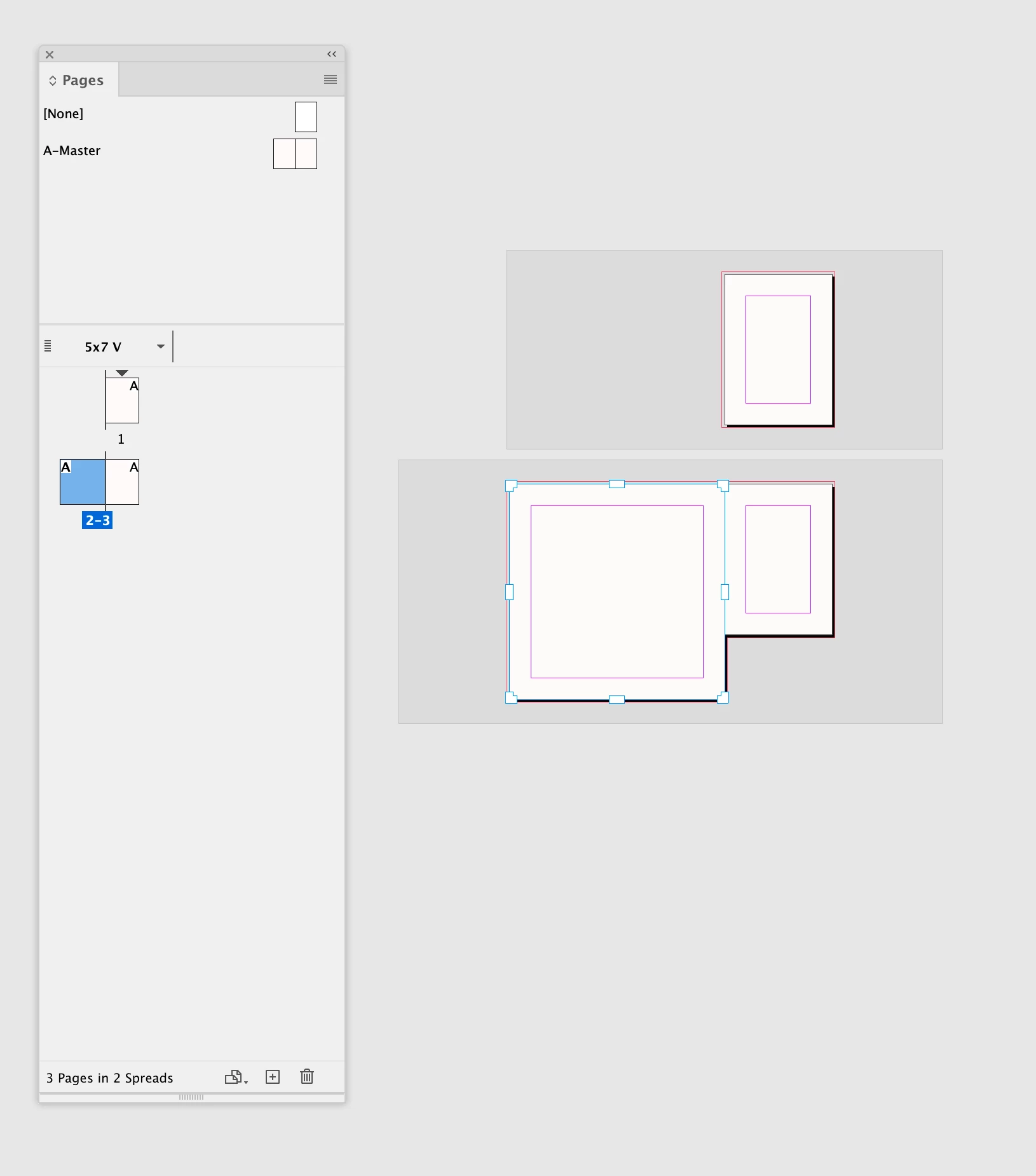
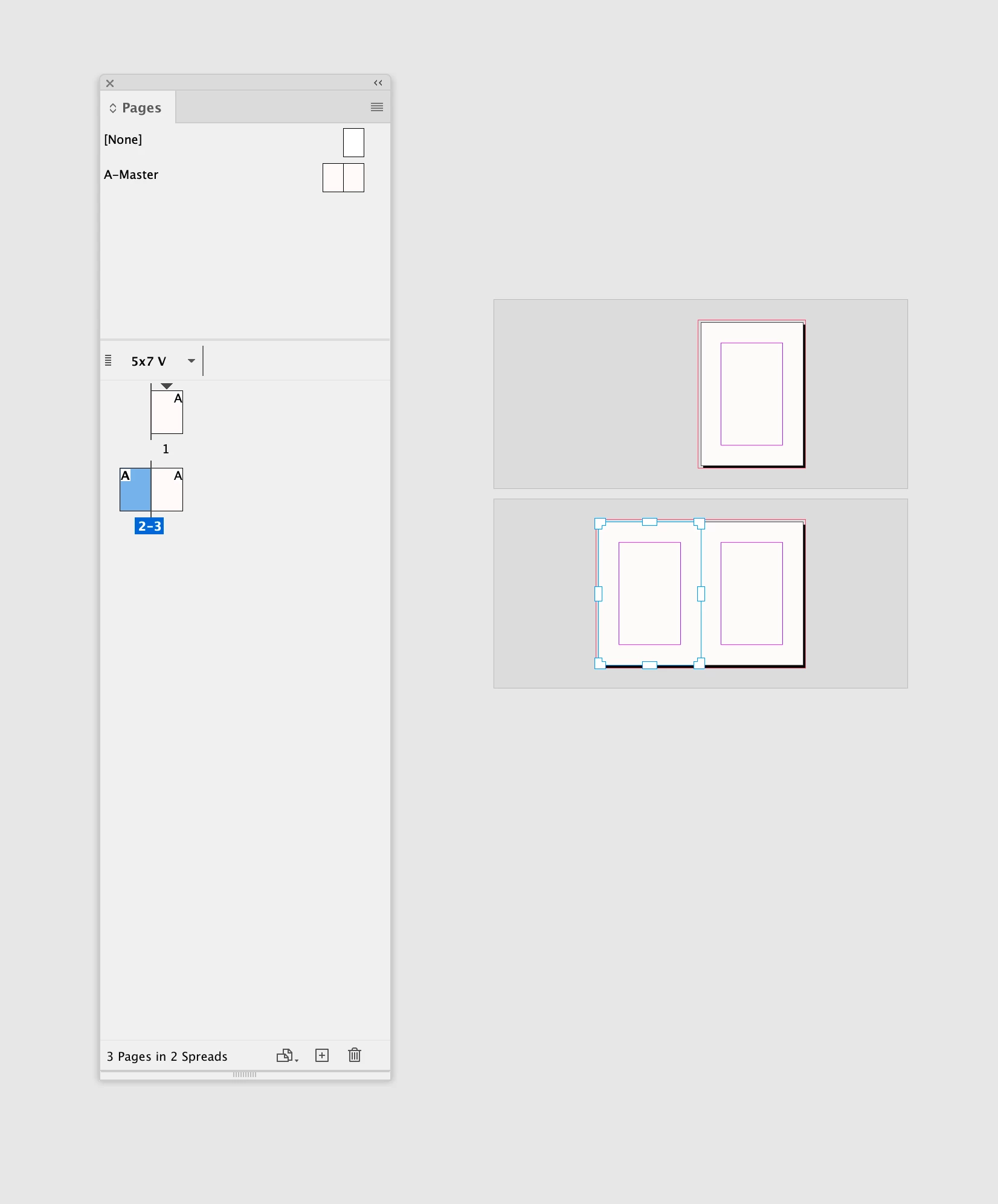
I'm trying to resize a page (dst) to the dimensions of a master page (src), this is what finally works:
function copyPageMetrics(src, dst) {
	var bounds = src.bounds;
	dst.resize(BoundingBoxLimits.GEOMETRIC_PATH_BOUNDS,
		AnchorPoint.TOP_LEFT_ANCHOR,
		ResizeMethods.REPLACING_CURRENT_DIMENSIONS_WITH,
		[bounds[3]*2.8346, bounds[2]*2.8346]);
}
I have the correct coordinates in bounds[3],bounds[2] (checked that with an alert()), but they didnt gave me the correct resize. To get the correct rresize, I had to multiply them with 2.8346, which is the factor of points in a mm.
Why? Why dont they use the same coordinate system? Is this always the case or do I have to get a page-specific translation-factor from somewhere?
<Title renamed by MOD>

 AdChoices