Participant
May 27, 2021
Question

Rotate and shear changes object width

  • May 27, 2021
  • 2 replies
  • 554 views

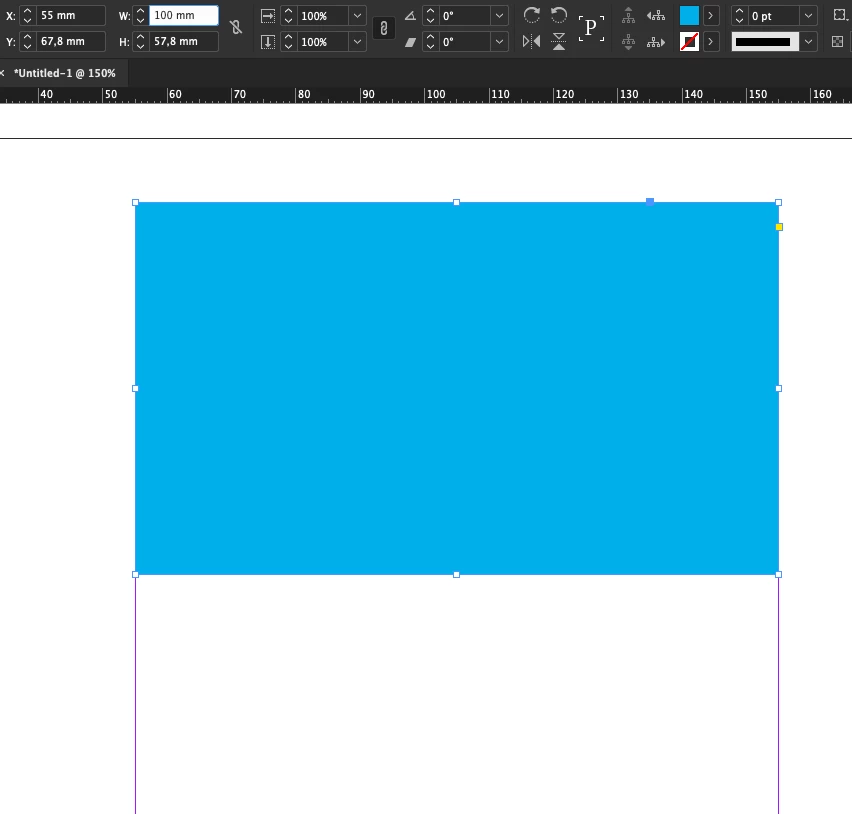
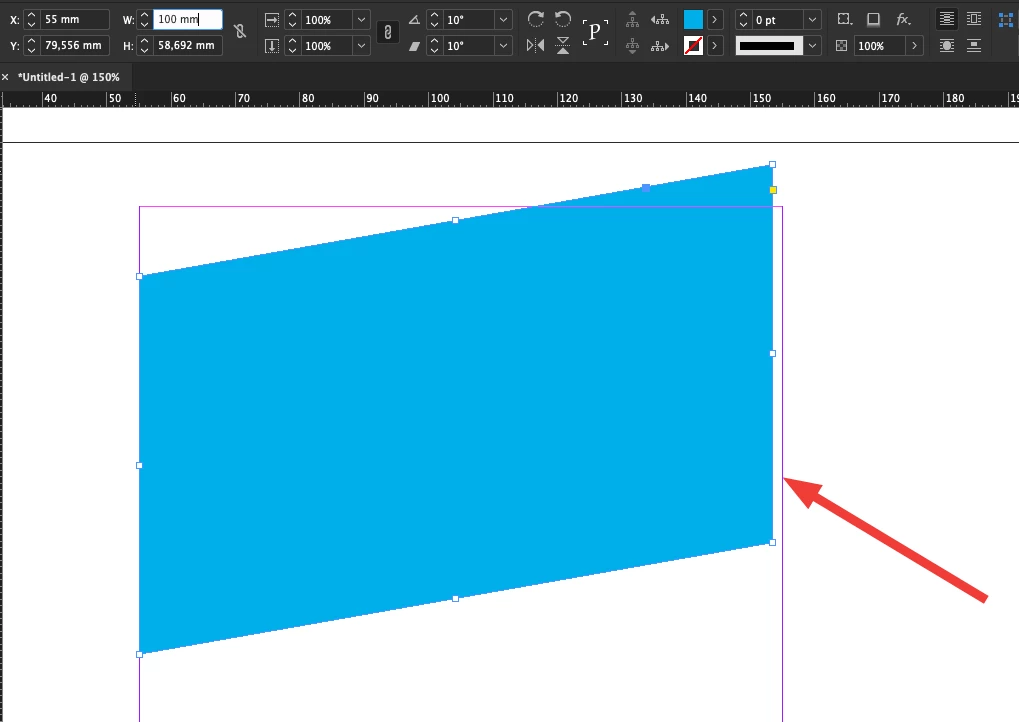
When applying both rotate and shear to an object, it's actual width reduces. In the control panel the 'W' field still shows the original width.


This topic has been closed for replies.

2 replies

Community Expert
May 27, 2021

Hi Otto,

in your screenshot the length of the long edge of your object is still 100 mm. That's the meaning of W in this case. Instead you need a width value of 101.543 mm because of the amount of slope.


InDesign can assist you to get this value by transforming an applied master page.

No calculator necessary to to do the math for the slope.


Here we go:

[1] Add a new master page to your document: Let's name it "B Transformed"

[2] Select the master page with the Page tool.

[3] Transform the master page with the Transform panel first and then add two vertical guides with a distance of 100 mm on that master:


[5] Go to the document page and apply that transformed master page.

[6] Draw a rectangle the distance of your guides on the master show.


The width of that rectangle will be the necessary width for your rectangle to be transformed by rotation and shear of 10°. As shown below where I re-applied master A to the document page and added two guides in a distance of 100 mm to the page:


Regards,
Uwe Laubender

( ACP )


EDITED

Participant
June 2, 2021

OK, now I get it.

Still, I think 'W' should be the width of the object, not lenght of the horizontal side.

Geоrge
Legend
June 2, 2021

Transform panel is "remember" what you have done with a rotation. Width is a width relatively to source object. This is not a bug, this is the feature.


Remember, never say you can't do something in InDesign, it's always just a question of finding the right workaround to get the job done. © David Blatner
sunny.sunny
Inspiring
May 27, 2021

It is not a bug - it is still 100 mm rectangular with 10 degrees/10 degrees properties. Text frame behaves the same. If you need precise sizes try to draw this in Illustrator and then copy your project to InDesign.

Participant
May 31, 2021

If panel is showing 100mm and width is actually something else, I would consider that a bug.