Technically the answer is no.
But there is an easy workaround. The only drawback is that the Table has to be the only thing in the Text Frame.
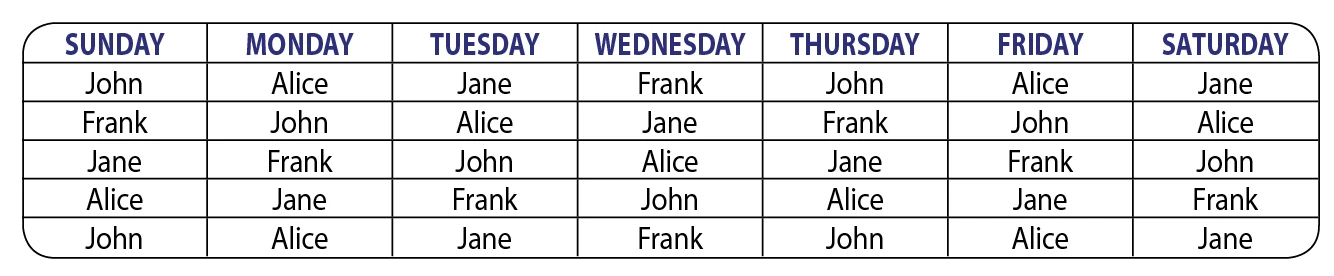
- Select your Table and using the Stroke widget in the Stroke panel, select just the outside Strokes.
- Apply None in the Swatches panel to these outside Strokes.
- Now, select the Text Frame with your Selection tool (V) and double-click on a corner bounding box point. This should make the Frame the same size as your Table. If it's not, delete any extra paragraph returns that come before or after the Table.
- With the Text Frame still selected, add a Stroke to the Frame.
- Under the Object menu > choose Corner Options round your corners.
See attached.




 AdChoices