Hello,
What is the correct way to import functions into an InDesign script?
I grouped my functions into a separate .js file, imported with evalFile. Once the function is called, the script returns me an error: function_1 is not a function.
// main.js
var path = (new File ($.fileName)).parent + '/' + functions.js;
.evalFile (path);
function_1 (item);
// functions.js
function function_1 (a) {
    a.name = 'hello';
}
Hi @35626004 , You can use an #include directive to load a script and expose its functions. See this:
https://extendscript.docsforadobe.dev/extendscript-tools-features/preprocessor-directives.html
For example this script loads a script named HelloWorld.jsxinc (a .jsx extention should also work) which is saved in the same directory as the script:
#include "HelloWorld.jsxinc";

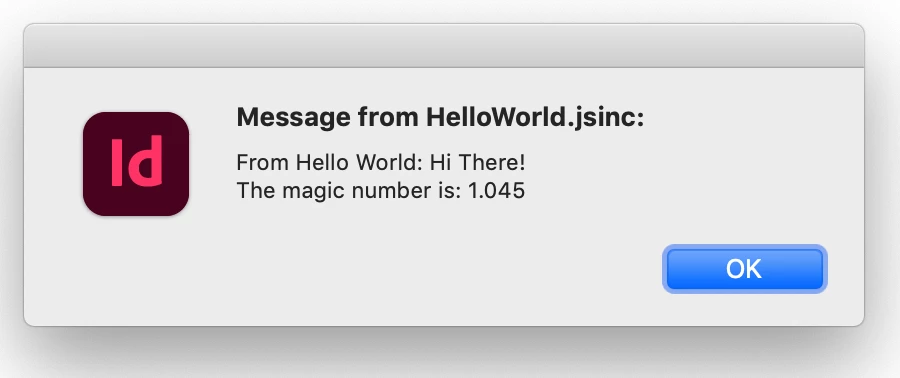
alert("Message from HelloWorld.jsinc:\r" + getWorldString("Hi There!") + "\rThe magic number is: "+ MAGIC_NUMBER)
The HelloWorld.jsxinc code:
/**
* External function example saved with .jsxinc in the same directory as script
* @ param s string
* @ return new string
*/

function getWorldString(s){
  return "From Hello World: " + s
}

/**
* A read only constant
*/
const MAGIC_NUMBER = 1.045;


/**
* A read write variable
*/
var vNum = 5
The example run result:

 AdChoices