Inspiring
May 5, 2020
Answered

running header refers to previous chapter

  • May 5, 2020
  • 6 replies
  • 2290 views

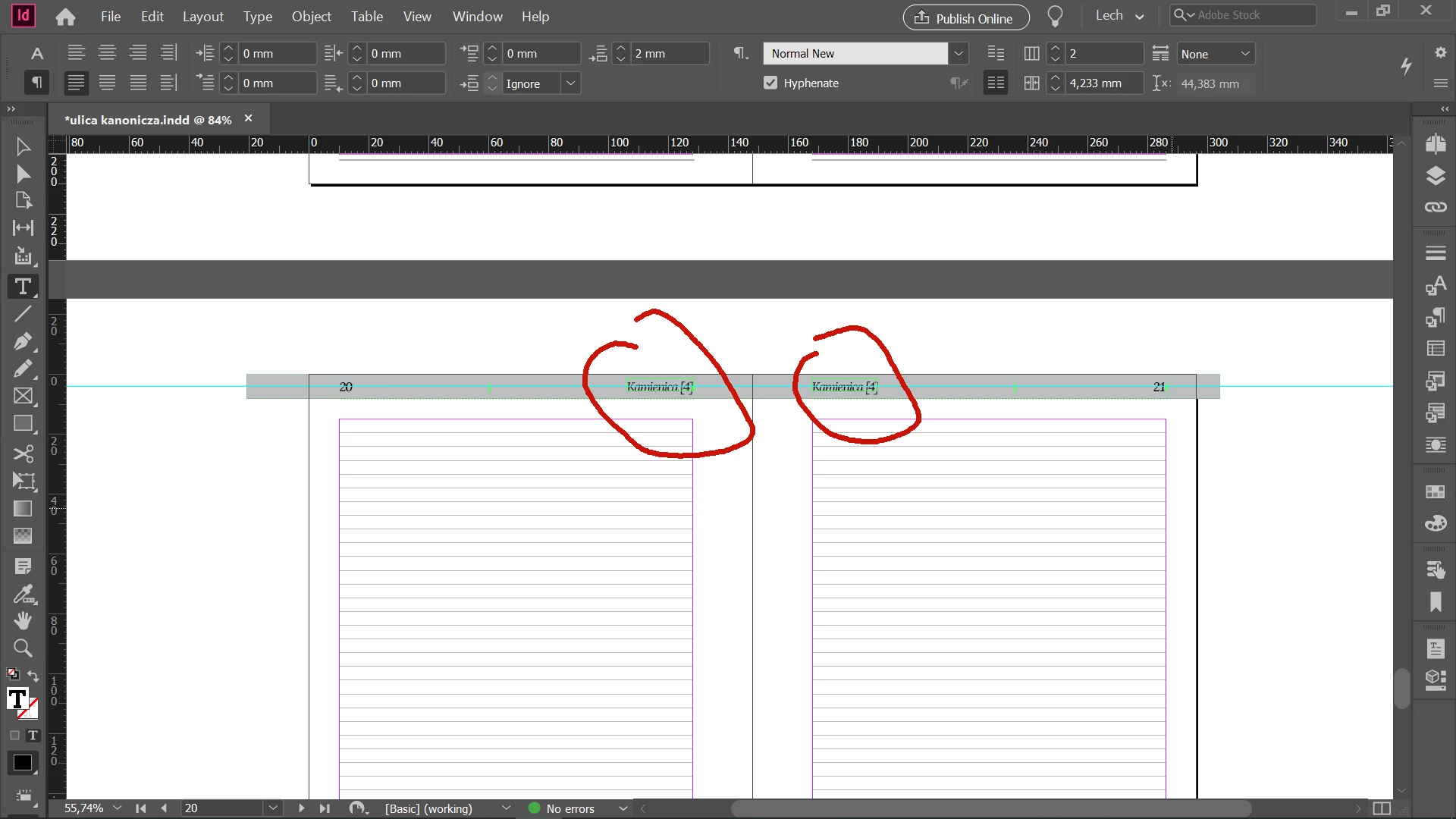
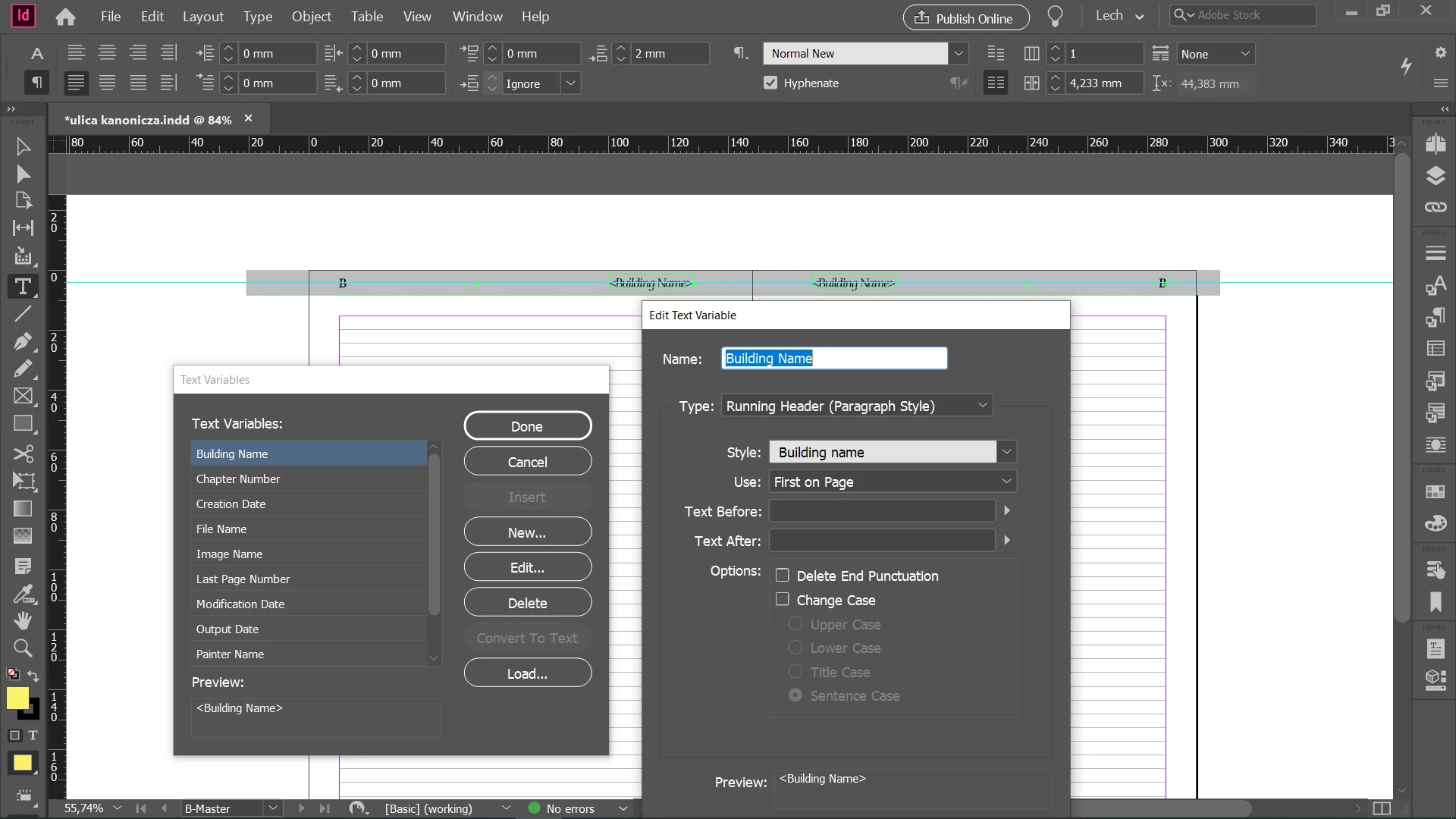
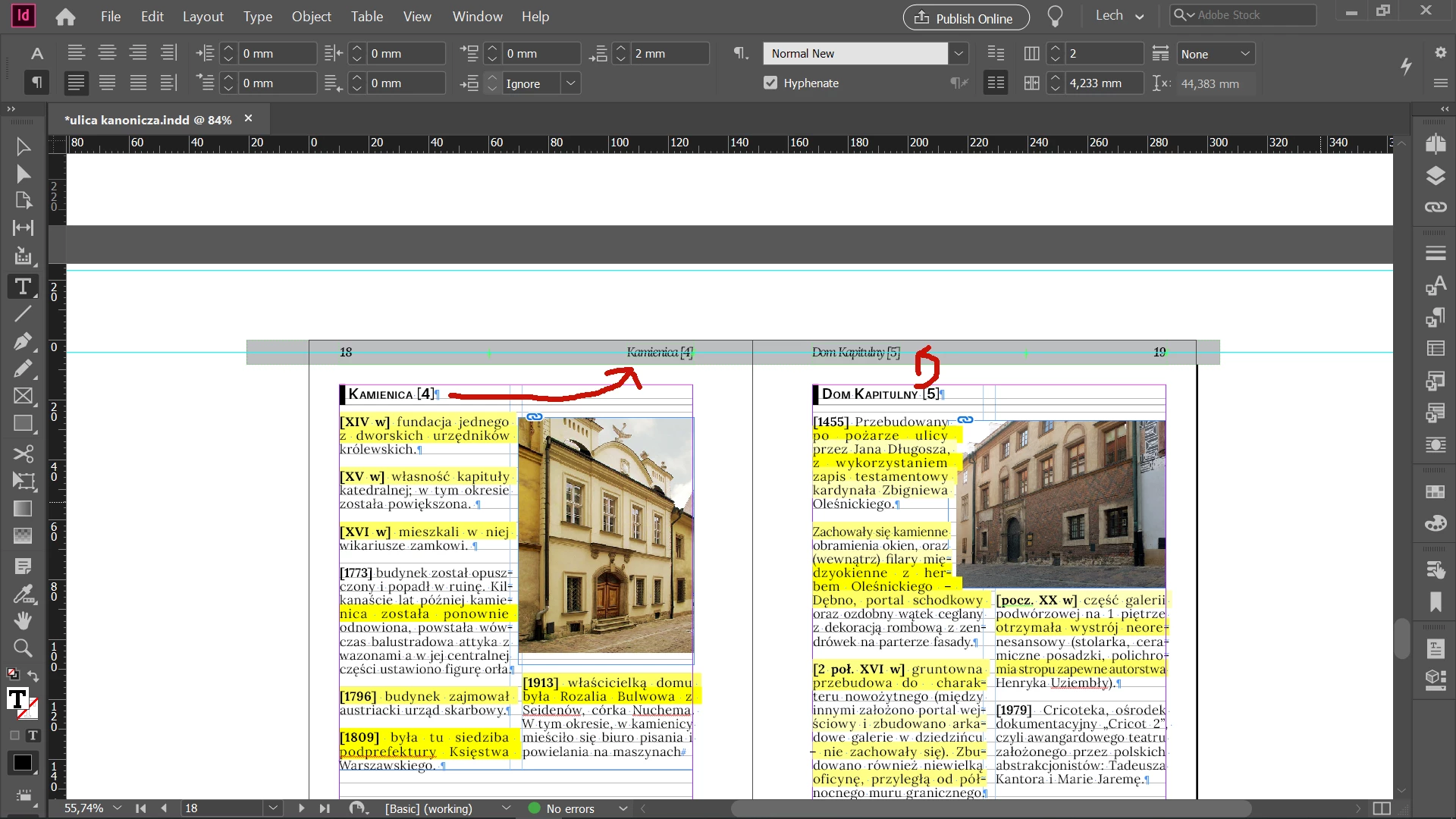
I have a simple running head defined on a master page, as reffering to a paragraph style (pic 1)  On page 18-19 it works ok. (pic 2) All of the sudden it starts to indicate previous chapter on page 20 + (text [4] instead of text [5] ) (pic 3) Frames are unthreaded. Can sb direct me what may be wrong here?


This topic has been closed for replies.
Correct answer David Popham

It appears that if the frames are not threaded, the instance in the newest frame takes precedence.

6 replies

Participant
September 20, 2021

Hi all, I am having similar issues. My Left header is following the chapter title, right header following subchapter (1) However, my text is correctly framed, in the document sequence (2). In the middle of my Methods chapter, the running header describes List of Acronyms (3). I don't see the problem. Tried saving IDML to see if something was corrupted, but this did not fix it. 

Participant
September 20, 2021

Participant
September 20, 2021

In addition, I tried deleting the list of acronyms to see if it was a problem of sequence, but then the header changed to "list of figures".. ran out of ideas.

David Popham
David PophamCorrect answer
Participating Frequently
May 5, 2020

It appears that if the frames are not threaded, the instance in the newest frame takes precedence.

Inspiring
May 5, 2020

that is correct . Have just replicated in a new doc and got same results. thx

Barb Binder
Community Expert
Community Expert
May 5, 2020

Well, I can replicate that too, and changing the stacking order doesn't help. This feature is designed to be used with books and other multi-page docs which have threaded frames. And I have no experience using it without threaded frames. 


The only workaround I could come up with is to thread to an tiny empty frame on your page 20 (see below). Or, more logically, since pages 20–21 appear to be the same section, thread those frames. Or add the heading to to top of the three pages.


Maybe someone else uses this without threaded frames and will have another idea.


~Barb

~Barb at Rocky Mountain Training
Inspiring
May 5, 2020

thanks for the efforts to help. I have manually swap the frames between pages "forcing" the right sequence. Still no idea what was the reason.

Barb Binder
Community Expert
Community Expert
May 5, 2020

what I have noticed though, that inDesign thinks that paragraph style on a frame on page 18 (text [4]) FOLLOWS the paragraph on a frame on page 19.

You can change the stacking order either by dragging the objects in the Layers panel, or using Object > Arrange. Does that make the difference? The stacking order is intitally controlled by the order objects are added to the spread.


~Barb 

~Barb at Rocky Mountain Training
Barb Binder
Community Expert
Community Expert
May 5, 2020

As you know, that's not how it is supposed to work. I can replicate it though, if I thread the frame from my page 4 to 6 (your page 18 to 20). Can you check the frame threads? 


~Barb

~Barb at Rocky Mountain Training
Inspiring
May 5, 2020

thanks for the answer. As said all of my frames are unthreaded, so they have (i think) no connection to each other.

what I have noticed though, that inDesign thinks that paragraph style on a frame on page 18 (text [4]) FOLLOWS the paragraph on a frame on page 19 . So the frame order is not as the pages order (numbering)

This comes when I did ctrl-f to search for "building name" paragraph style.


But have no idea of whay it is so ? Again frames are separated

David Popham
Participating Frequently
May 5, 2020

A few thoughts to help troubleshoot:

  • Redraw the screen: Shift + F5
  • Recompose All Stories: Cmd/Ctrl + Option/Alt + /
  • What happens if you add content with a Building Name paragraph on either of those pages?
  • What is the result if you save as IDML and open that file?