
Same color in Indesign looks different in Illustrator
Hi there,
Been reading about this topic but havent found a cure yet.
Ill try to make it as simple as possible:
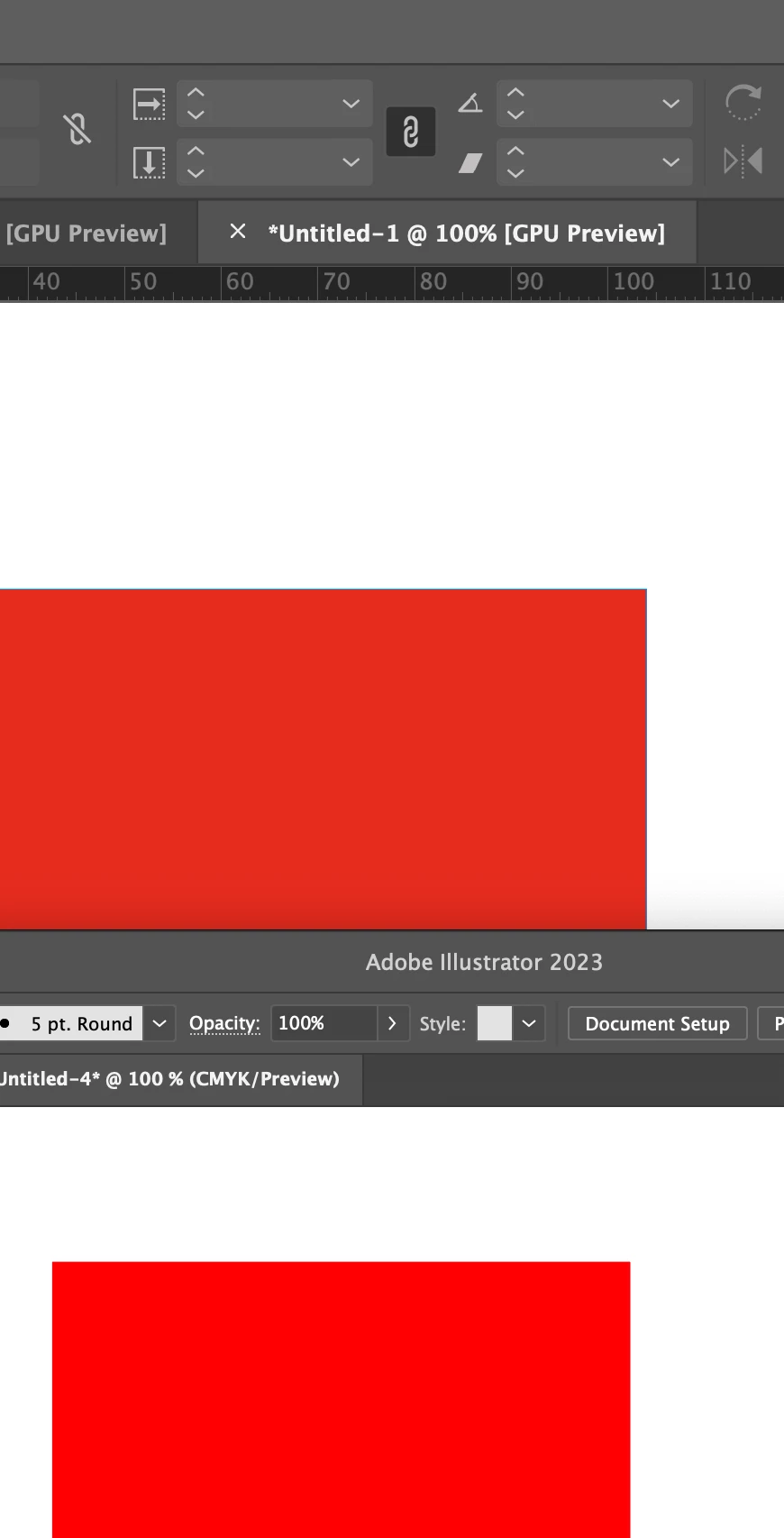
- A square with the color of 0/92/92/0 in Illustrator and a square with the color of 0/92/92/0. No copying, one made in AI, one in ID
- The color in AI looks almost neon, however the ID one looks dull.
- I use the same color profile for both apps (synced profile) (aRGB + FOGRA39)
- both documents are CMYK
- both apps have same settings
- both run in GPU preview
The fun part: If I copy the neon looking red from AI to ID, it will look dull. If I copy the dull red from ID to AI, it will look neon.
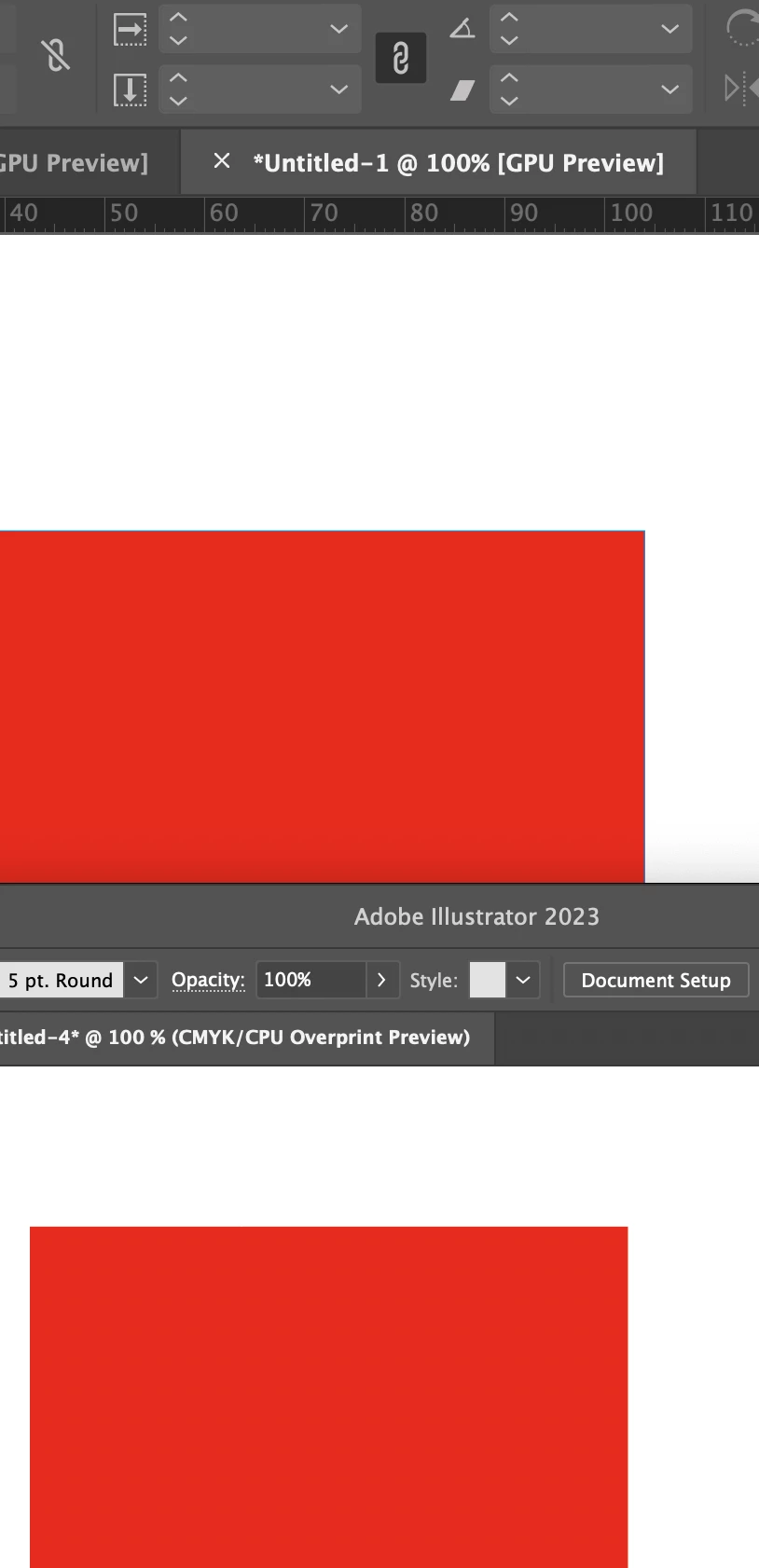
If I turn on overprint preview in AI the red looks the same as in ID (which does not have overprint preview turned on).
The red does not change in ID if i turn on overprint preview at all. It does however, when i do the same in AI.
There is no proofing checked in boths apps.
Can you please help me? Its driving me insane. Working on a project I often do some design / creative work in AI and the finished product in ID. I do not copy between them, If i do, i place things inside, but looking at two versions of the same color is annoying and in the end you are not even sure what its supposed to look like.
Thanks!!


 AdChoices