
Inspiring
January 25, 2019
Answered

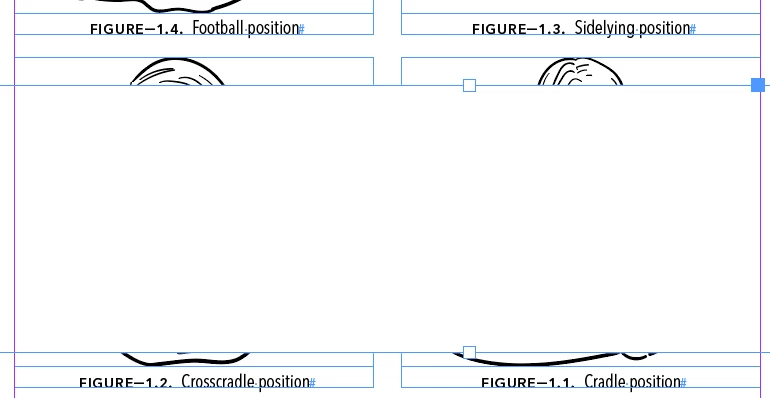
Same page figure numbering not in order
  • January 25, 2019
  • 2 replies
  • 2893 views

I'd like for the order to be from top-left to bottom-left. I know that when you place images on the same page it depends on the order by which you place them on the page.

Things I've tried to no avail

  • Added image placeholders one by one in the order I want (top-left to bottom-left), then placed the images in the img placeholders
  • When Placing the images, I pressed RIGHT then UP to try if this will help with the proper ordering
  • Made sure my file name is in order via Bridge

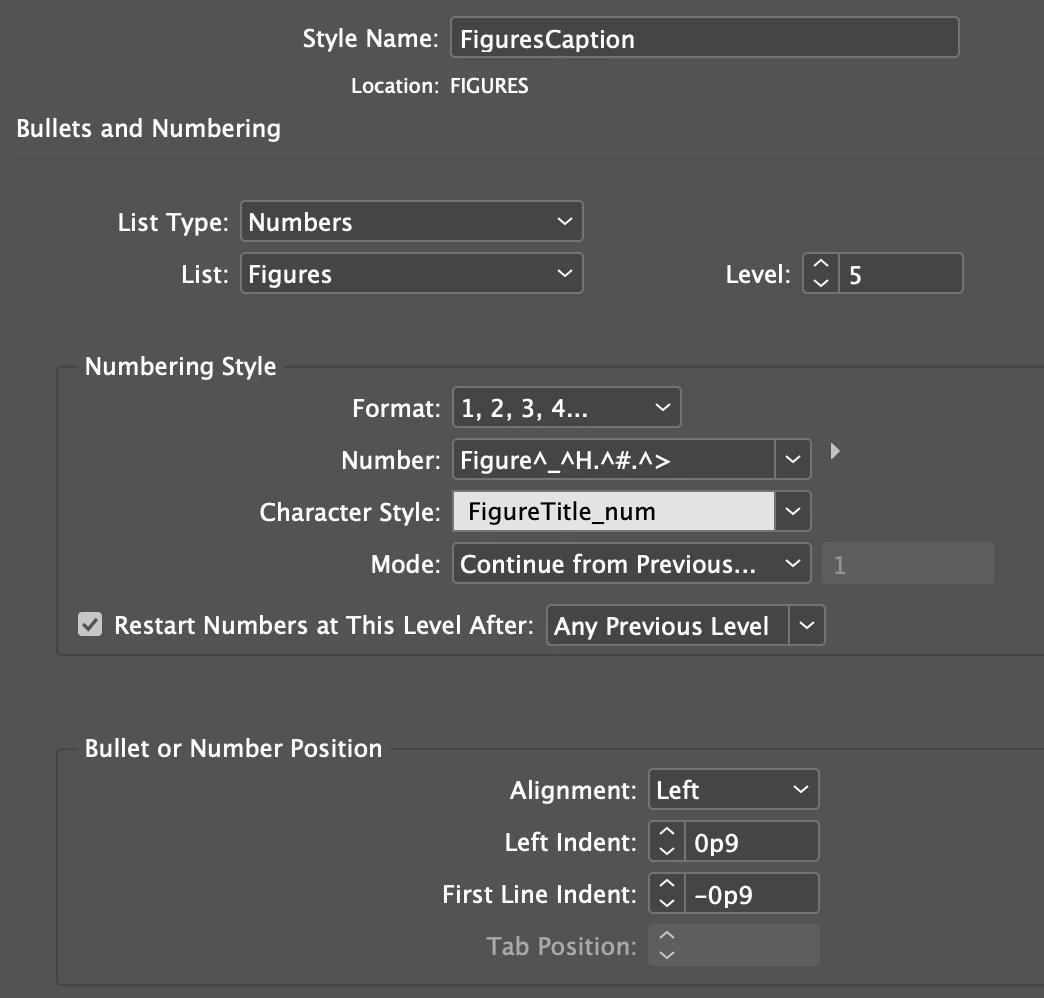
Here's the setup of my figure caption numbering:
Thanks in advance!

This topic has been closed for replies.
Correct answer vinny38

asiashappypills  wrote

I know that when you place images on the same page it depends on the order by which you place them on the page.

Hi

Well, in fact, it will mostly depend on the order by which the text frames are placed, not the graphic frames.

If it's just an one page issue, you can select top-left figure caption, cut and paste in place, then repeat up to bottom right caption.

If the issue is repeated on numerous pages, you can use a script to clean the whole thing up:

If the captions are dynamic, have a look at this thread and try Loic Aigon's script:

Re: Js error 45 "Object is Invalid"

If the captions are static, have a look at this one and try mine:

automatic numbering gone wrong

regards

Vinny

2 replies

Willi Adelberger
Community Expert
Community Expert
January 26, 2019
  1. Group image with caption
  2. Put the anchors for the groups in a text thread, maybe in the normal text thread.
vinny38
vinny38Correct answer
Legend
January 25, 2019

asiashappypills  wrote

I know that when you place images on the same page it depends on the order by which you place them on the page.

Hi

Well, in fact, it will mostly depend on the order by which the text frames are placed, not the graphic frames.

If it's just an one page issue, you can select top-left figure caption, cut and paste in place, then repeat up to bottom right caption.

If the issue is repeated on numerous pages, you can use a script to clean the whole thing up:

If the captions are dynamic, have a look at this thread and try Loic Aigon's script:

Re: Js error 45 "Object is Invalid"

If the captions are static, have a look at this one and try mine:

automatic numbering gone wrong

regards

Vinny

Inspiring
January 26, 2019

@vinny38 Thanks for the tip. So you mean to say when for example I place the an image in the image placeholder and add a static caption by the order I wanted the static caption will not follow the order? Shouldn't that be automated, as the captions are automatically grouped (I've selected that option) with the image?