Same paragraph style behaves differently in TOC
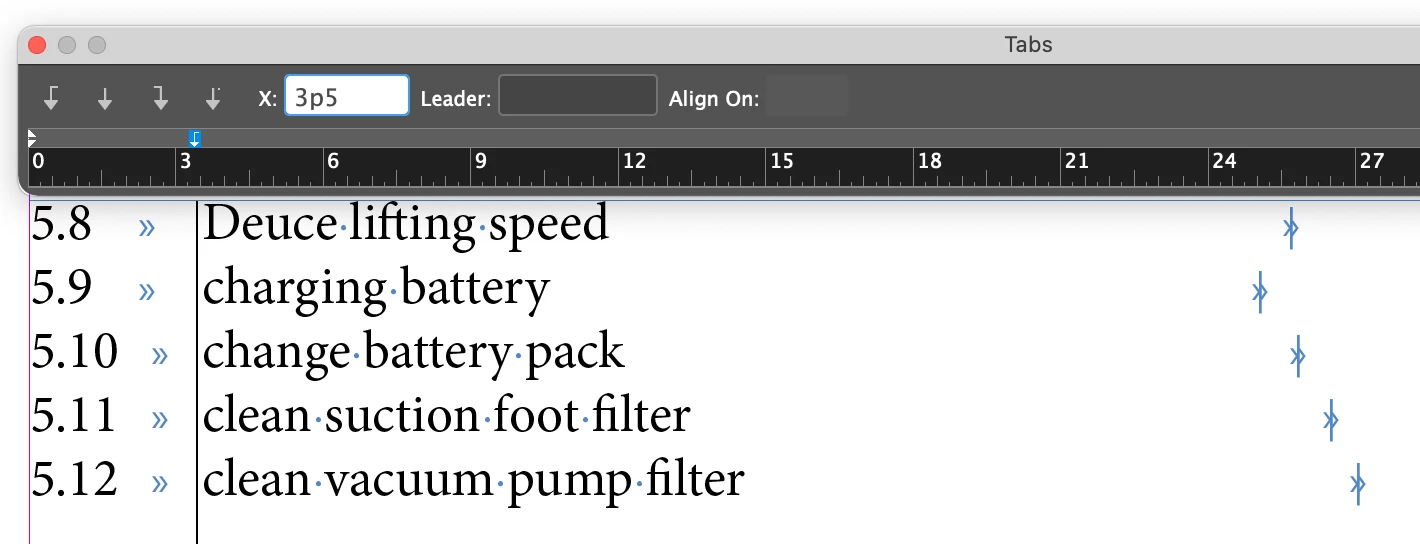
I have a problem with my table of content in an document for a manual. I have some paragraph styles used for headings that I've added to the TOC and chosen how the text should look. Everything works except for the headings from 5.10 and forward, they get an extra space between the heading number and the text. I've double checked and reapplied the paragraph style to the numbered headings several times but nothing helps. The only thing that made the numbered headings look uniform in the TOC was to increase or decrease the text size. It feels like in size 10 the numbers don't have enough room somehow and I don't know if the problem is with the paragraph style for the headings used in the document or the paragraph style used in the TOC.
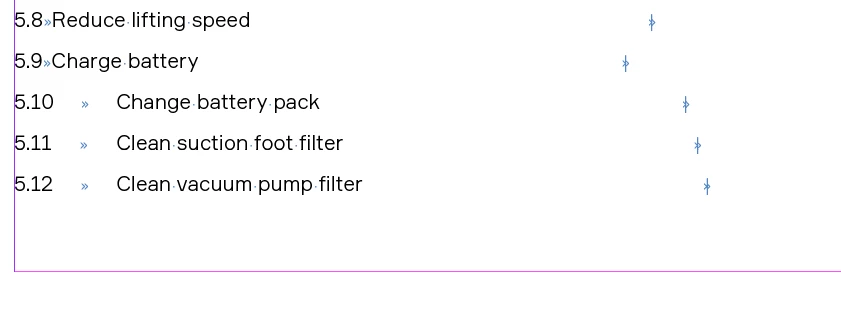
How it looks with size 10:
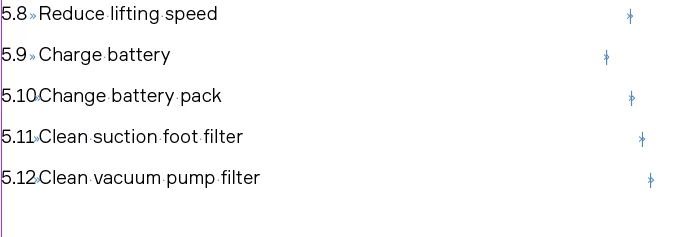
Size 9, the same distance between heading number and text:
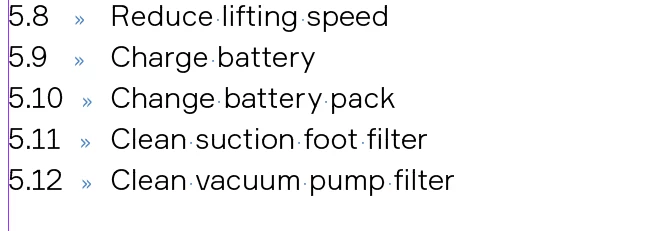
Size 14, the same distance between heading number and text:
 AdChoices