


Participant
August 9, 2022
Question

Save As Indesign- Defaulting to "This PC"

  • August 9, 2022
  • 3 replies
  • 237 views

Good Afternoon, 
I have been experiencing an issue when "saving as" in Indesign that it briefly brings up the save as dialog box to where the file I was working on is but then it changes to the "Desktop" screen when saving instead of the original document is saved. I can hit the back arrow to go to that previous screen but have to do that each time I want to save as. I already checked for updates and did a clean install of InDesign, but
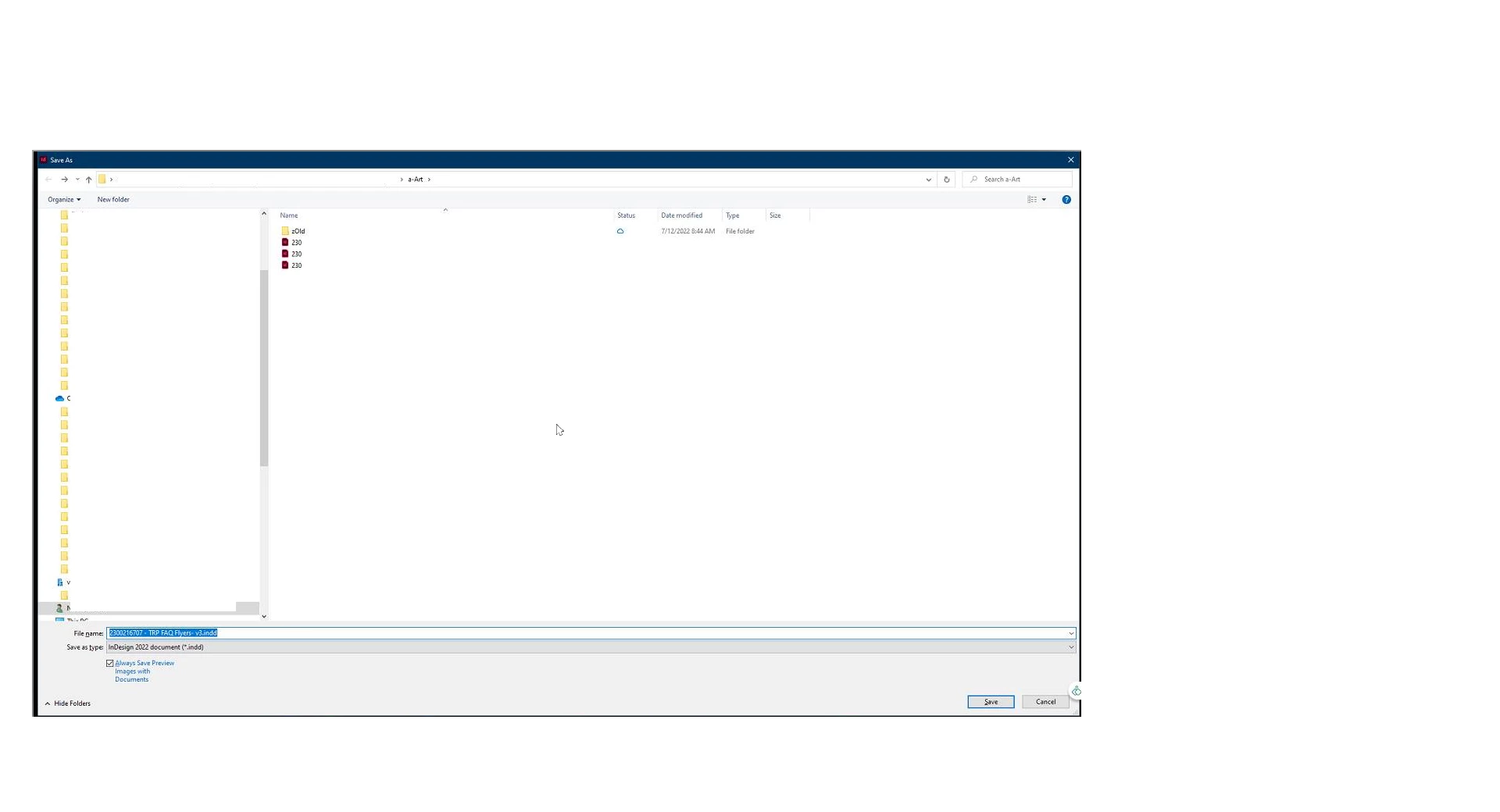
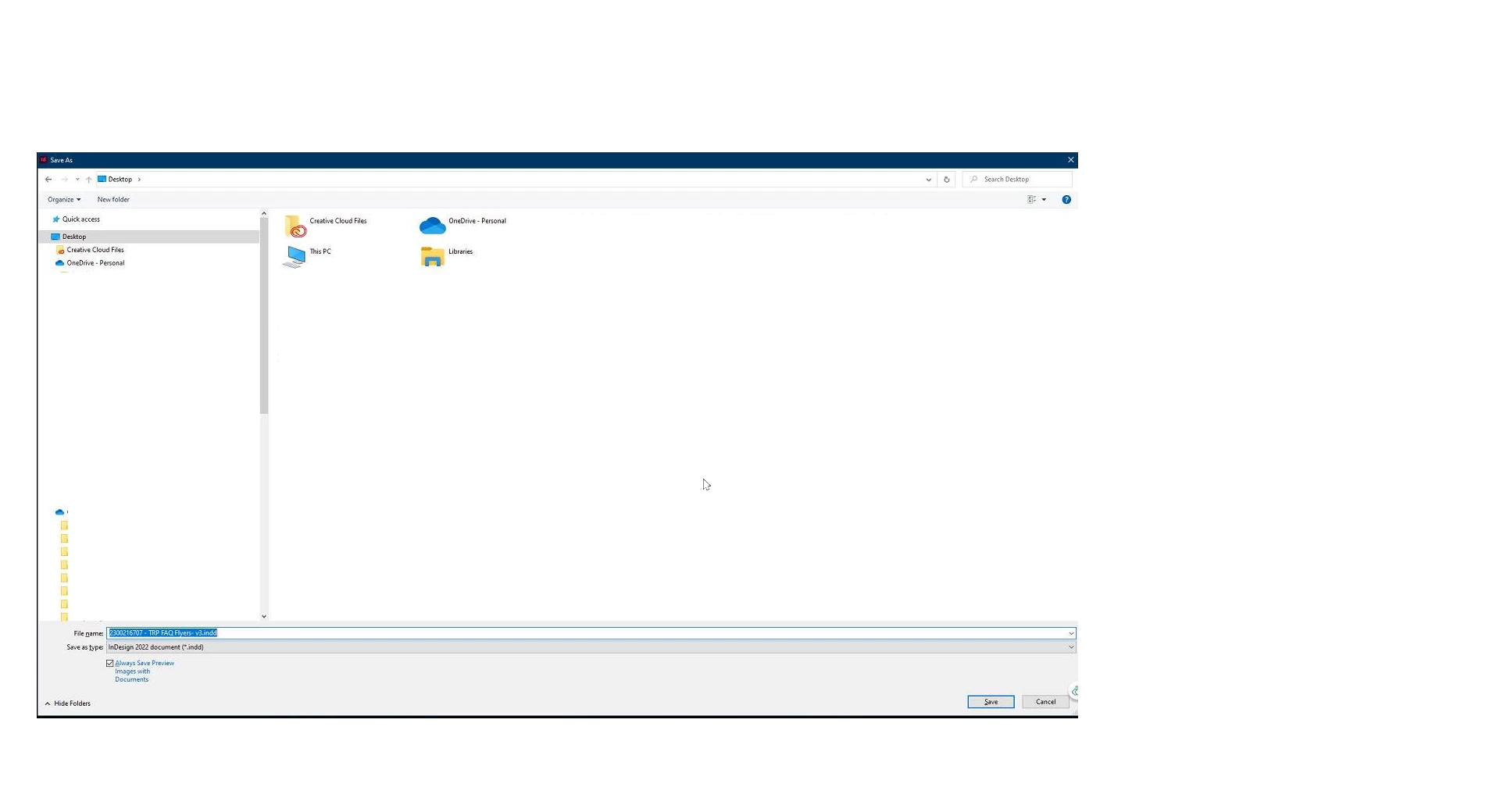
  

the issue persists. Any suggestions 

This topic has been closed for replies.

3 replies

Participant
August 10, 2022

Good Morning, 

I did a fresh install on a new machine and it works the way it used to so it is in fact a windows issue. 
@Rishabh_Tiwari the windows support article didn't really fix anything. I am looking into resetting windows explorer settings to see if that will help. Any other suggestions ?

Rishabh_Tiwari
Legend
August 10, 2022

Hi @Gilbert5F91 ,


Thanks for reaching out. As suggested by Adobe Scripts, it looks more related to OS default however we can try to troubleshoot this, so please try the suggestions shared here https://answers.microsoft.com/en-us/windows/forum/all/how-can-i-change-my-windows-10-default-save-as/09587f0d-d817-4431-8f96-2b58cbcfcec1 and let us know if this helps or if you need any further assistance.


Regards

Rishabh

Robert at ID-Tasker
Legend
August 9, 2022

I'm pretty sure it's system related - not InDesign's fault - user permissions / defaults or something.