Inspiring
September 22, 2021
Answered

Save Object Styles to use in another document

  • September 22, 2021
  • 2 replies
  • 516 views

Hi all,

Can I save object styles (or a group of Object Styles even better) to use in another document?


I can choose to 'Load Object Style' in the second document but it asks me to chose a file where the OS are kept....but I havent saved them? 


What I'm trying to do: 

I have 2 InDesign documents open and have created object styles for placement of the headings and coloured tabs on the top of the pages of one document. I want these headings and coloured tabs to be in the exact same places in the other document (by hopefully using my object styles!)


This topic has been closed for replies.
Correct answer Mike Bro

Hello @sallotape,


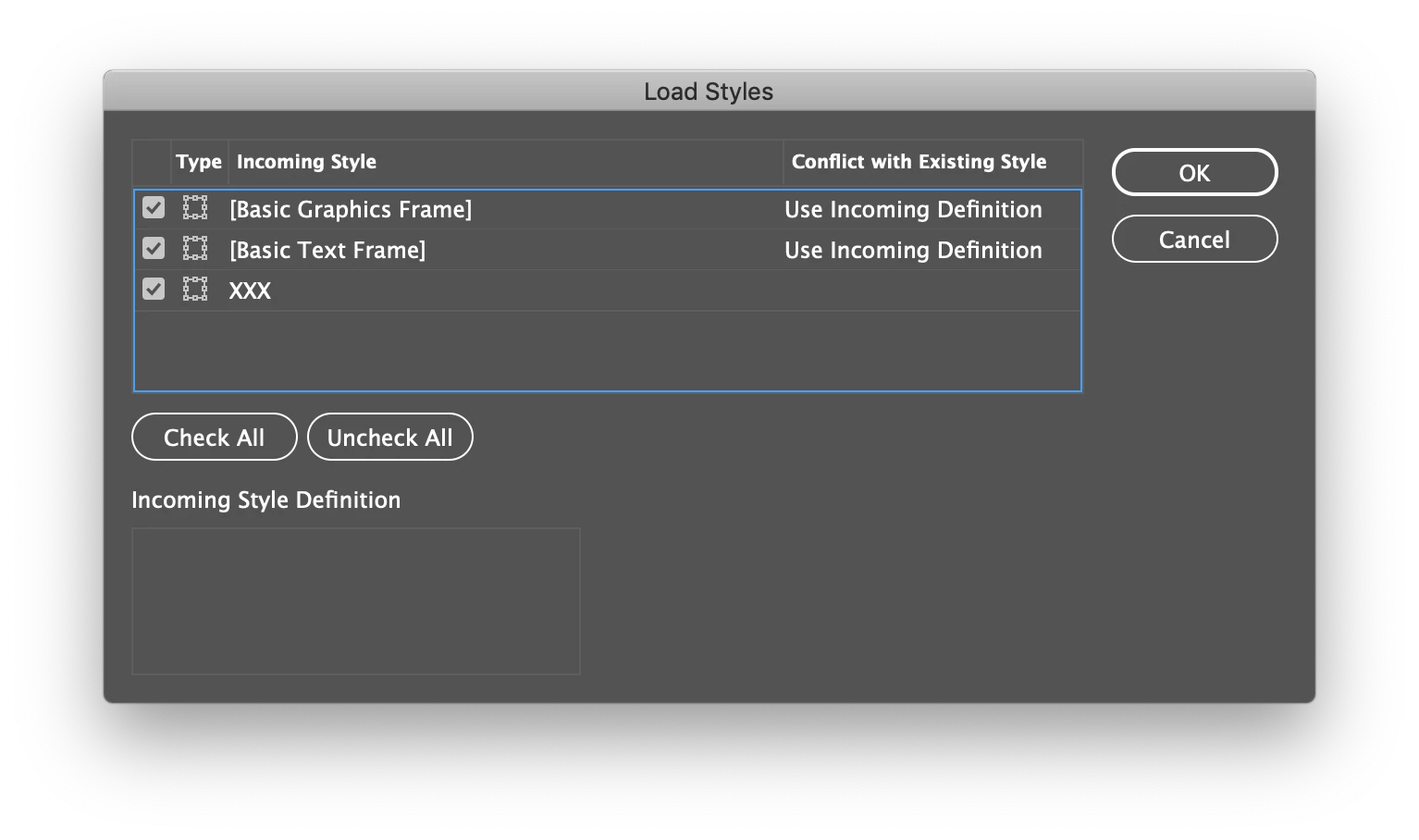
What you do to load object styles choose to 'Load Object Style' and point to the document(s) that have the object styles you want to load, you'll then get the prompt that's shown below.


Regards,

Mike

2 replies

Mike BroCorrect answer
Legend
September 22, 2021

Hello @sallotape,


What you do to load object styles choose to 'Load Object Style' and point to the document(s) that have the object styles you want to load, you'll then get the prompt that's shown below.


Regards,

Mike

sallotapeAuthor
Inspiring
September 22, 2021

Nailed it! 

Thanks so much for helping me guys, it's very much appreciated! 

Community Expert
September 22, 2021

Hi Sally,

target an InDesign document or an IDML file where you load the object styles from.


Regards,
Uwe Laubender

( ACP )