
Participant
August 1, 2025
Answered

Schrift im Kommentarbedienfeld in InDesign wird falsch dargestellt

  • August 1, 2025
  • 1 reply
  • 198 views

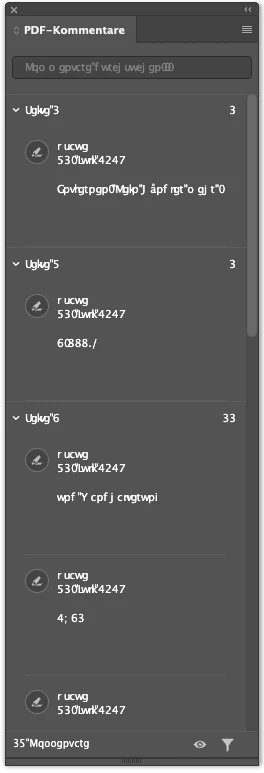
Im Kommentarbedienfeld von InDesign 20.5 auf einem Macbook Pro mit M1-Chip wird die Schrift falsch angezeigt. Auch, wenn keine Kommentare imprortiert wurden. Siehe Screenshot hier. 
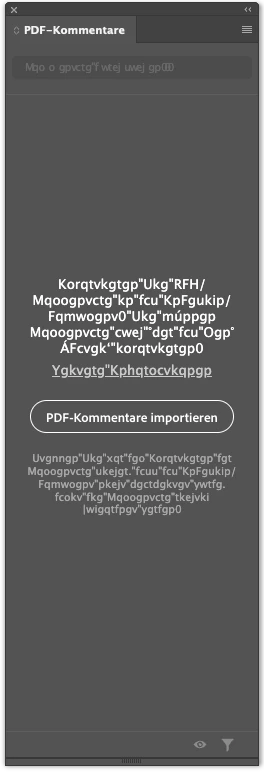
 

Kommentare aus einem PDF sind so natürlich überhaupt nicht zu gebrauchen.
 

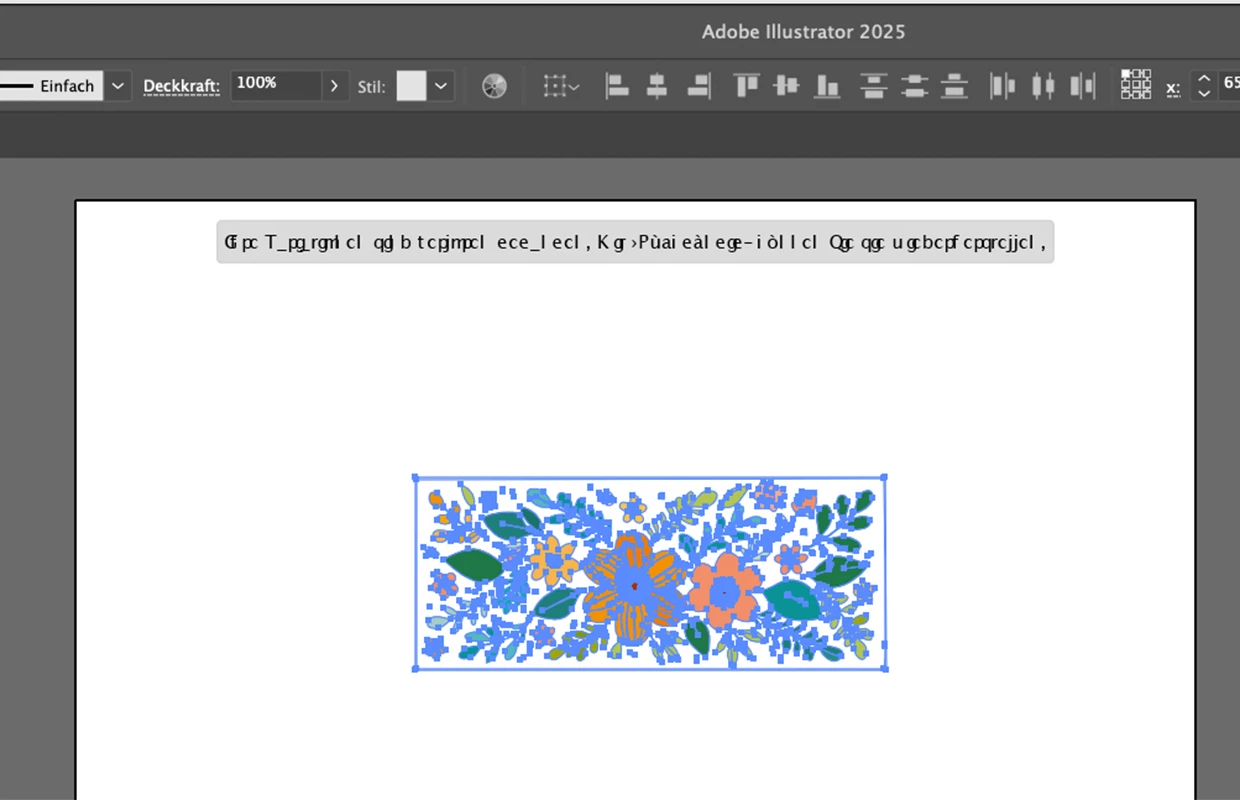
EIn ähnliches bzw. das gleiche Problem habe ich in Illustrator.
 

Hat vielleicht noch jemand das gleiche Problem und eine Lösung dafür?

Correct answer pixxxelpelk

Hi Anubhav,

I created another Admin-account on my MacBook Pro M1, Mac OS 15.6. And there everything is displayed correctly in the comments panel and elsewhere, no hazzle. I use FontBase as font manager. Do you think the problem could be a font problem related with FontBase?


Thanks


Andreas


Hey,

I solved the problem by myself. As the problem didn't occur with a fresh admin-user, I thought about a font problem as mentioned before. I deactivated all fonts in FontBase, but it didn't solve my problem. 

I went to apple's fontbook app – which I don't use at all – and deactivated all fonts except system fonts. Restarted InDesign: Everything is fine now! Even the issue in Illustrator is solved now. It seems that the fontbook app caused the problem because active fonts (auto-activated by any app for example?) lead to font conflicts.


Thanks for your support.


Best regards 


Andreas

1 reply

jane-e
Community Expert
Community Expert
August 1, 2025

@pixxxelpelk 


I've moved your post from Creative Cloud Desktop to the InDesign forum.


Does this happen only in Comments and not elsewhere InDesign? Is it one document or all documents?


Jane

Abhishek Rao
Community Manager
Community Manager
August 1, 2025

Hi @pixxxelpelk,


Thanks for sharing those screenshots. I tested this on my end with InDesign 20.5 on Apple Silicon but wasn't able to reproduce the issue you're seeing in the Comments panel.

To help fix the display glitch, please try renaming the CEP and UXP folders, which can sometimes resolve UI-related font issues.

Rename the CEP folder to CEP.old from this location:
MAC: /Library/Application Support/Adobe
Windows: C:\Program Files (x86)\Common Files\Adobe

If that doesn't help, rename the UXP folder to UXP.old from the following locations:
MAC: /Library/Application Support/Adobe
MAC: ~/Library/Application Support/Adobe
Windows: C:\Program Files\Common Files\Adobe
Windows: C:\Program Files (x86)\Common Files\Adobe

Once you've done that, relaunch InDesign and let me know if the issue still persists. Happy to follow up with the team based on what you find.


Looking forward to your update.
Abhishek

Participant
August 4, 2025

Hi Abhishek,

did the renaming, restarted InDesign: still the same problem.


Regards


Andreas