


Participant
August 3, 2020
Answered
Screenshots blurry on Interactive PDF export
- 6 replies
- 5058 views
- Translate
I create User Guides for my company's products using In Design. For our software applications I take screenshots on my Windows 10 laptop take them to Photoshop, image size them to 300 dpi and make color adjustments. Then on In Design I place the images onto my layout.
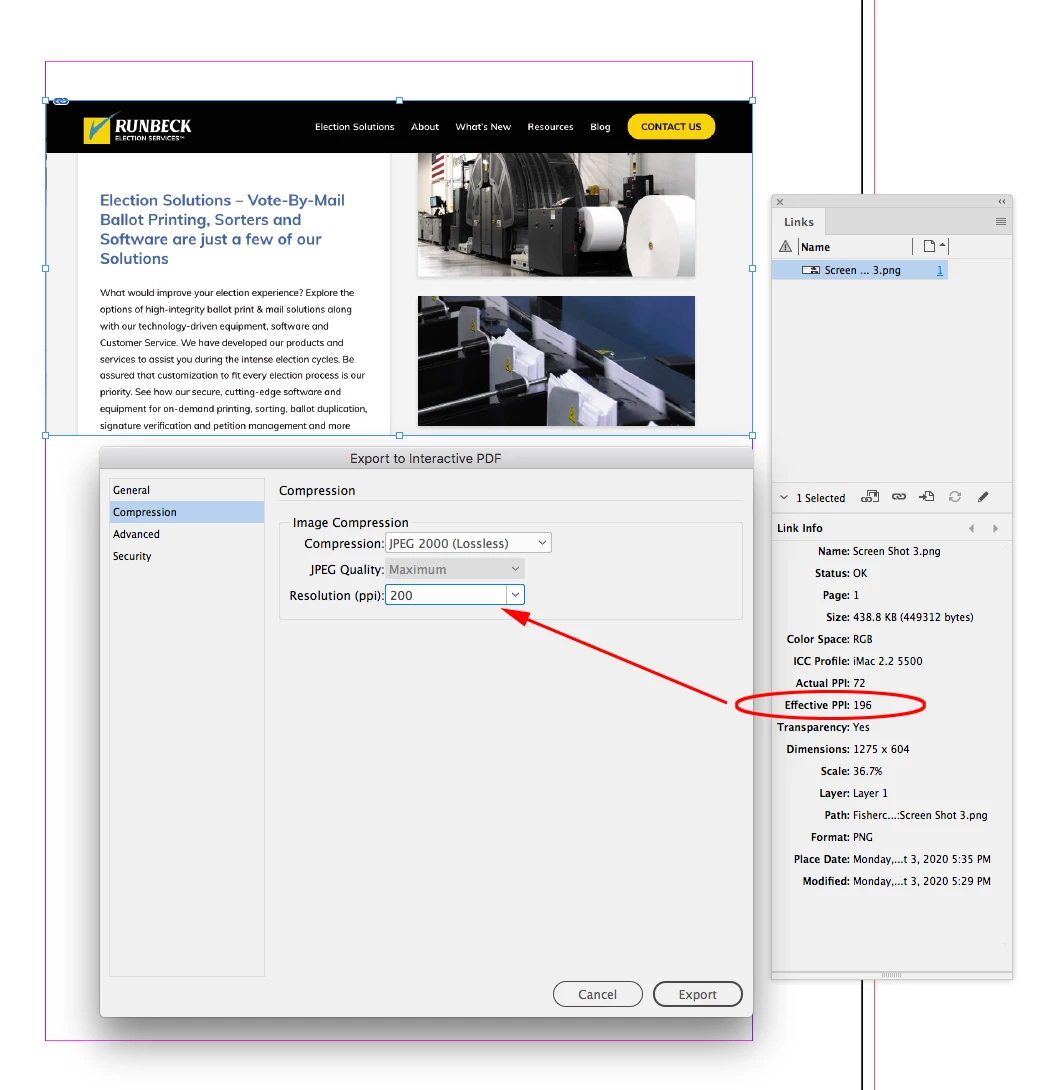
The issue I'm having is that when I export the finished guide to a PDF format using the Interactive PDF option, the screenshots are blurry in the exported document.
If I export the document to a PDF format for Print, the images look fine. Has anyone run into this problem? Is there anything I can do to make the images better for the interactive pdf?
Thank you.

 AdChoices