Participant
May 21, 2023
Answered

Script for Flattening [InDesign file]

  • May 21, 2023
  • 5 replies
  • 497 views

Hi everyone! I made a script for flattening a document. 

this can be handy for annoying printers that are prone to errors with printing such as some large-format digital printers (looking at you OSE Printers hahah)
or securing your proof files for clients.


here is the [removed] link!

[link removed]


if you have any questions feel free to email me:

[email removed]


[subject edited for clarity]
 

This topic has been closed for replies.
Correct answer jane-e

@Tom Pleysier 


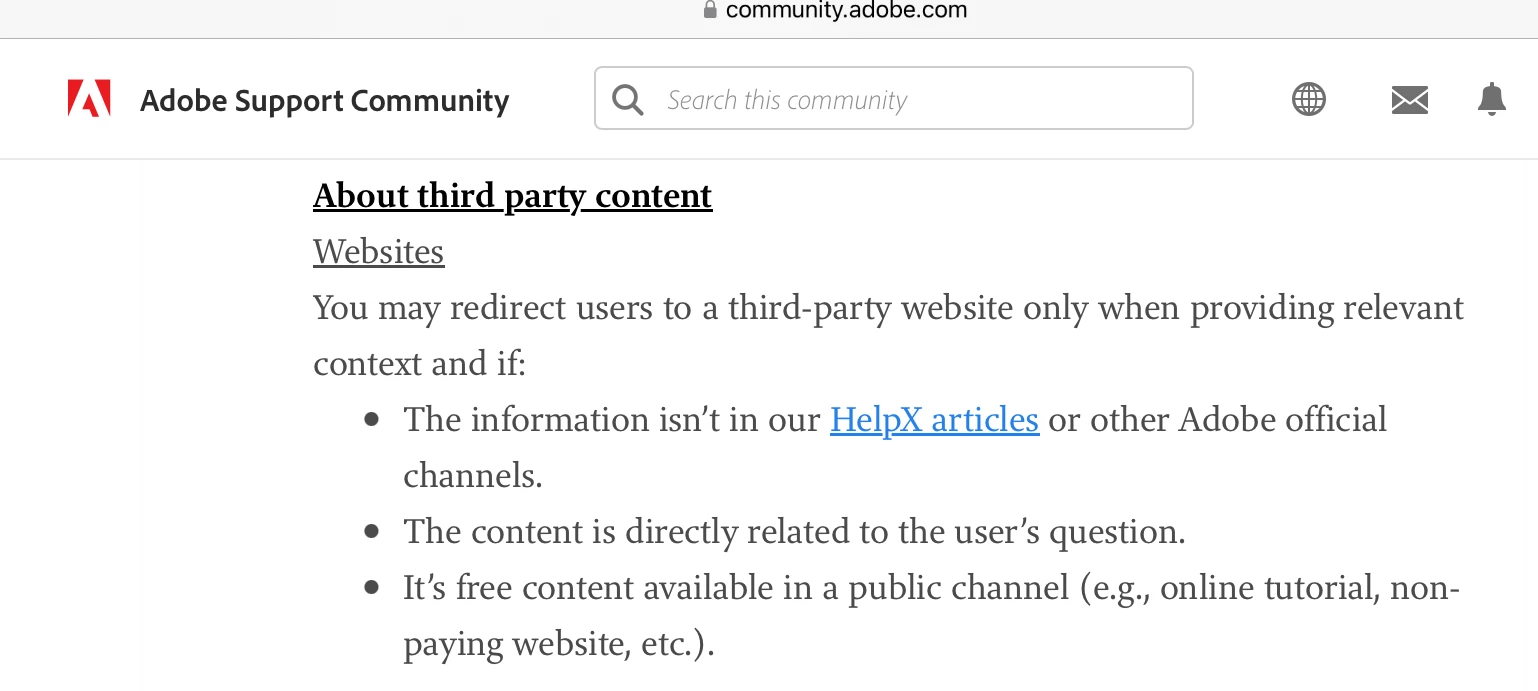
This post is about paid content and it breaks the forum guidelines. I've locked the thread and removed the email and link.


Jane


5 replies

BobLevine
Community Expert
Community Expert
May 22, 2023

A solution in search of a problem.

jane-e
Community Expert
jane-eCommunity ExpertCorrect answer
Community Expert
May 21, 2023

@Tom Pleysier 


This post is about paid content and it breaks the forum guidelines. I've locked the thread and removed the email and link.


Jane


Frans v.d. Geest
Community Expert
Community Expert
May 21, 2023

DPI? Really? It is ppi. That said, you say flatten, but why? Acrobat does this, when needed (and that should rarely be the case!) and does it fine.

What am I missing?

Willi Adelberger
Community Expert
Community Expert
May 21, 2023

Why flattening an INDD document if you can do it via PDF export? Makes no sense to me.

Are yo aware, that the resolution of images is NOT DPI. The resolution is PPI.

Mike Witherell
Community Expert
Community Expert
May 21, 2023

Do you mean to say it flattens the PDF you are exporting? You don't mean an InDesign file, do you? When do you run this script? 

Mike Witherell