


Known Participant
May 13, 2024
Question

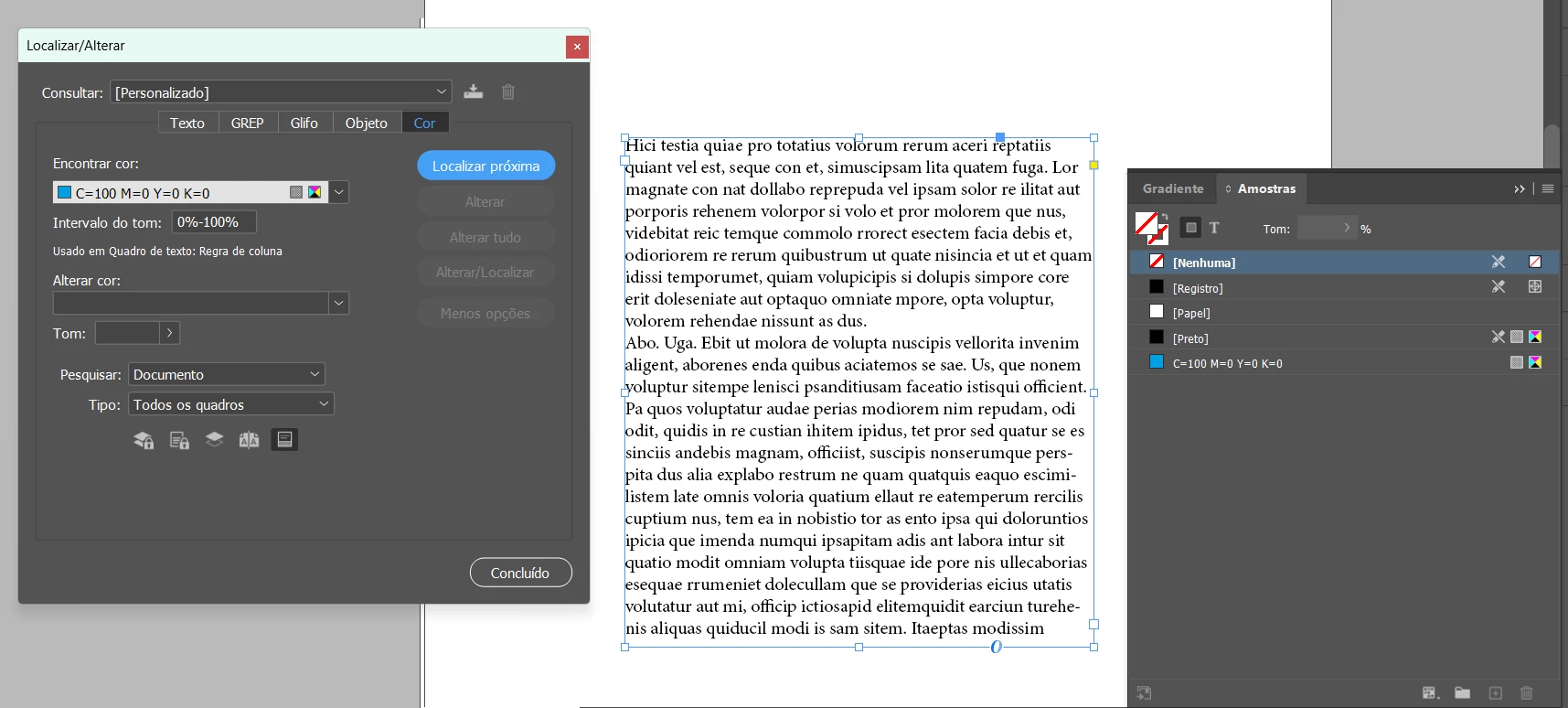
Script to change" column rule" color

  • May 13, 2024
  • 5 replies
  • 448 views

Please, can anyone help me with a script?
I need all the "column rules" in my document to be black. This is because I don't use "column rules", and when I go to delete unused colors and color groups from my document it doesn't let me delete the colors that are inserted in the "column rules", even though the column rules columns are not active. I already looked for the code in the API, but I couldn't find it.

The same happens with "shading", which even if not active, blocks the color.

This topic is closed to new replies. Start a new post to keep the conversation going.

5 replies

rob day
Community Expert
Community Expert
May 13, 2024

the colors that are inserted in the "column rules", even though the column rules columns are not active.


Also, textFramePreferences is a document property, so you should be able to set the active document’s default for new text frames like this:


app.activeDocument.textFramePreferences.columnRuleStrokeColor = app.activeDocument.colors.itemByName("Black");


eusoujpgAuthor
Known Participant
May 14, 2024

Thank you very much! I managed to do...

// Get the color black
var blackcolor = app.activeDocument.colors.itemByName("Black");

// loop
for (var i = 0; i < app.activeDocument.textFrames.length; i++) {
var molduraTexto = app.activeDocument.textFrames[i];
molduraTexto.textFramePreferences.columnRuleStrokeColor = blackcolor;
}

app.activeDocument.recompose();


eusoujpgAuthor
Known Participant
May 14, 2024

I tried it a few more times and it didn't work.

rob day
Community Expert
Community Expert
May 13, 2024