
Script to resize frame and image
Hi all,
I know there are plenty of 'resize image/frame' scripts, but I can't find something that quite works for my scenario...
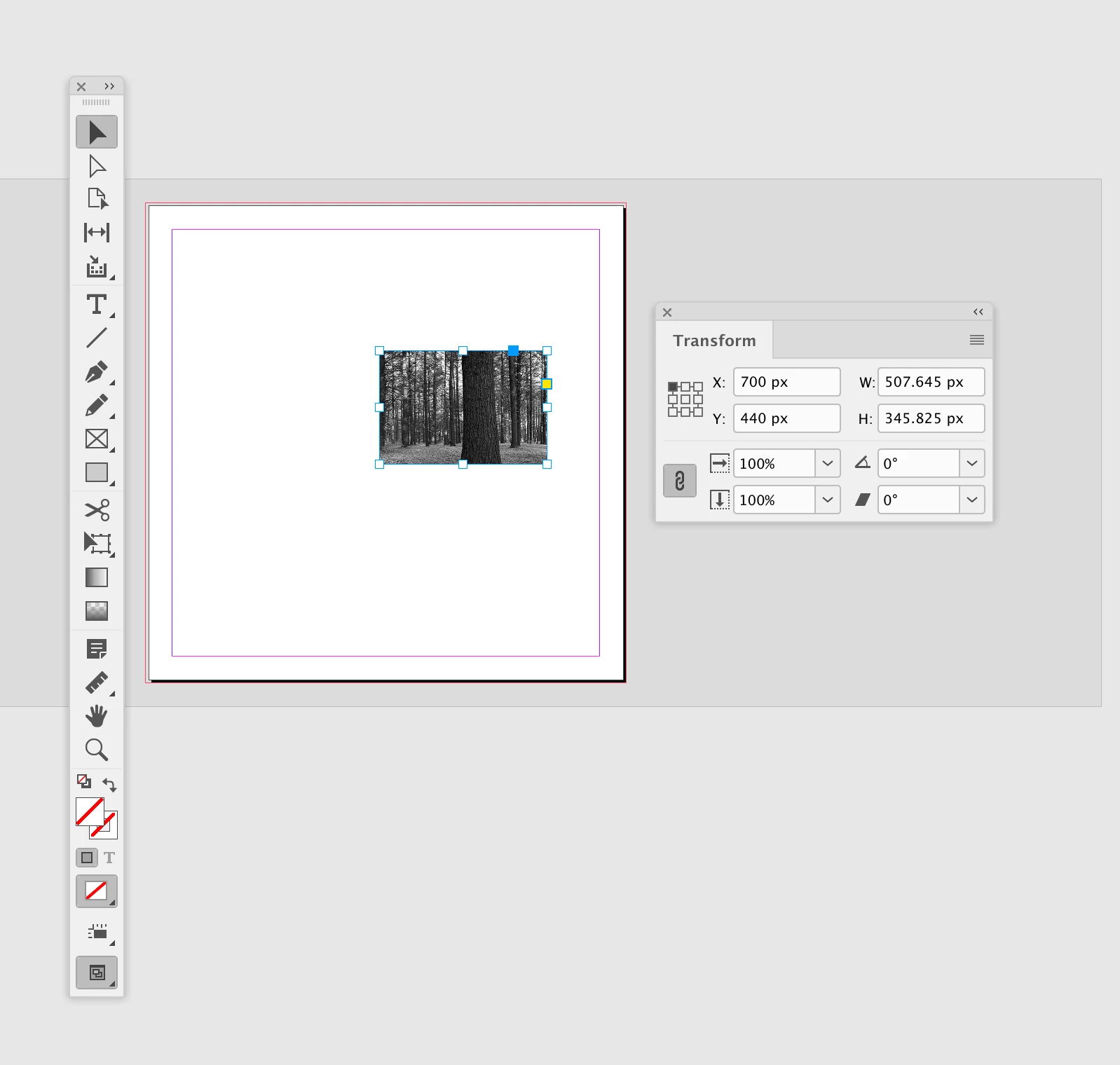
I am copying a frame (with an image which is cropped by the frame) from one indesign file to another. I then want to run a script to scale the frame and its image to a specific pixel width whilst constraining the proportions and position of the image. The frame should also be centred.
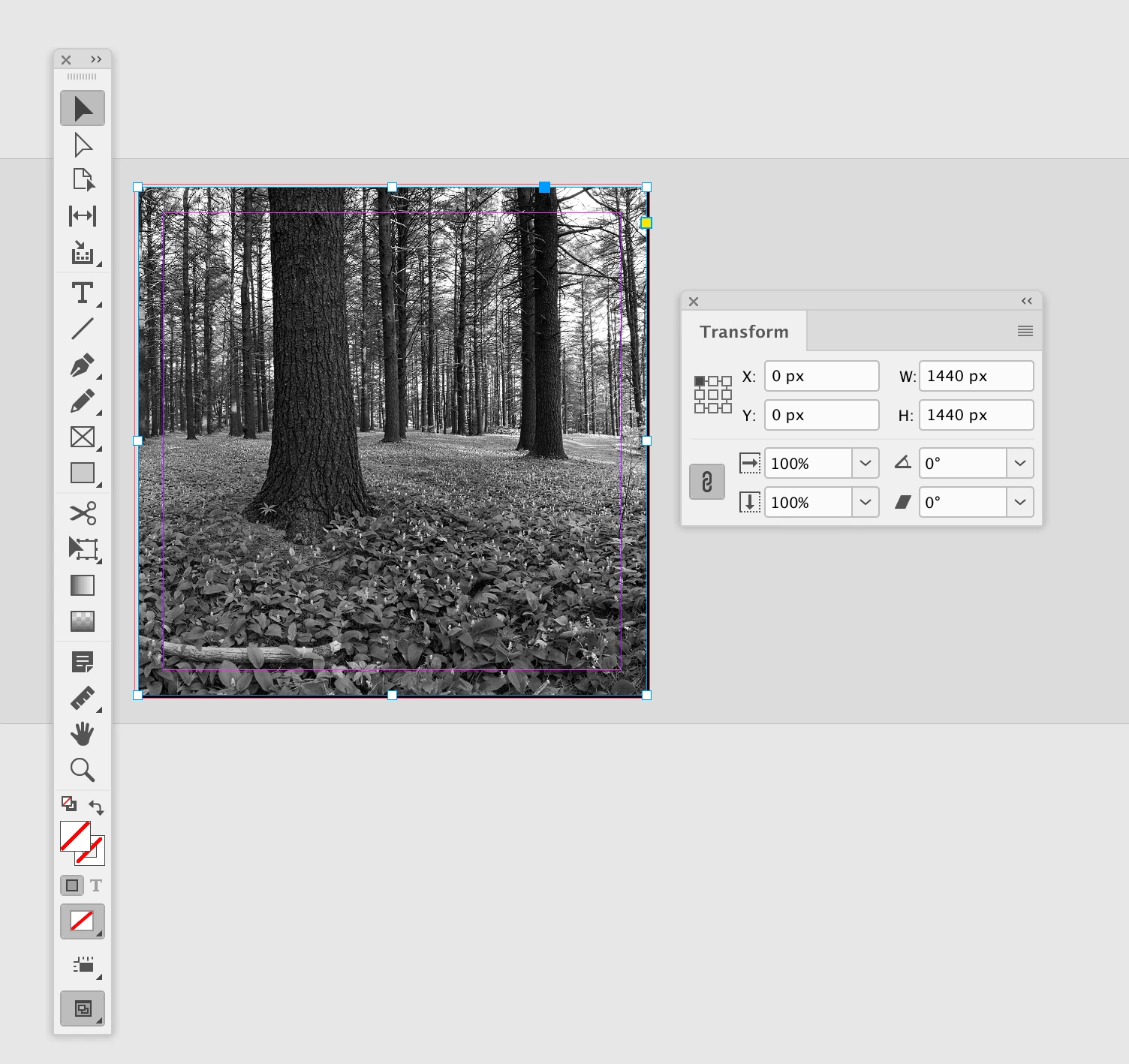
This is simple to do manually by checking both Constrain Proportions and Frame-Fitting to Auto-Fit then typing the new pixel dimension as the width with the reference point.
The way that indesign positions things with geometric bounds array seems to make it much more complicated to do via script. Also, an object style won't work as indesign has a ridiculous pixel limit of 1440px.
Does anyone have a solution for this?
Thanks!!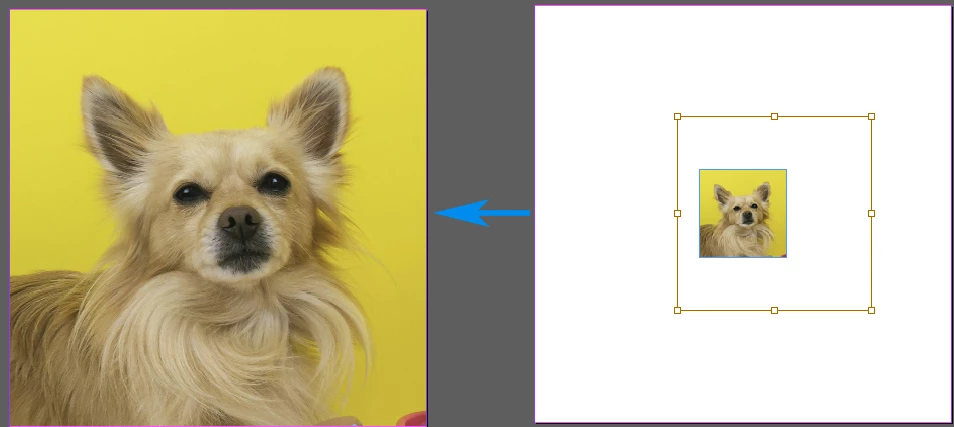


 AdChoices