

Setting up autoflow on master pages
Hi all, I'm new to Indesign and I'm trying to get to grips with the concept of master pages.
I'm designing a 6x9 trade paperback book which is intended to end up as a collection of short stories.
So I've managed to define a master page and place text boxes containing auto page numbering, that works fine.
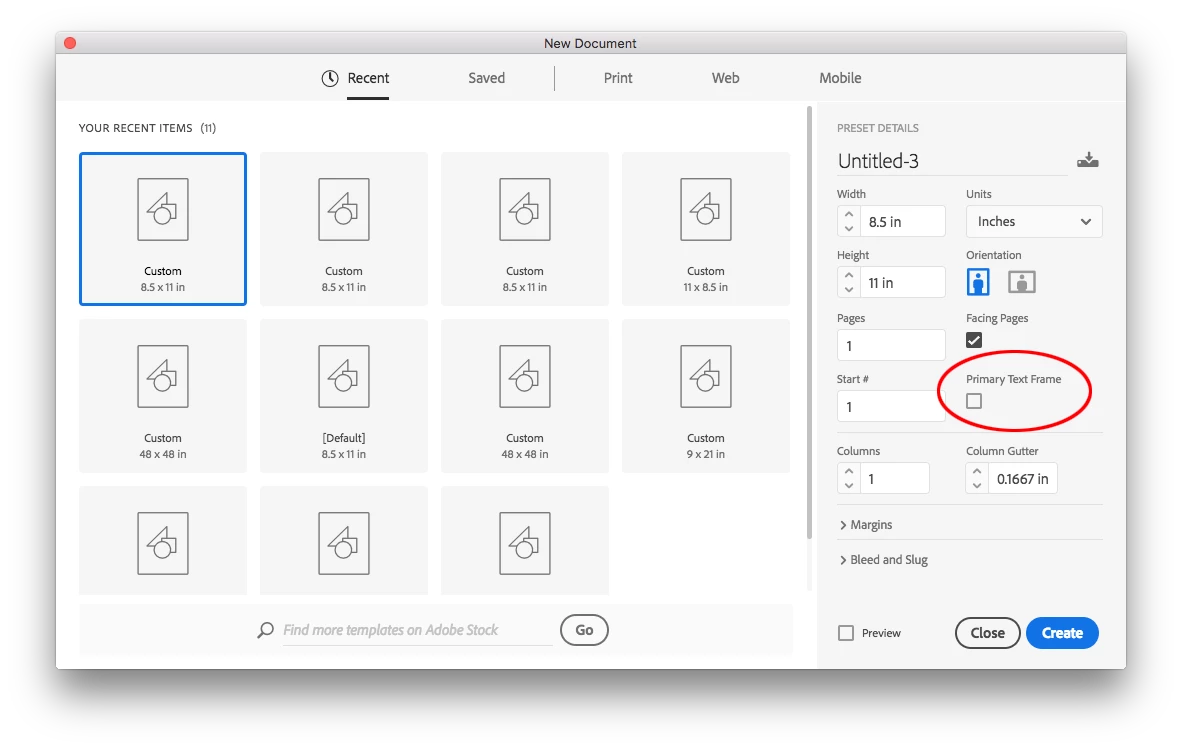
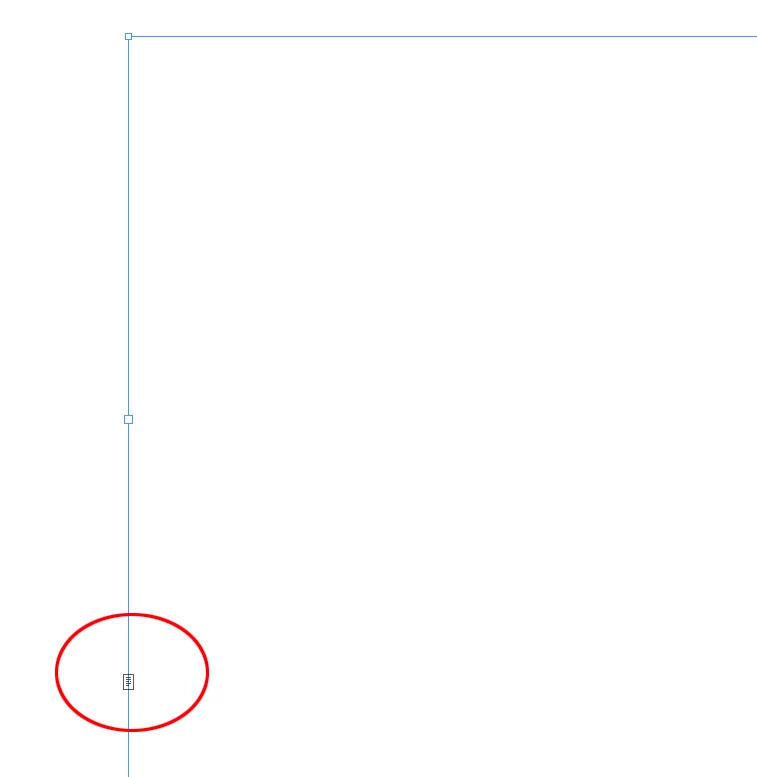
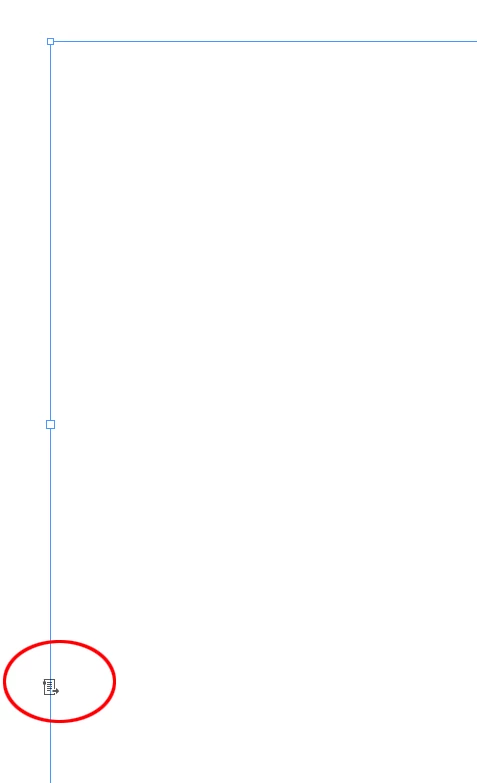
What I'm now struggling with is how to define the main text on the page. If I create a text box on a master page, then the "out" of that box wants to be threaded somewhere, but I can't figure out where to thread it to since I just want the text to auto-flow to the next available page in the document, or if there isn't one then to create one.
I've looked at the adobe help and also some tutorials but to be honest they seem to leave me more confused than ever!
Was hoping somebody might be able to explain things simply here.
By the way, I can create a text box and "place" the text on a non-master page, i.e. the first page of my document no problem and the text auto-flows, but then I can't apply any formatting via the master page since there's no "master" text box to make changes to.
I'm usually pretty good at learning new programs and have taught myself Audition, Premier, Photoshop and Illustrator but so far Indesign has me scratching my head a good deal more than the others!
Any help would be much appreciated...
 AdChoices