Answered
Setting up InDesign document
Hi I'm confused,
7"x10" LIVE
8.125" x 10.875" TRIM
8.375" x 11.125" BLEED
How would this look?
Thanks!
Hi I'm confused,
7"x10" LIVE
8.125" x 10.875" TRIM
8.375" x 11.125" BLEED
How would this look?
Thanks!
See screen shot:
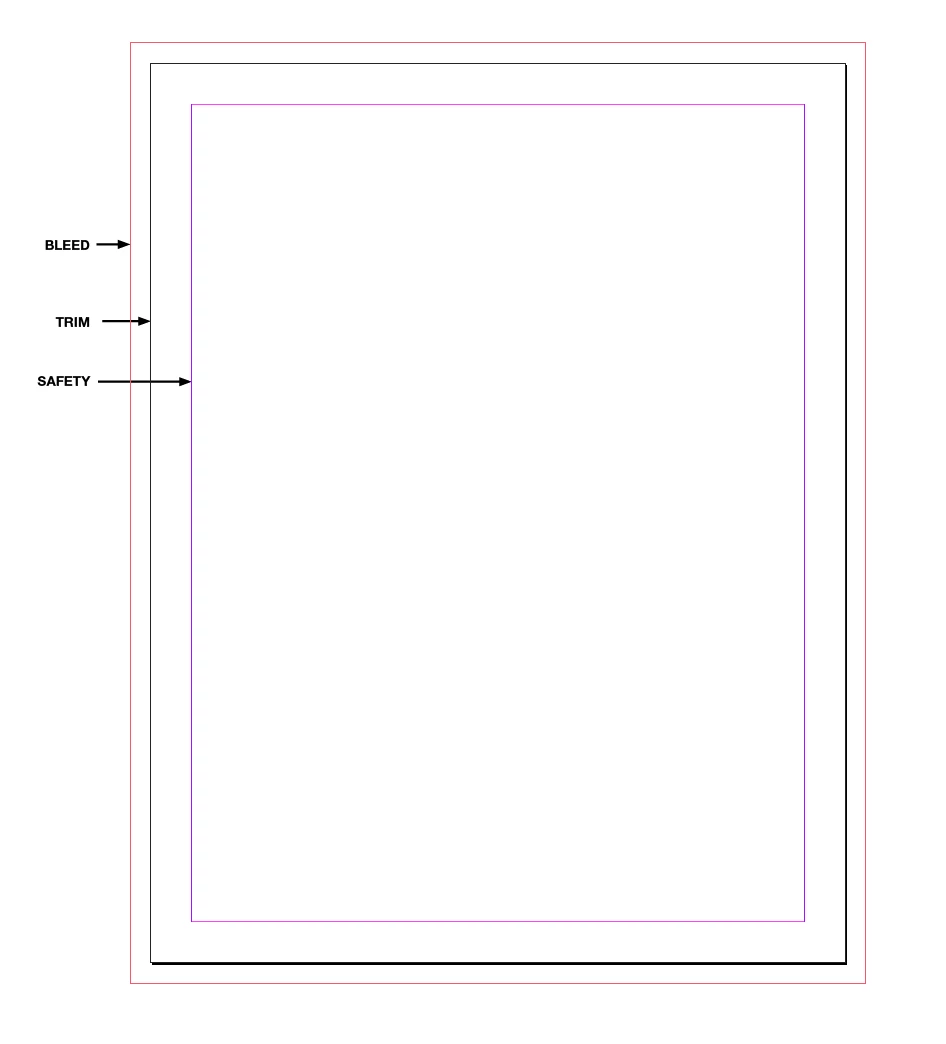
The bleed refers to the amount of extra image added to the job so that when it is actually trimmed (jobs are usually printed on paper larger than their final size) there will not be blank paper showing around the edges if the trim is not exact.
The trim is the actual size that the job is cut to.
Safety (or live) is the area that any text and logos must be within. Images (photos) may extend outside this area.
Already have an account? Login
Enter your E-mail address. We'll send you an e-mail with instructions to reset your password.
 AdChoices