Known Participant
March 15, 2022
Answered

Sharing file from photoshop to indesign

  • March 15, 2022
  • 4 replies
  • 4517 views

Finding Creative Cloud really very frustrating to use. In fact it seems hardly worth the effort. I want to open a file I have made in Ps2022 in Indesign. Creative Cloud only gives the option to open it in Photoshop!!!!   Why is it not possible to link indesign to Creative Cloud. When I open CC Libraries in Indesign the file is not in my libraries. I can only put the file in my Files section from Photoshop. I cannot drag and drop the files from one folder to another so it seems. I wonder when ADOBE will embrace drag and drop more like APple do....So frustrating to use this Cloud.....!!! (Rant Over).....
 

This topic has been closed for replies.
Correct answer rob day

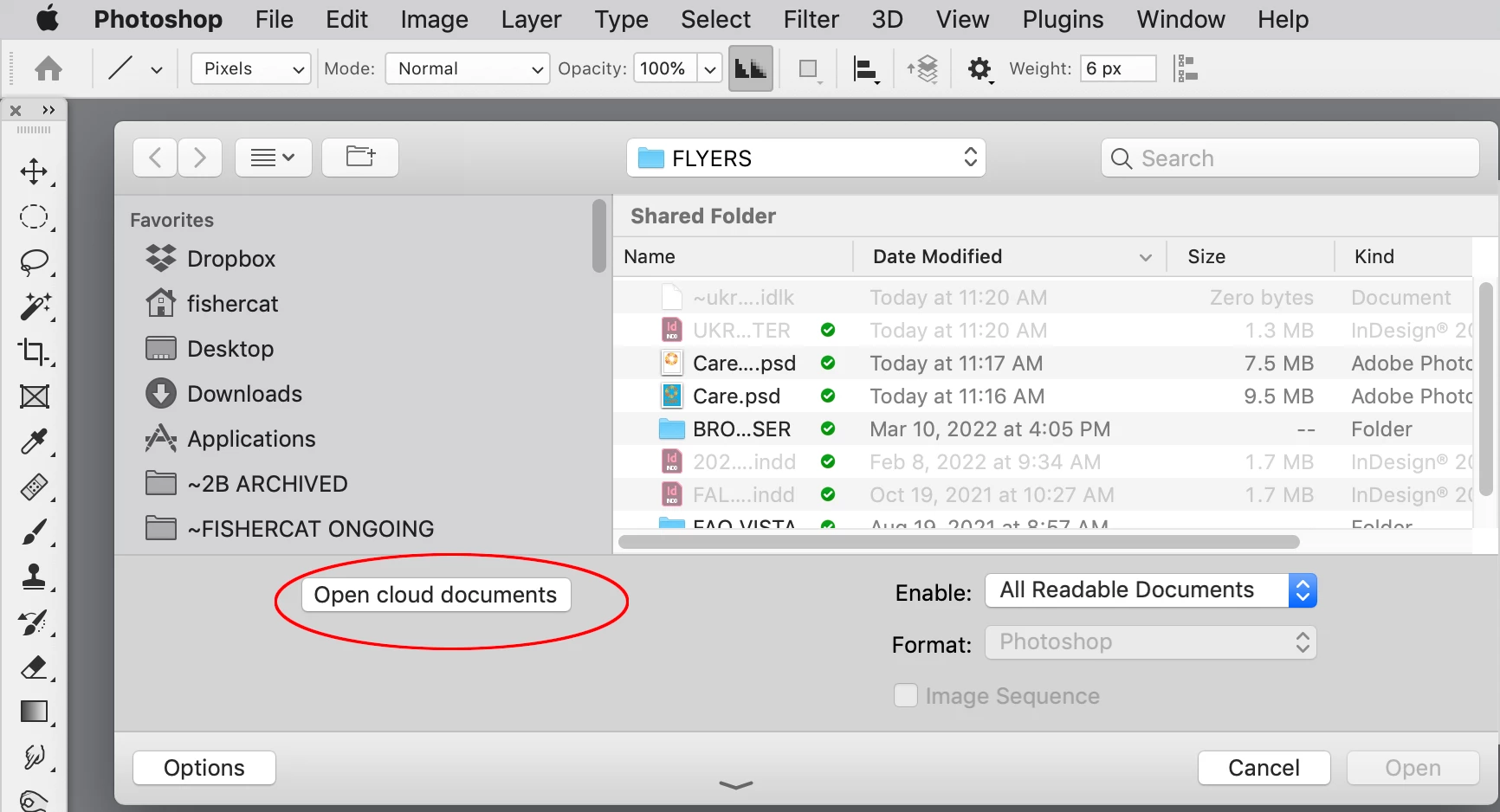
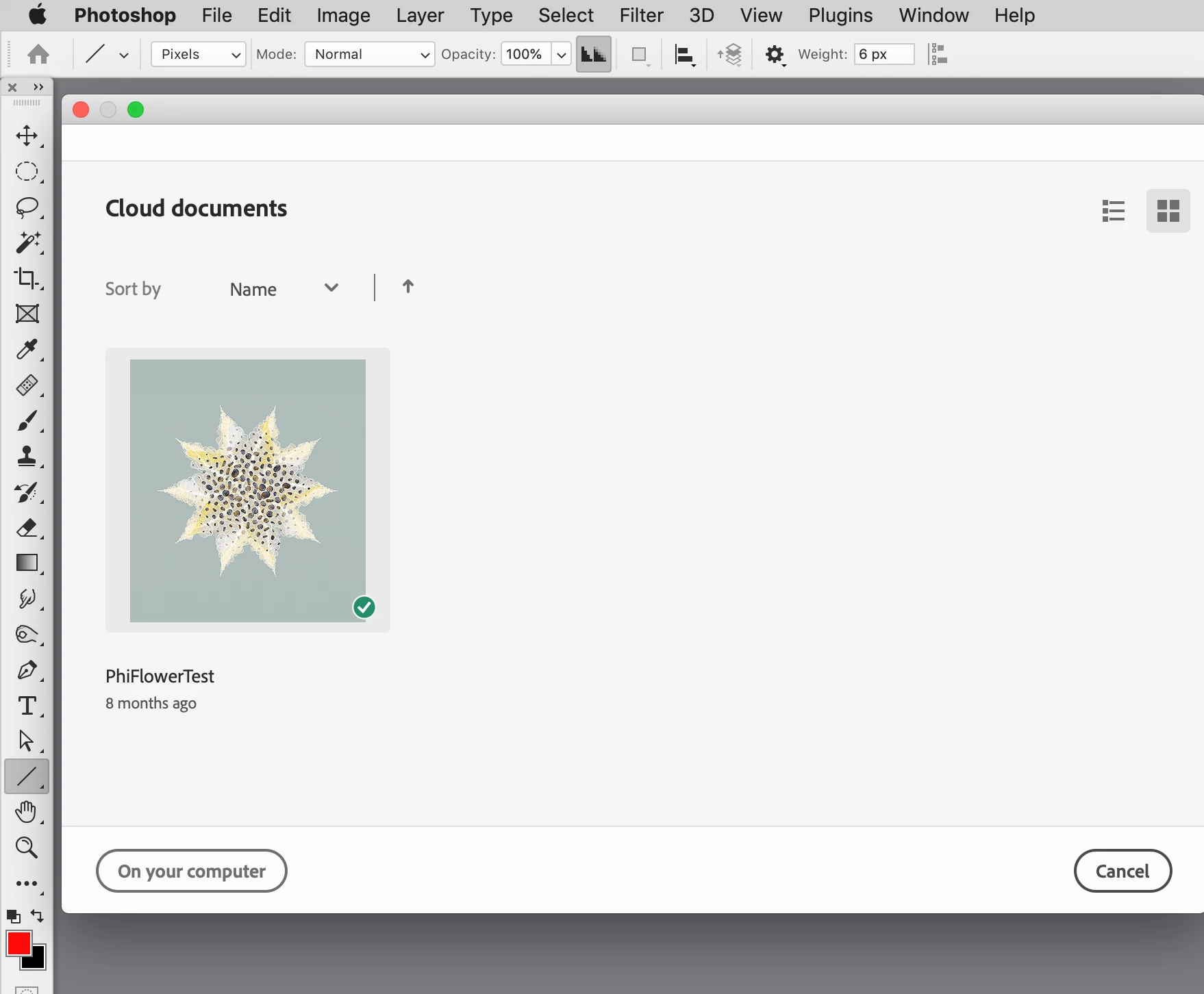
Hi @CathalMcCarthy , Photoshop and Illustrator have special cloud formats—.psdc and .aic–which let you save files directly to your cloud account without saving a local copy. those formats are useful for sharing files with the mobile versions of those applications.


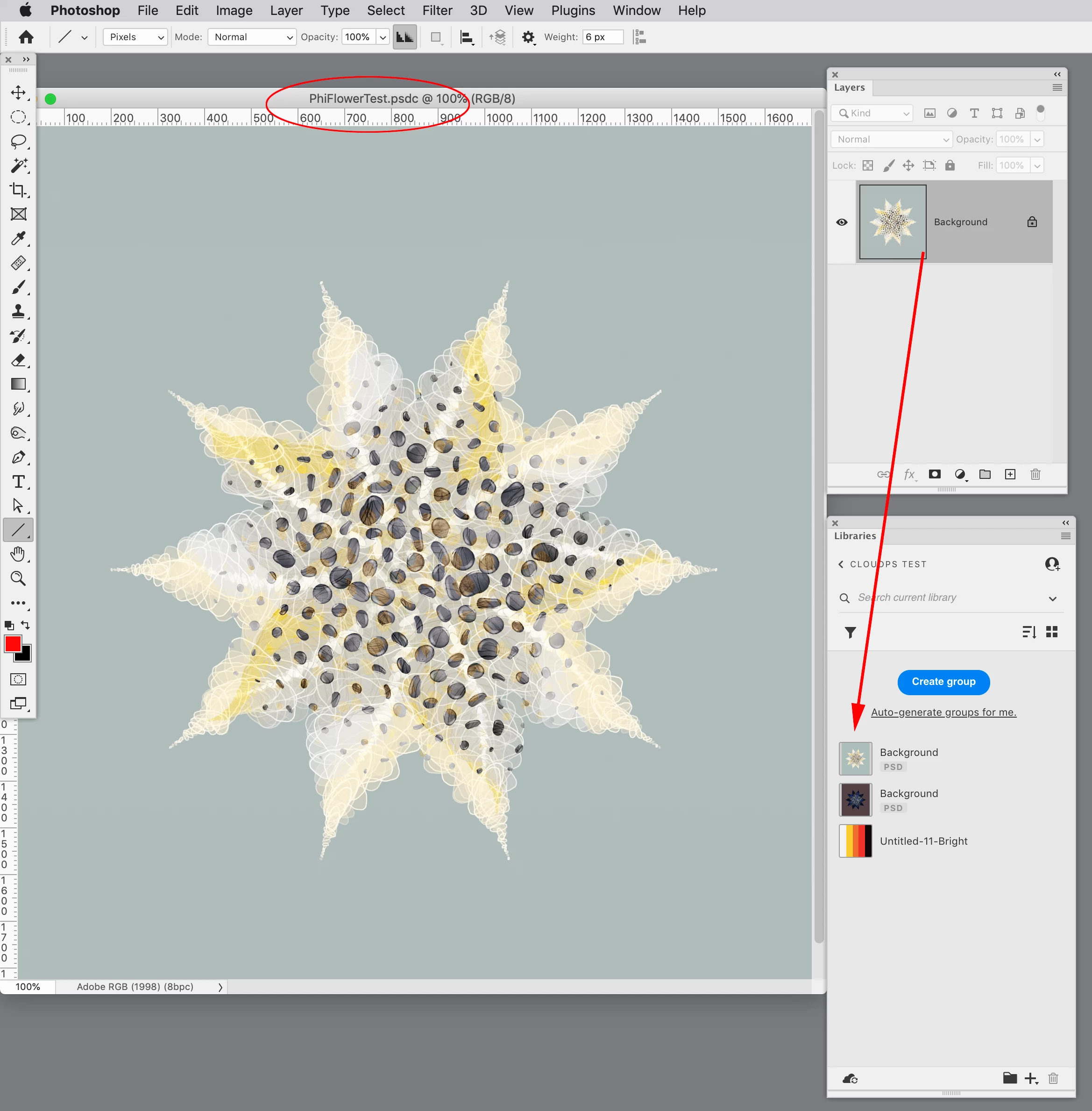
I think you can do what you are requesting by saving a Photoshop file as a .psdc to the cloud, adding that file to your CCLibrary, and dragging it on to your InDesign file:


A .psdc file dragged into my CC Library


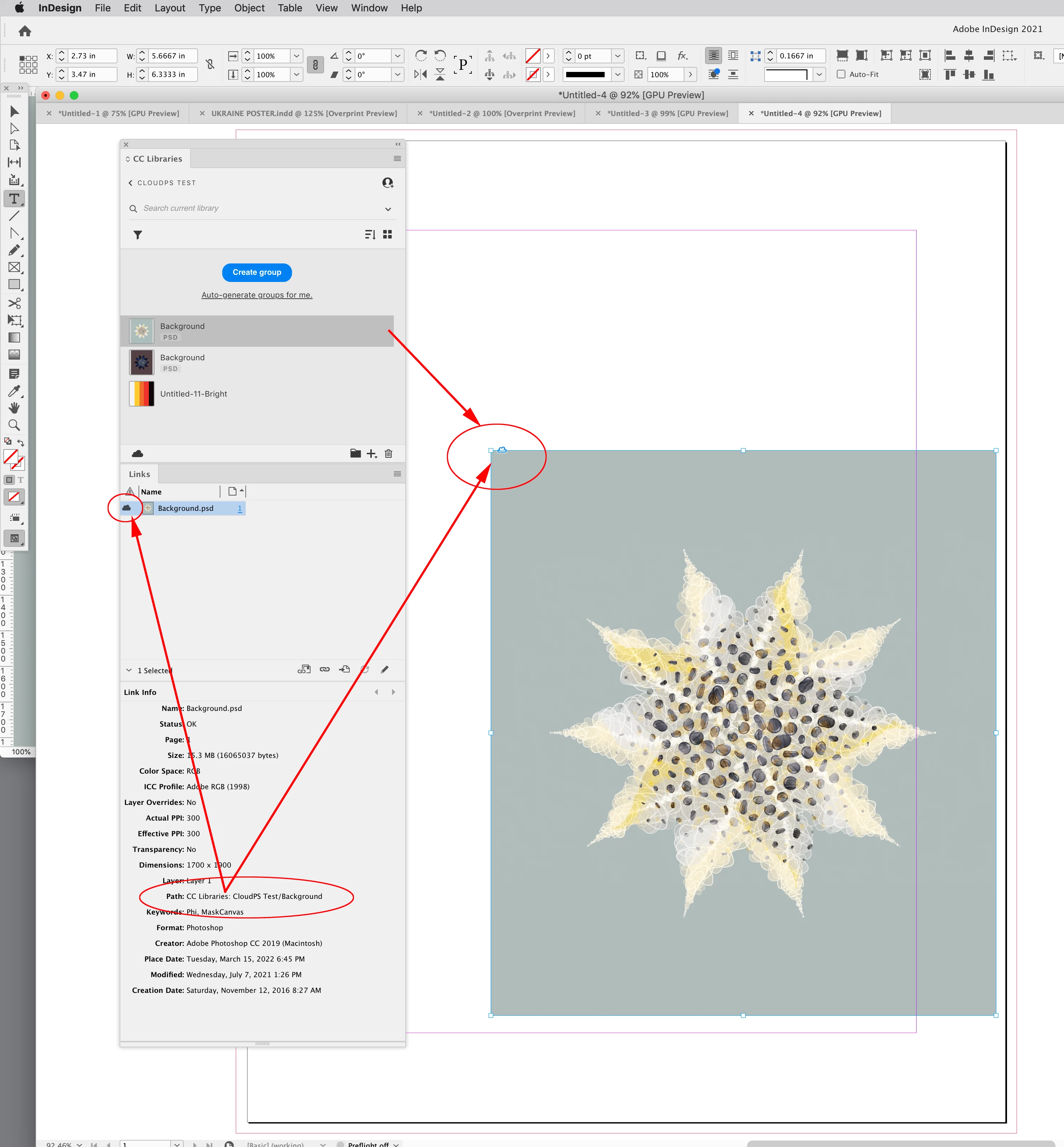
The file dragged on to an InDesign page has a cloud icon and a CCLibrary path:


4 replies

Legend
March 16, 2022

Also if you just want to use a photo from Photoshop in InDesign, just save it as PSD and PLACE it in ID. The apps work well together. 

rob day
Community Expert
rob dayCommunity ExpertCorrect answer
Community Expert
March 15, 2022

Hi @CathalMcCarthy , Photoshop and Illustrator have special cloud formats—.psdc and .aic–which let you save files directly to your cloud account without saving a local copy. those formats are useful for sharing files with the mobile versions of those applications.


I think you can do what you are requesting by saving a Photoshop file as a .psdc to the cloud, adding that file to your CCLibrary, and dragging it on to your InDesign file:


A .psdc file dragged into my CC Library


The file dragged on to an InDesign page has a cloud icon and a CCLibrary path:


Known Participant
March 15, 2022

Hi Rob, thanks for the information. For some strange reason pshop puts my pics into my files folder in CCloud not into the libraries. I cannot access these from Indesign and I cannot move them from the files to the libraries in CCloud. How crazy is that. Perhaps Creative Cloud is a bit of a gimmick. I have spent the day trying to figure it out and I am a seasoned computer user believe me....For paid software it should be a lot more user friendly, this day in age. Overall I am super dissappointed and think it is not worth the effort, just export and go to the desk top. I will send a major complaint to Adobe about it not that it will make much difference. 

Known Participant
March 16, 2022

You are correct Rob! I finally figured it a whole day! Sure Adobe could make this a bit easier for everyone even dumbos like me!!.......In order for images to be available in Indesign you must drag from the layers panel to the CC library panel. Then it works perfectly.  Thanks! 


Will Adobe respond with Correct Answer?????

Legend
March 15, 2022

Photoshop and InDesign are programs with entirely different purposes and tool sets. It's not surprising or even distressing that they don't open each other's files. They are meant to work in concert; you create your raster-based art in Photoshop, and then place it into InDesign to complete the layout. 

Known Participant
March 15, 2022

Yes I understand. Was just hoping that I might be able to use creative cloud to download from one to the other....

Legend
March 15, 2022

I'm not sure what you mean by "download."  You can use File > Place to insert Photoshop files into an InDesign document. The files are linked, and any text, logos, ect. can be added and/or linked.

BobLevine
Community Expert
Community Expert
March 15, 2022

None of that rant makes any sense at all. Of course, you can't open a Photoshop file in InDesign, but you can certainly place it. It sounds to me like you could use some training.


If you give us an idea of the kind of work you're trying to do, we might be able to help.

Known Participant
March 15, 2022

Thanks, I mainly manipulate photos in photoshop, increase canvas size, make collages, kind of artistic stuff for presenations. Indesign is easier for applying text boxes and logos. I find photoshop more difficult with the text options. Be nice if I could drag and drop from Creative Cloud make stuff accessible to each program.