Participant
November 30, 2023
Question

Shifted Content or Crop Marks

  • November 30, 2023
  • 2 replies
  • 212 views

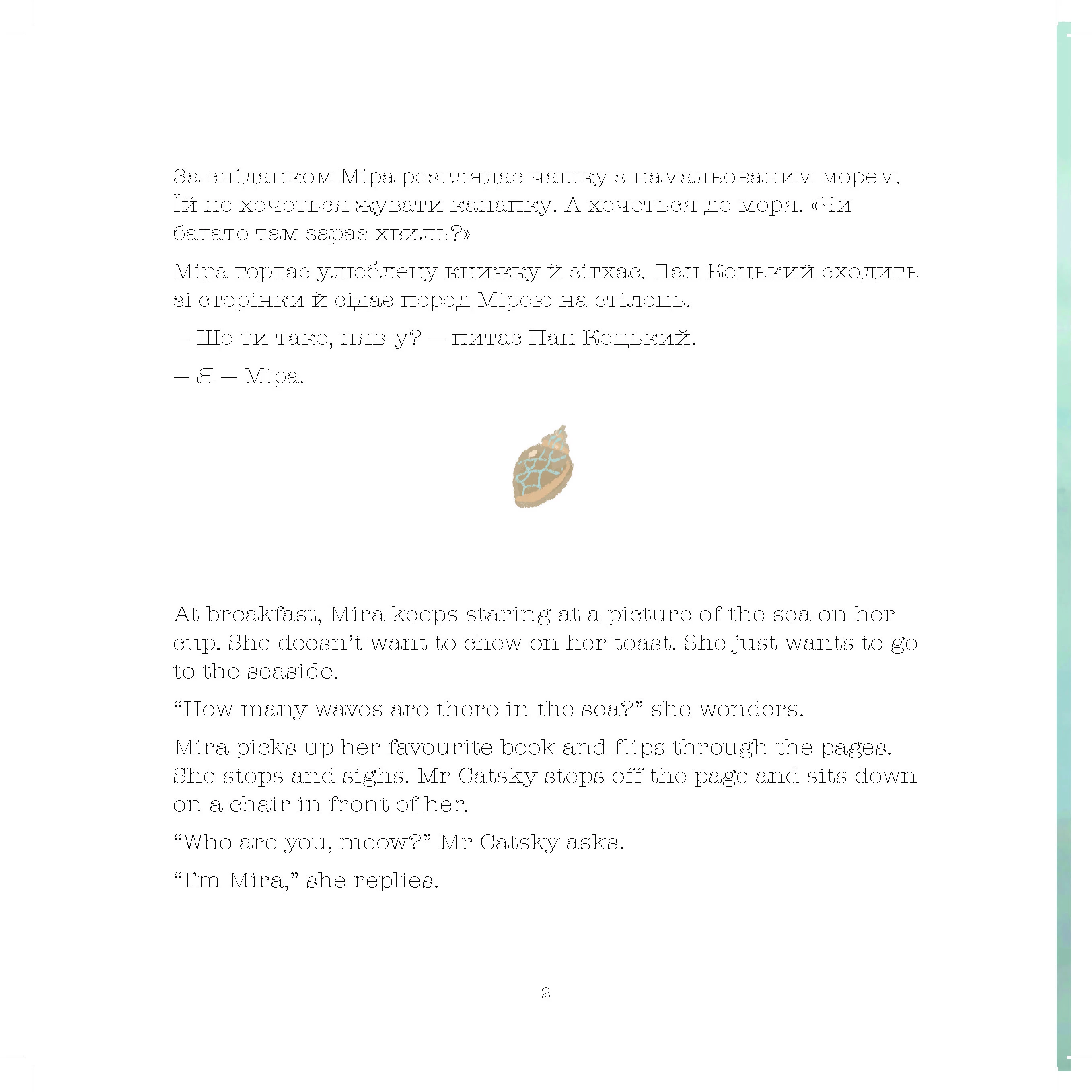
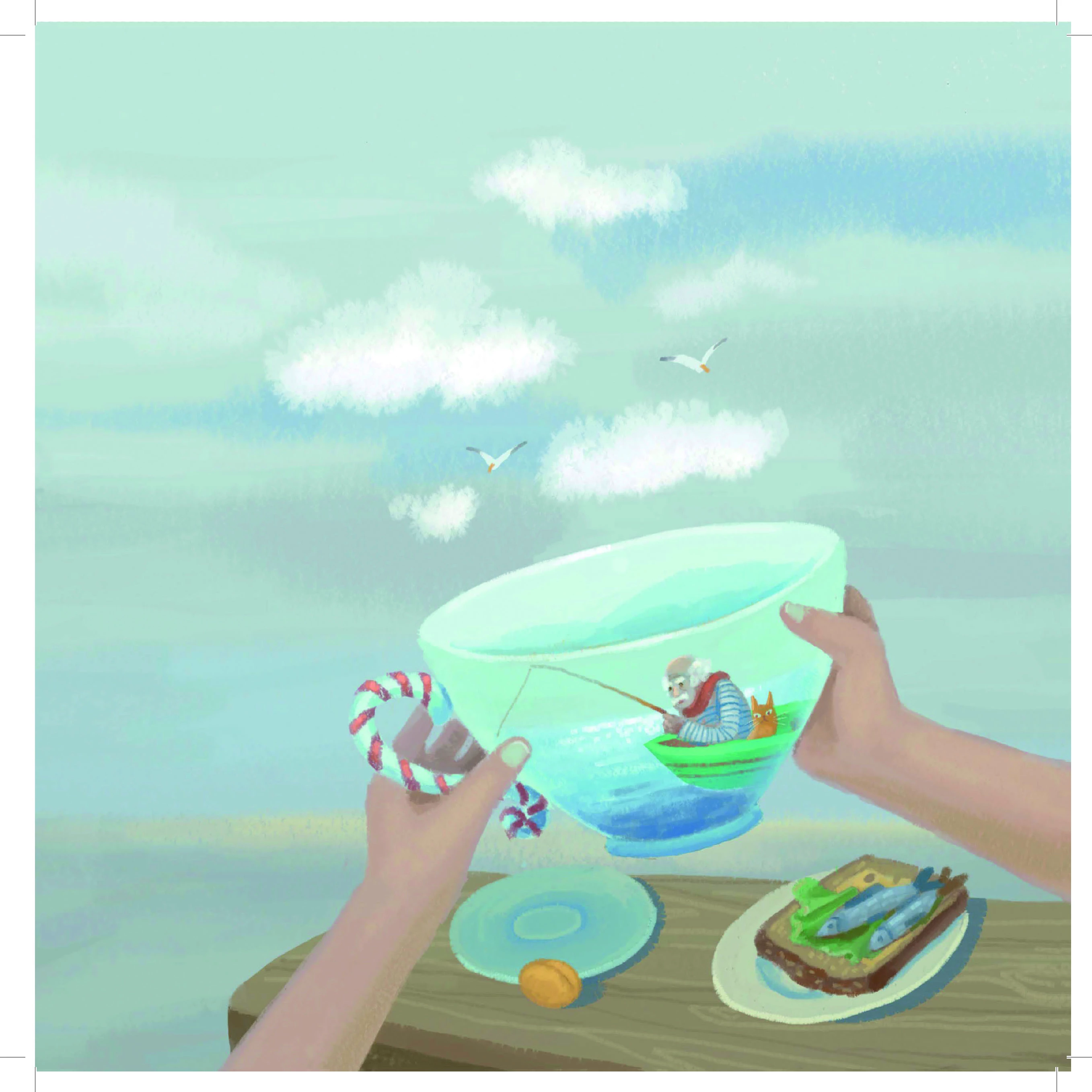
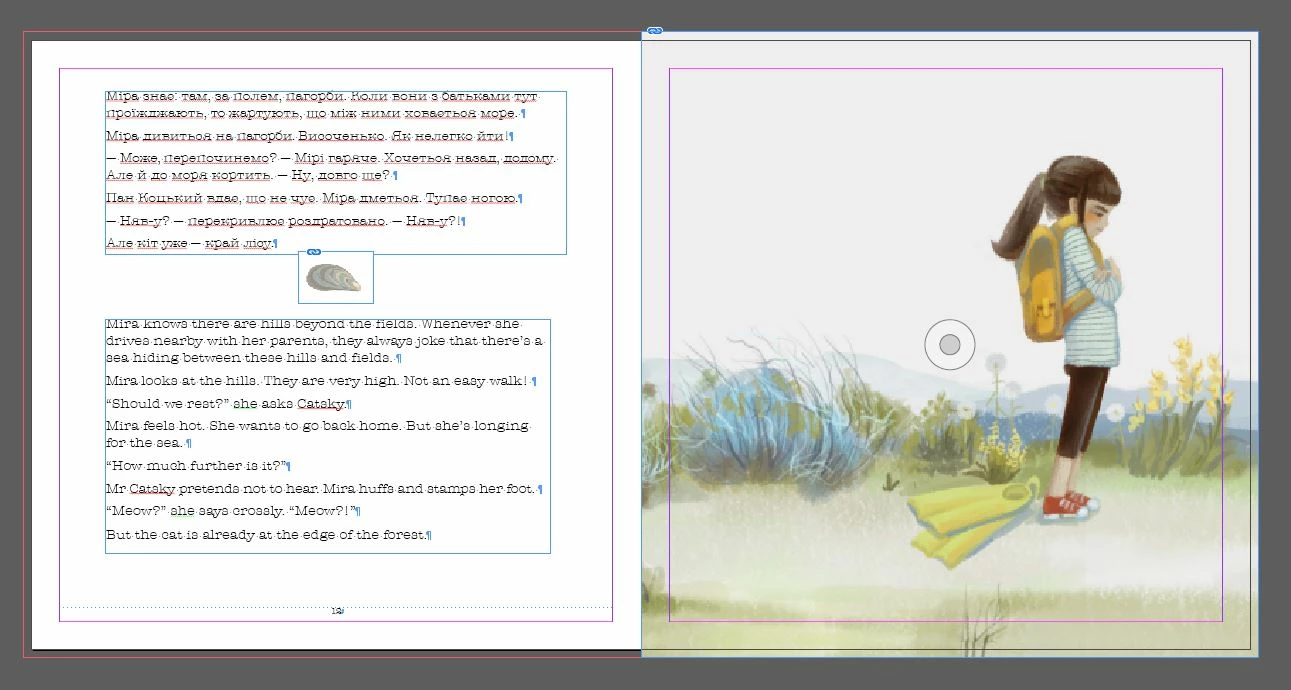
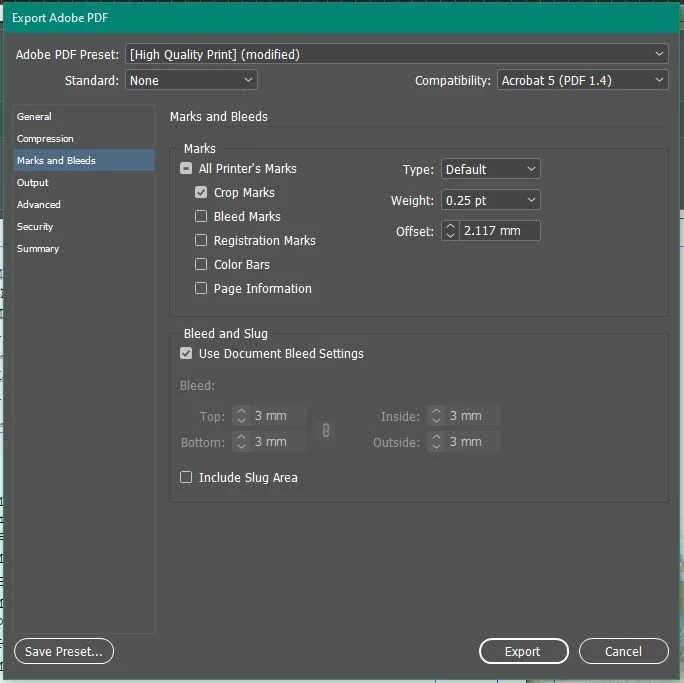
The crop marks on my exported PDF seem to be shifting. I have the bleeds set up in the document correctly and am exporting the file as I always export for print... however, the images are spilling over or shifting. Not sure what's going on. Is there a different setting that I can mess with to resolve the shifting?
This topic has been closed for replies.

2 replies

Steve Werner
Community Expert
Community Expert
November 30, 2023

I just did a test with a book cover I created and I made a PDF with crop marks using similar settings to yours. I don't see the problem. I'm using InDesign 2024 on a Mac using Ventura 13.6.2.


Tell us more abour your system: Please tell us what operating system (exactly) you're running. Please tell us (exactly) what InDesign version you're using. Does this happen just with this file or with other files as well?


Robert at ID-Tasker
Legend
November 30, 2023

Not sure what do you mean? 


Last screenshot? You would have to show us the original page. 


3rd screenshot - right page of the 1st screenshot - is perfectly fine. 


Participant
November 30, 2023

Hi, I figured it out. I had the document set up as Facing Pages. This is going to be a Pefect Bound book so I needed the document to be set up in pages rather than spread so that this exported with the crop marks correctly.

Robert at ID-Tasker
Legend
November 30, 2023

No, Facing Pages is perfectly fine for the "perfect bound". 


If printer doesn't want ink there - so it won't affect glue - they can remove it during imposition anyway. 


No offence, but instead of guessing - you should've asked your printer how you should prepare your file - before you've started working on your book.